

樹莓派: 串列埠通訊
安裝相依性
Plain
sudo apt-get updatePlain
sudo apt-get install -y python3-smbus python3-serial檔案位置
~/UART_Voice/uart_voice.py
啟用串列埠
編輯 /boot/firmware/config.txt 或 /boot/config.txt,確保以下配置:
Plain
enable_uart=1
dtoverlay=disable-bt
然後重啟Raspberry Pi。
Plain
sudo reboot接線說明
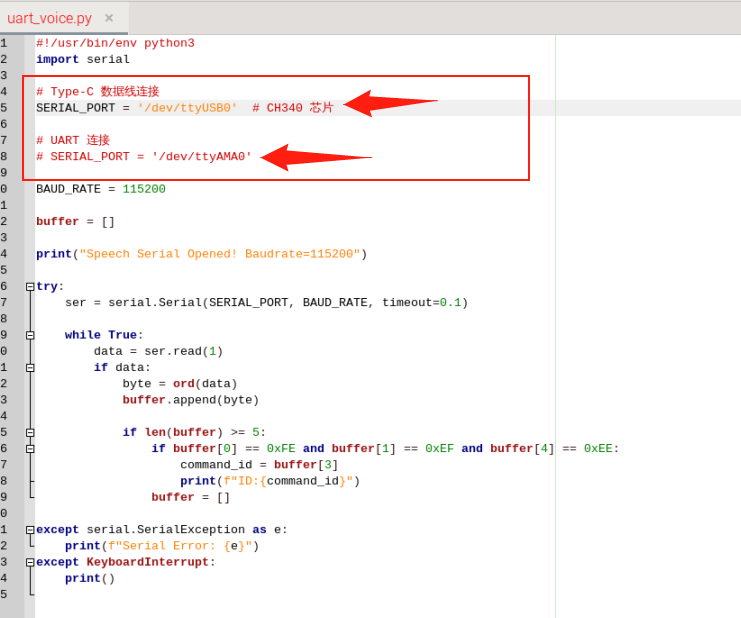
Type直連Raspberry Pi時,取消註解SERIAL_PORT = '/dev/ttyUSB0',註解掉SERIAL_PORT = '/dev/ttyAMA0'
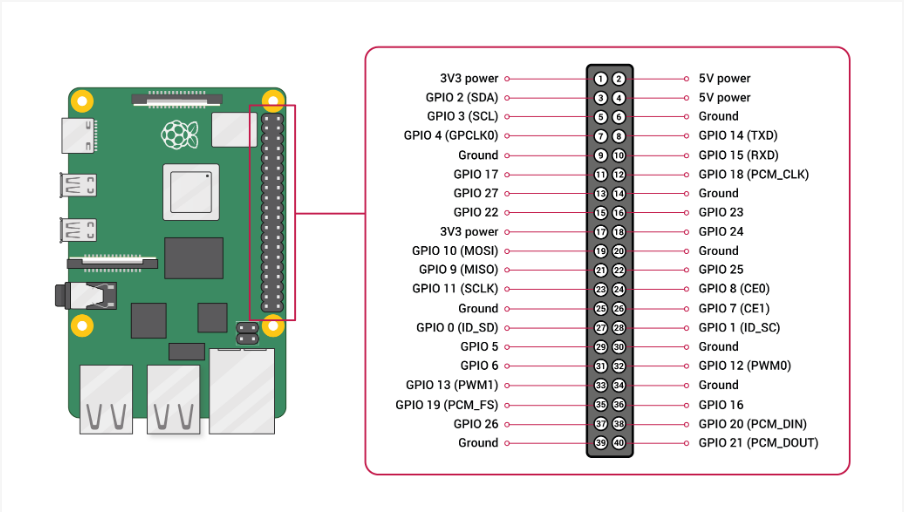
透過UART接腳連接Raspberry Pi
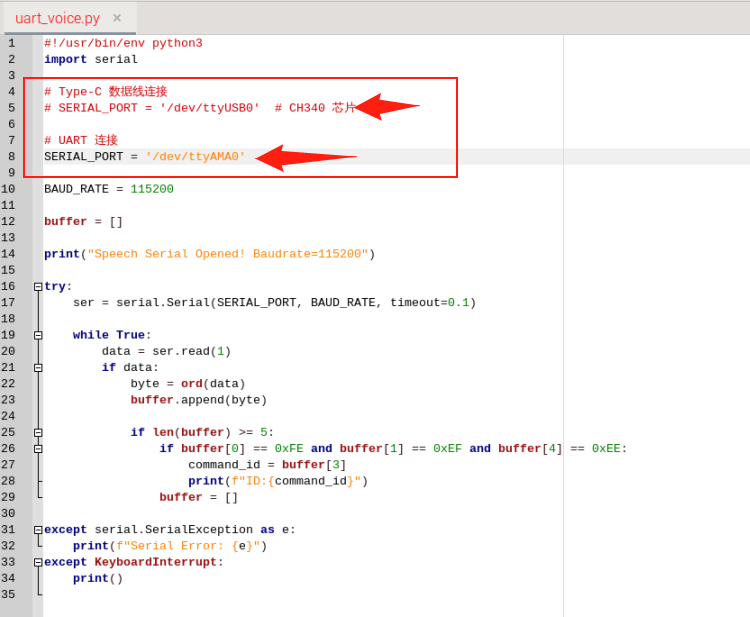
註解掉SERIAL_PORT = '/dev/ttyUSB0',取消註解SERIAL_PORT = '/dev/ttyAMA0'
執行
Plain
cd UART_VoicePlain
python3 uart_voice.py輸出格式
Plain
Speech Serial Opened! Baudrate=115200
ID:4
ID:1
ID:10