

第三步:校准机械臂(Windows)
需要同时接上主动臂和从动臂
校准从动臂Follower
Shell
lerobot-calibrate --robot.type=so101_follower --robot.port=COM6 --robot.id=my_follower_arm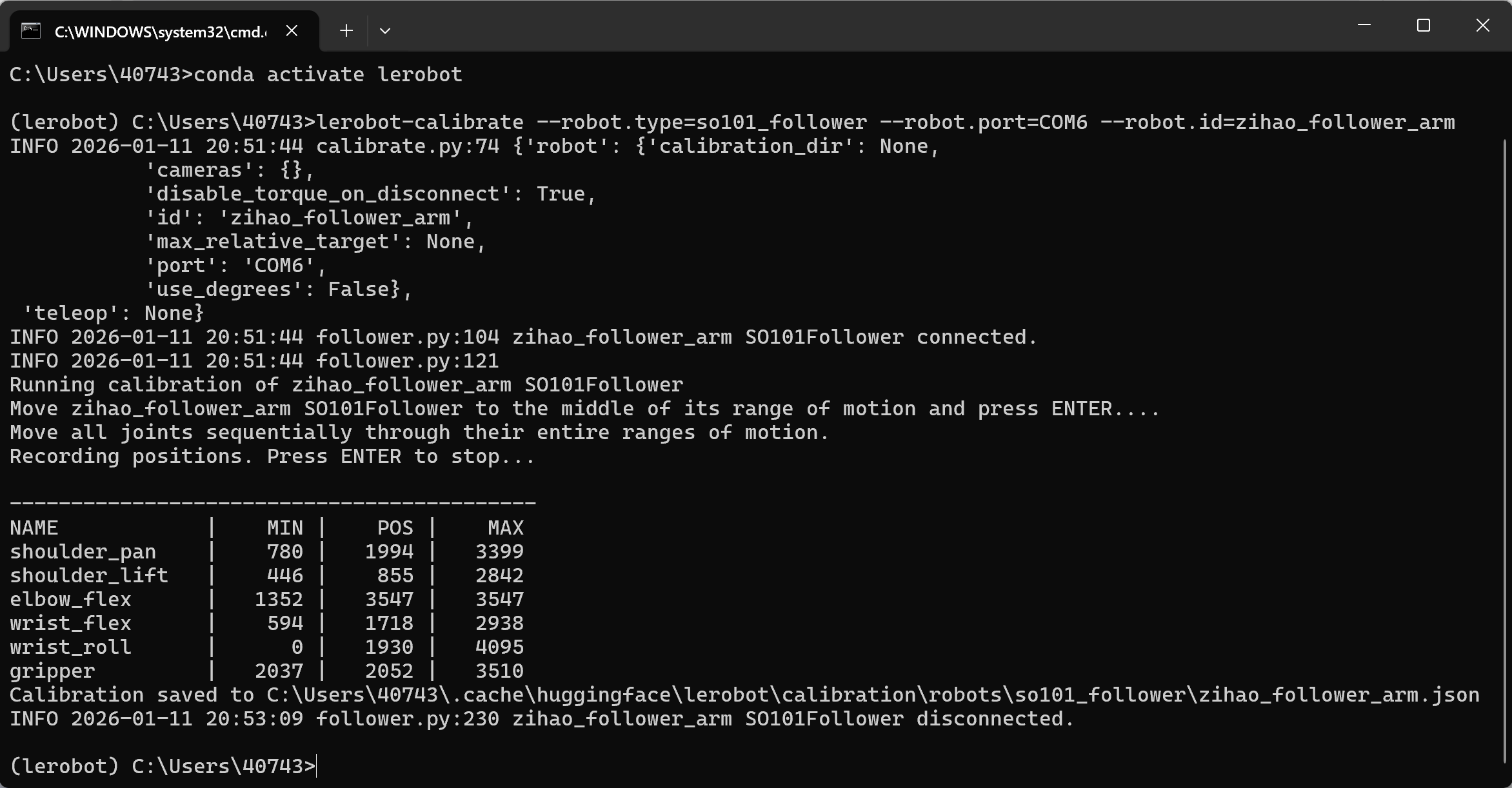
校准主动臂Leader
Shell
lerobot-calibrate --teleop.type=so101_leader --teleop.port=COM7 --teleop.id=my_leader_arm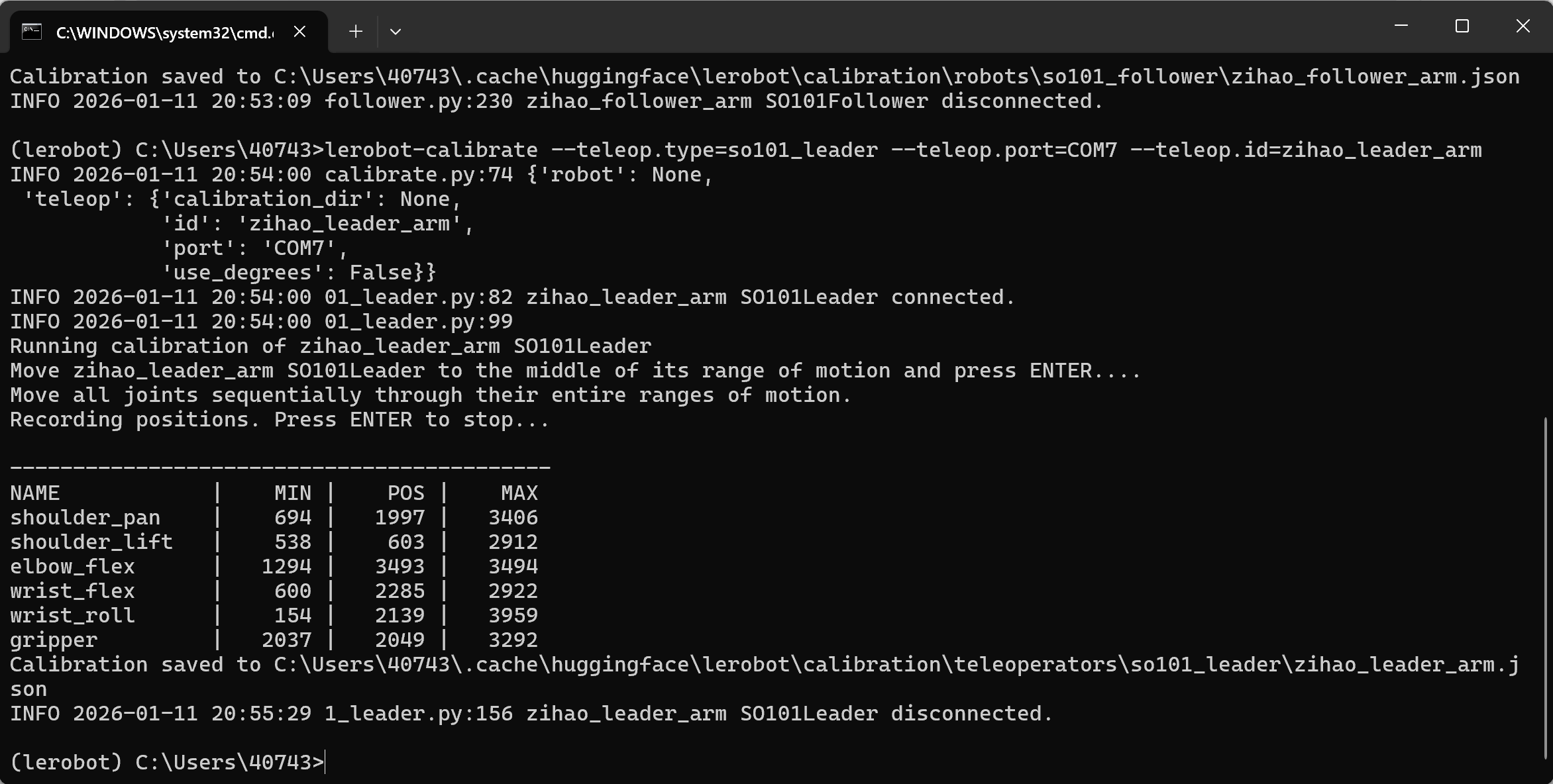
文件导出位置
C:\Users<你的Windows用户名>.cache\huggingface\lerobot\calibration\robots\so101_follower\my_follower_arm.json
C:\Users<你的Windows用户名>.cache\huggingface\lerobot\calibration\teleoperators\so101_leader\my_leader_arm.json
换机械臂校准
lerobot-calibrate --robot.type=so101_follower --robot.port=COM4 --robot.id=my_follower_arm
注意事项
①有一个臂达到限位后不动了
需要重新校准
②找不到舵机
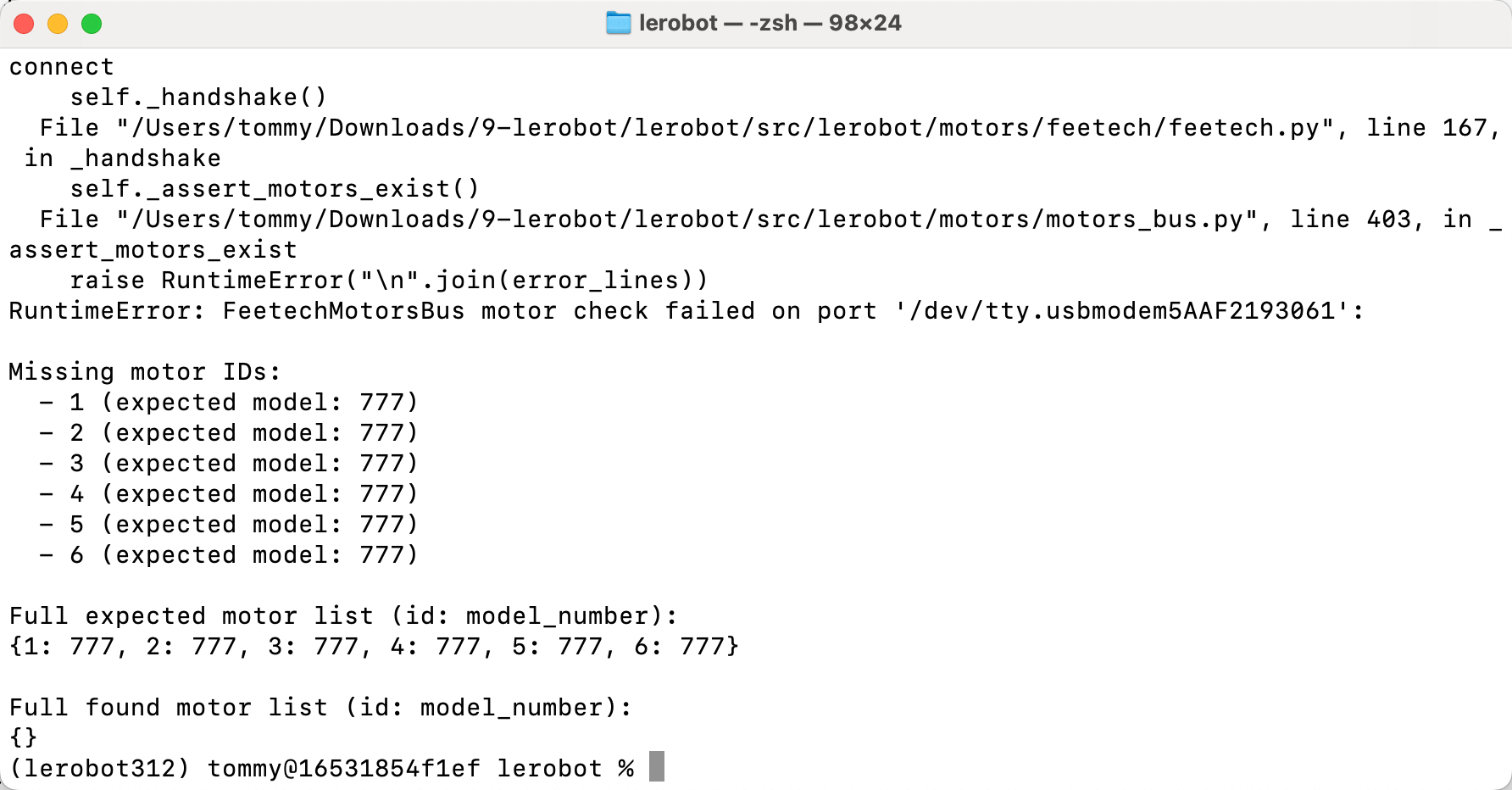
舵机电没插,重新插拔并转一转插口