

3단계: 로봇 암 캘리브레이션 (Windows)
리더 암과 팔로워 암을 동시에 연결해야 합니다
팔로워(Follower) 암 캘리브레이션
Shell
lerobot-calibrate --robot.type=so101_follower --robot.port=COM6 --robot.id=my_follower_arm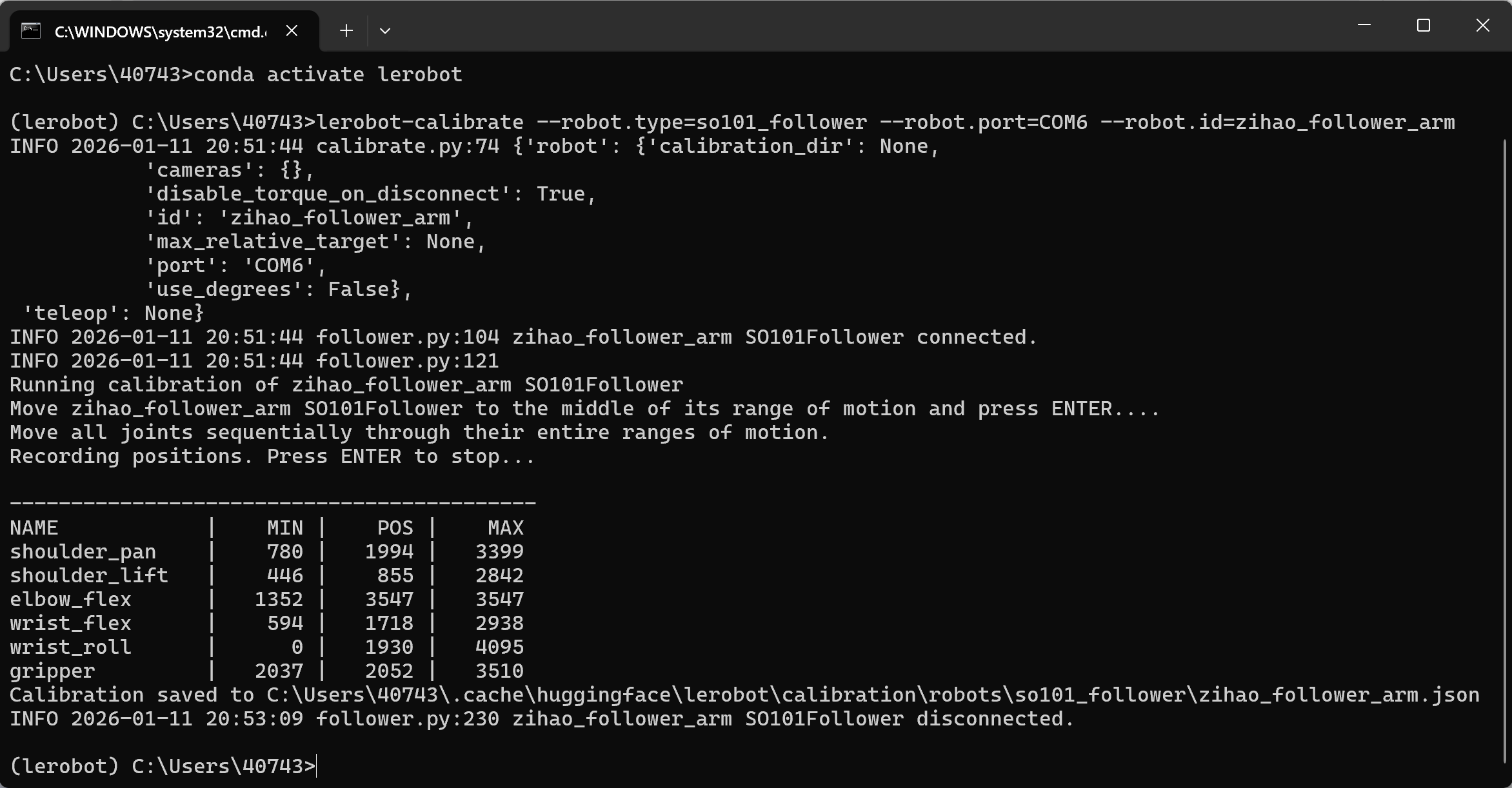
리더(Leader) 암 캘리브레이션
Shell
lerobot-calibrate --teleop.type=so101_leader --teleop.port=COM7 --teleop.id=my_leader_arm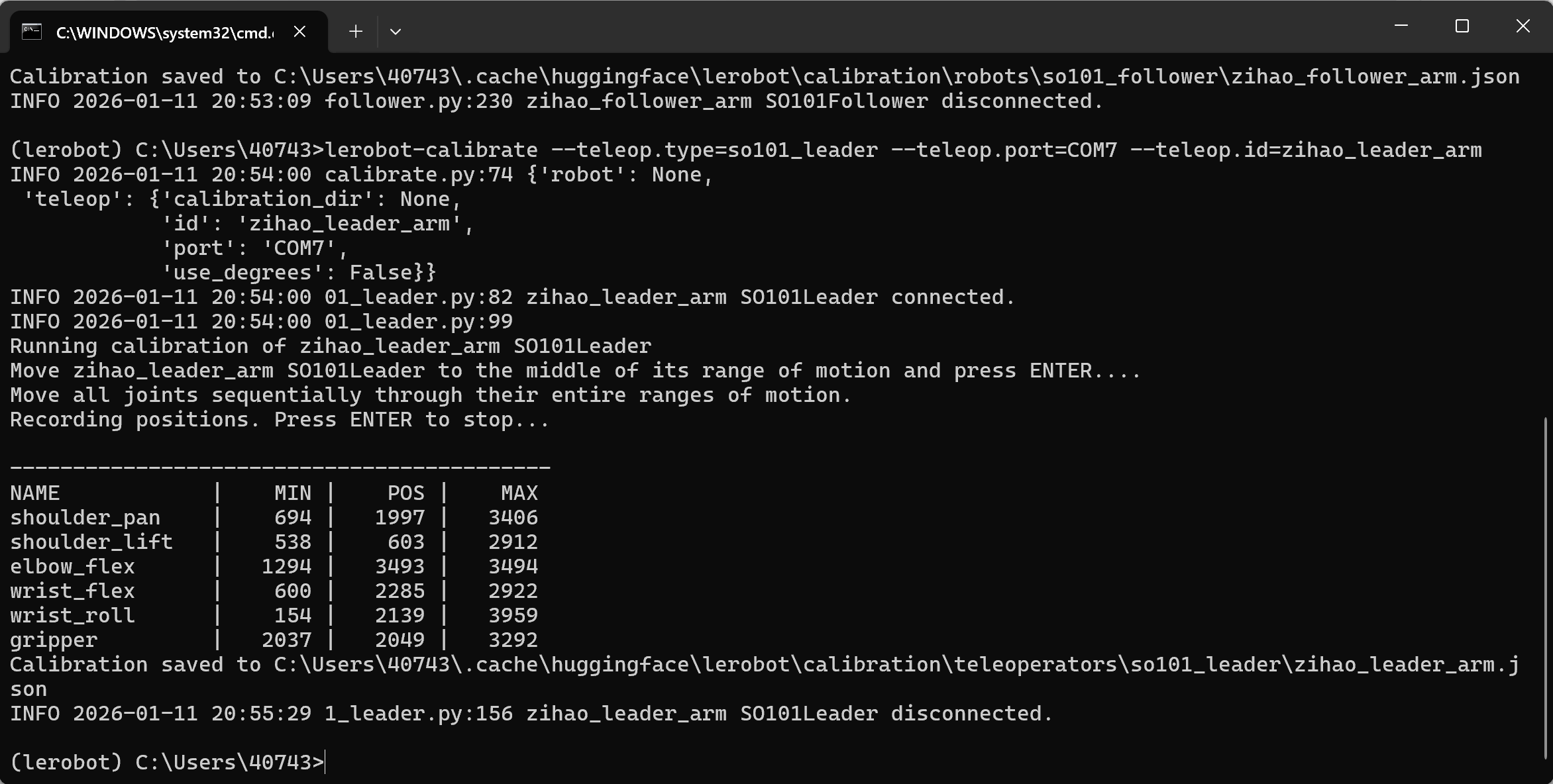
파일 내보내기 위치
C:\Users<Windows-사용자명>.cache\huggingface\lerobot\calibration\robots\so101_follower\my_follower_arm.json
C:\Users<Windows-사용자명>.cache\huggingface\lerobot\calibration\teleoperators\so101_leader\my_leader_arm.json
다른 로봇 암으로 캘리브레이션
lerobot-calibrate --robot.type=so101_follower --robot.port=COM4 --robot.id=my_follower_arm
주의 사항
① 한쪽 암이 리밋에 도달한 후 움직이지 않음
재캘리브레이션이 필요합니다
② 서보모터를 찾을 수 없음
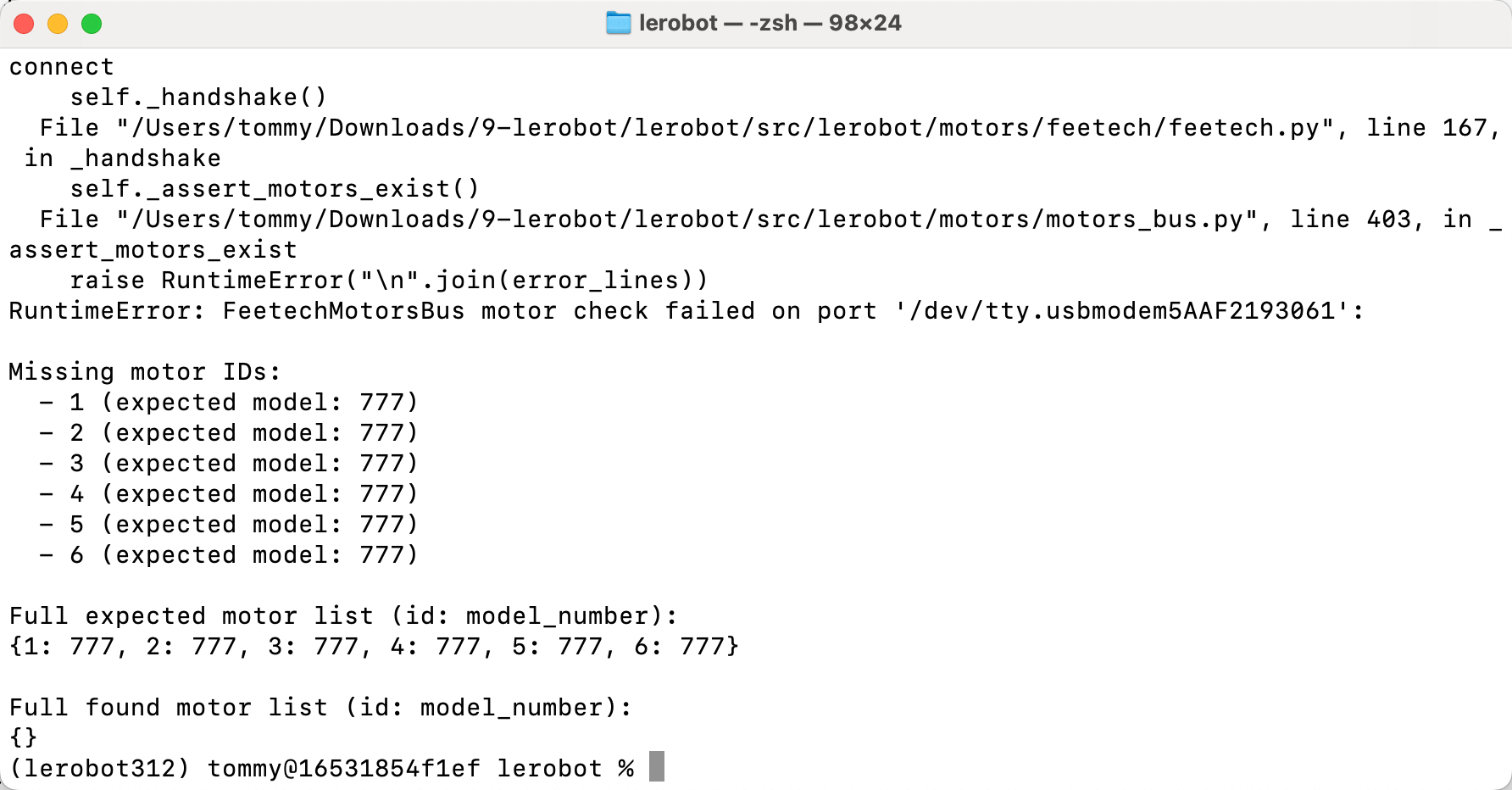
서보모터 전원이 연결되지 않았으니, 다시 꽂았다 뺐다 하며 커넥터를 돌려 보세요