

Jetson: 시리얼 통신
의존성 설치
Plain
sudo apt-get updatePlain
sudo apt-get install -y python3-smbus python3-serial사용자 그룹 확인
Plain
sudo usermod -aG i2c $USERPlain
sudo usermod -aG dialout $USER로그아웃 후 다시 로그인하면 적용됩니다.
파일 위치
UART_Voice/uart_voice.py
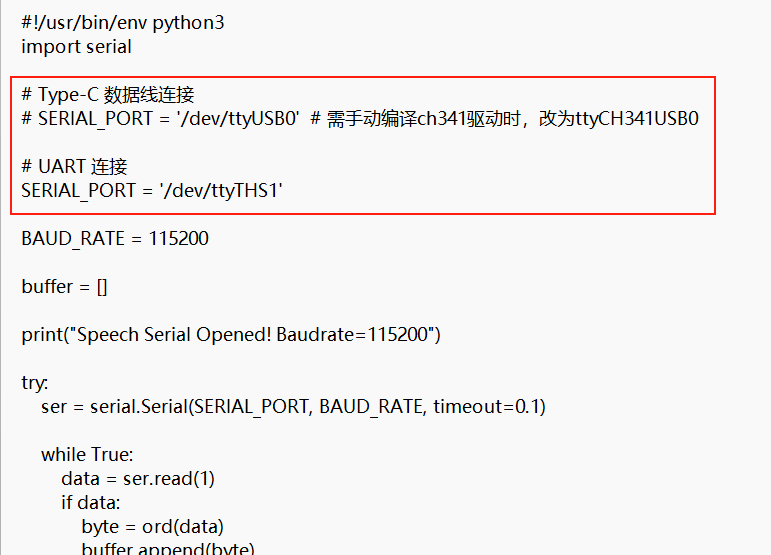
모듈을 UART 핀으로 Jetson 에 연결하고, SERIAL_PORT = '/dev/ttyUSB0' 를 주석 처리한 뒤 SERIAL_PORT = '/dev/ttyTHS1' 의 주석을 해제합니다
배선 설명
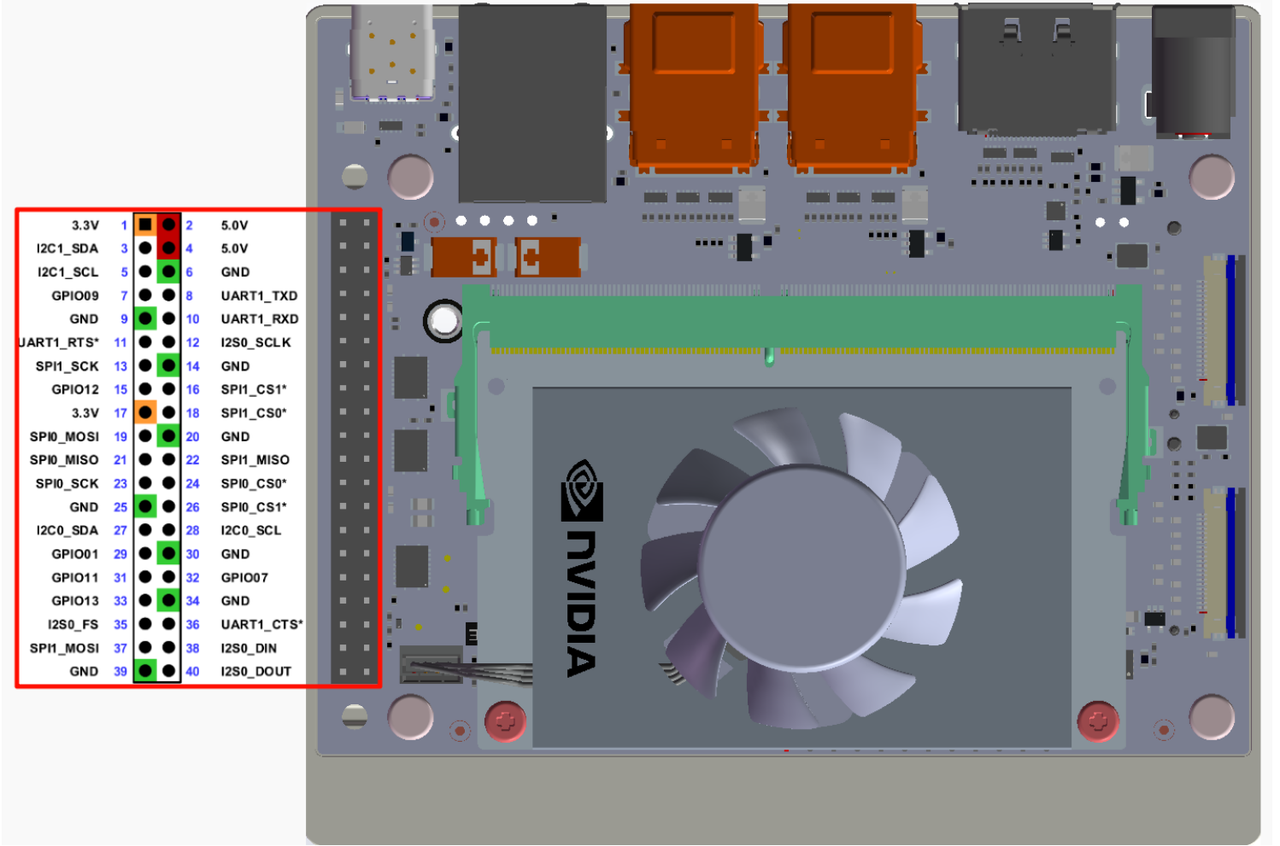
시리얼 포트 확인
Plain
ls /dev/ttyTHS*실행
Plain
cd UART_VoicePlain
python3 uart_voice.py출력 형식
Plain
Speech Serial Opened! Baudrate=115200
ID:4
ID:1
ID:10
모듈을 Type 데이터 케이블로 Jetson 에 연결하고, SERIAL_PORT = '/dev/ttyUSB0' 의 주석을 해제한 뒤 SERIAL_PORT = '/dev/ttyTHS1' 를 주석 처리합니다
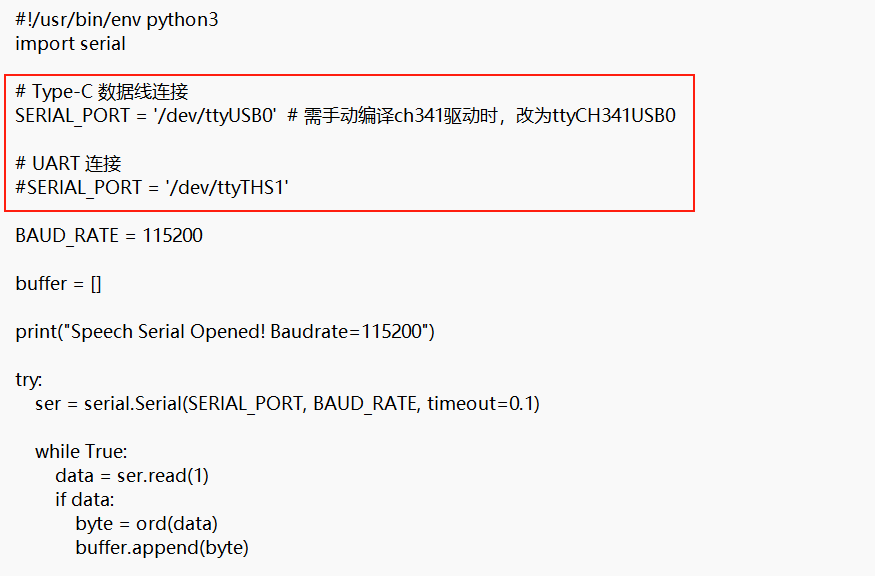
시리얼 포트 확인
Plain
ls /dev/ttyUSB*실행
Plain
cd UART_VoicePlain
python3 uart_voice.py출력 형식
Plain
Speech Serial Opened! Baudrate=115200
ID:4
ID:1
ID:10
자주 묻는 질문
시리얼 포트가 점유됨
시리얼 포트를 열 수 없는 경우 다른 서비스가 점유하고 있는지 확인하십시오:
Plain
sudo systemctl stop nvgettyPlain
sudo systemctl disable nvgetty