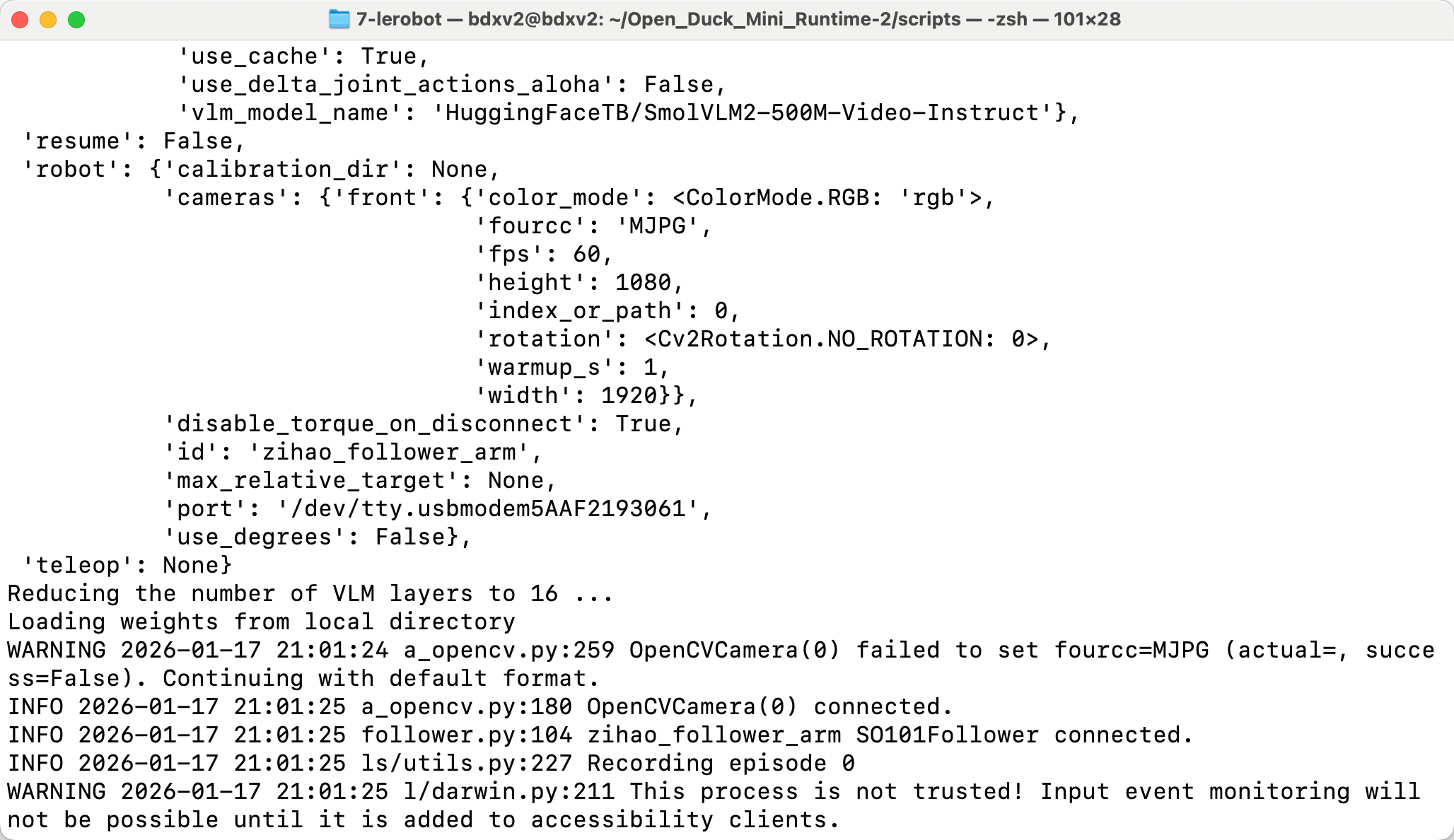
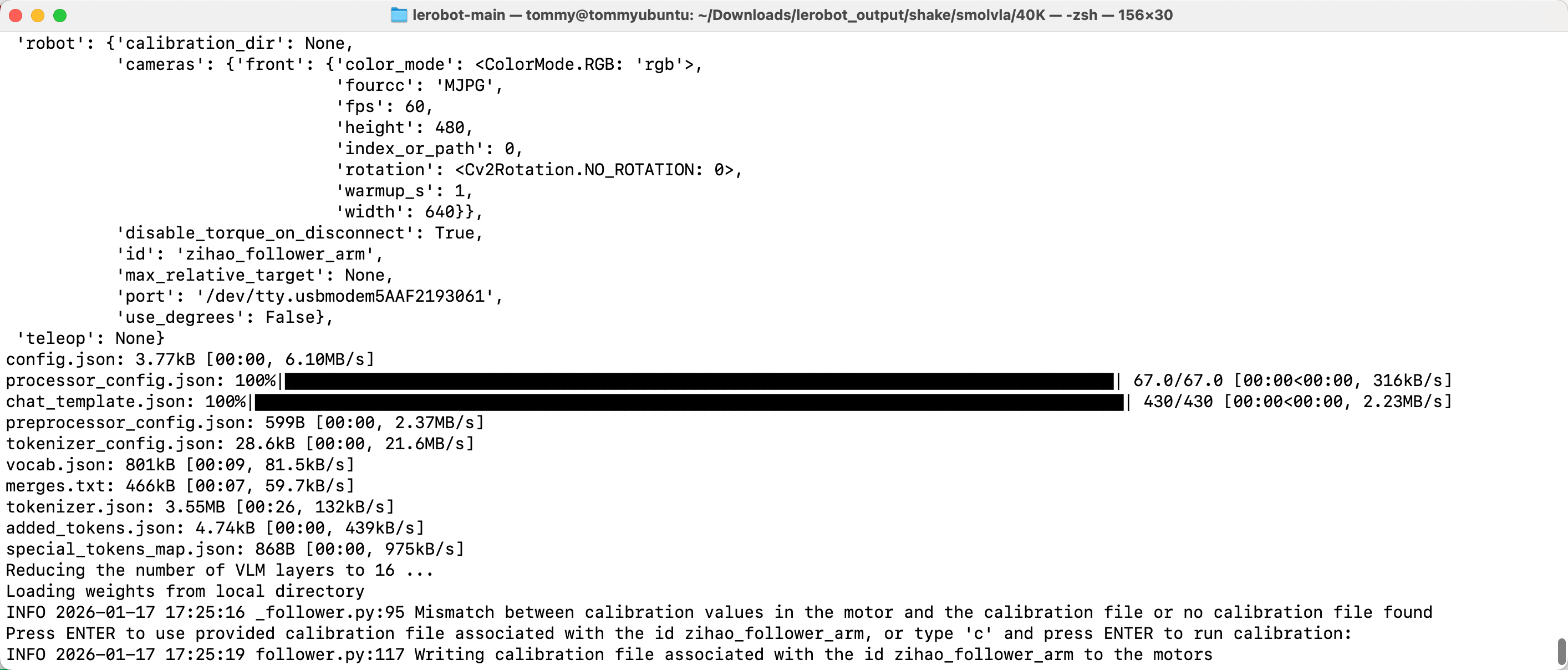
8단계: smolvla 배포 커맨드라인
배포는 통일해서
lerobot-rollout을 사용합니다. 사용법과 파라미터는 커맨드라인 설명을 참고하세요.
Ubuntu
- 기존 dataset 삭제(있는 경우)
Shell
sudo chmod 666 /dev/ttyACM*
sudo rm -rf /home/<사용자명>/.cache/huggingface/lerobot/<사용자명>/rollout_lerobot_my_dataset_shake_hands- 배포 커맨드라인
Shell
lerobot-rollout  \
  --strategy.type=base \
  --robot.type=so101_follower \
  --robot.port=/dev/ttyACM0 \
  --robot.cameras="{ front: {type: opencv, index_or_path: 0, width: 1280, height: 720, fps: 30, fourcc: "MJPG"}}" \
  --robot.id=my_follower_arm \
  --policy.path=/home/<사용자명>/Downloads/lerobot_output/shake/smolvla/40K/pretrained_model \
  --task="Shake Hands" \
  --duration=60 \
  --display_data=false
Mac
- 기존 dataset 삭제(있는 경우)
Shell
sudo rm -rf /Users/<사용자명>/.cache/huggingface/lerobot/<사용자명>/rollout_lerobot_my_dataset_shake_hands- 배포 커맨드라인
Shell
lerobot-rollout  \
  --strategy.type=base \
  --robot.type=so101_follower \
  --robot.port=/dev/tty.usbmodem5AAF2193061 \
  --robot.cameras="{front: {type: opencv, index_or_path: 0, width: 1280, height: 720, fps: 30, fourcc: "MJPG"}}" \
  --robot.id=my_follower_arm \
  --policy.path=/Users/<사용자명>/Downloads/7-lerobot/shake/smolvla/40K/pretrained_model \
  --task="Shake Hands" \
  --duration=60 \
  --display_data=false