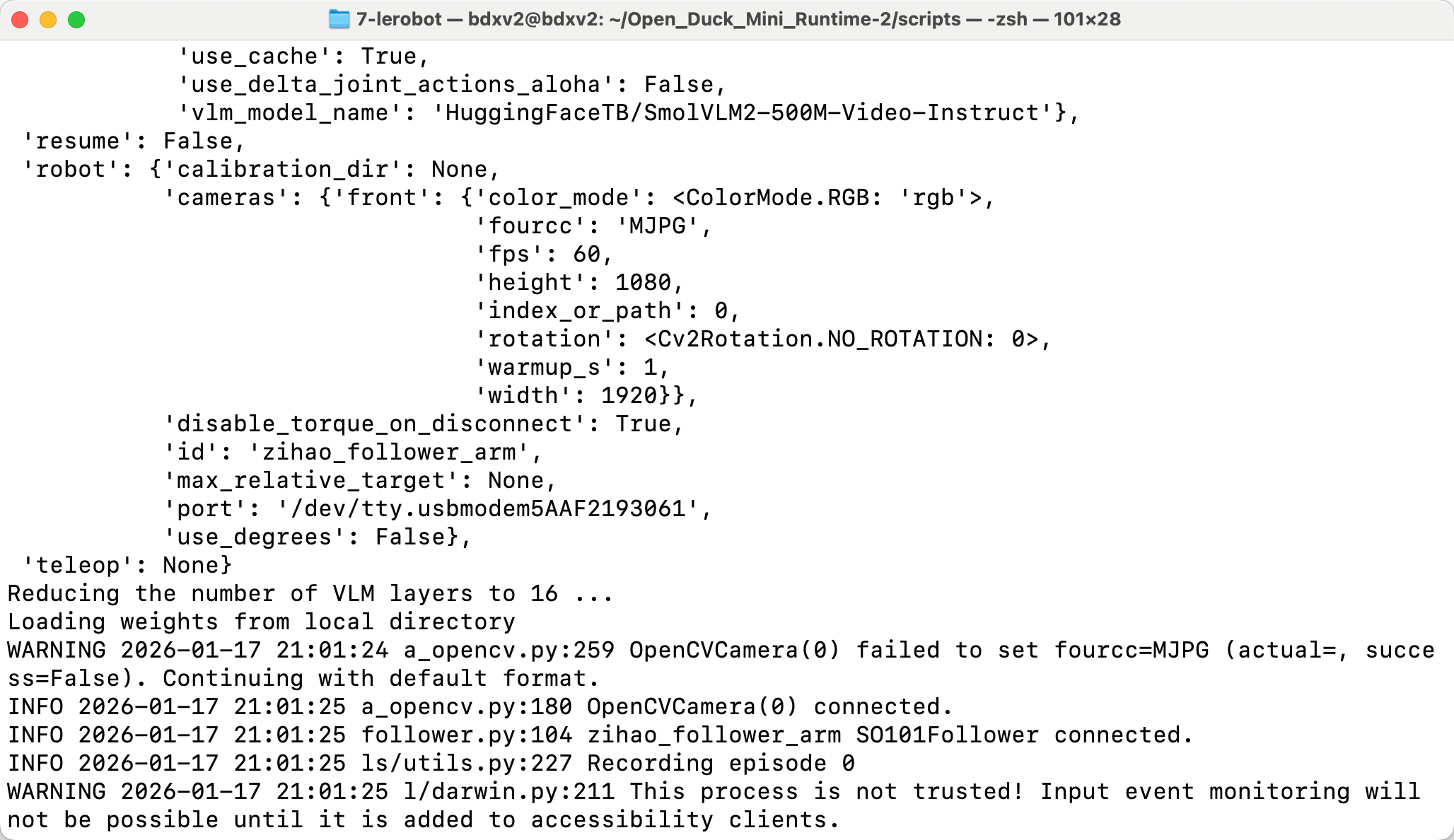
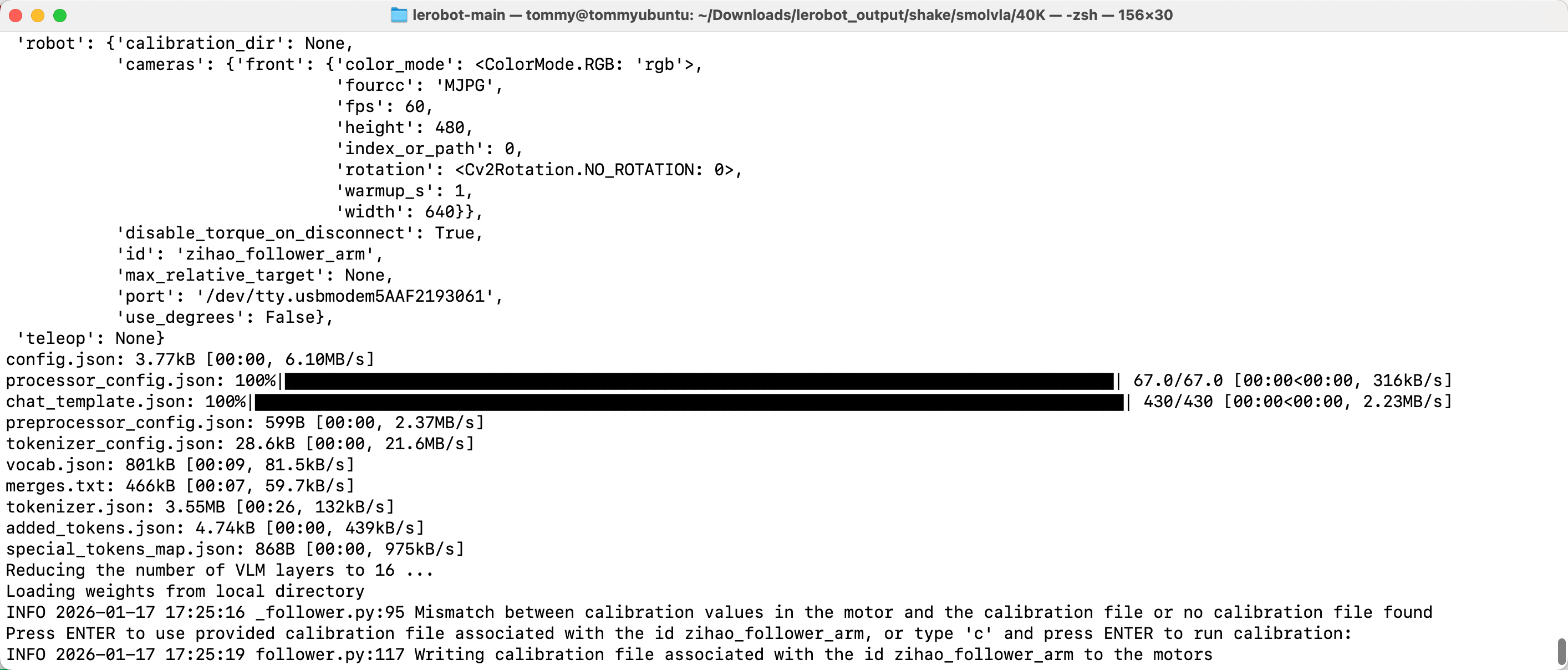
Paso 8: Comando de despliegue smolvla
El despliegue usa siempre
lerobot-rollout; para el uso y los parámetros, consulta Descripción de la línea de comandos.
Ubuntu
- Eliminar el conjunto de datos existente (si lo hay)
Shell
sudo chmod 666 /dev/ttyACM*
sudo rm -rf /home/<usuario>/.cache/huggingface/lerobot/<usuario>/rollout_lerobot_my_dataset_shake_hands- Línea de comandos de despliegue
Shell
lerobot-rollout  \
  --strategy.type=base \
  --robot.type=so101_follower \
  --robot.port=/dev/ttyACM0 \
  --robot.cameras="{ front: {type: opencv, index_or_path: 0, width: 1280, height: 720, fps: 30, fourcc: "MJPG"}}" \
  --robot.id=my_follower_arm \
  --policy.path=/home/<usuario>/Downloads/lerobot_output/shake/smolvla/40K/pretrained_model \
  --task="Shake Hands" \
  --duration=60 \
  --display_data=false
Mac
- Eliminar el conjunto de datos existente (si lo hay)
Shell
sudo rm -rf /Users/<usuario>/.cache/huggingface/lerobot/<usuario>/rollout_lerobot_my_dataset_shake_hands- Línea de comandos de despliegue
Shell
lerobot-rollout  \
  --strategy.type=base \
  --robot.type=so101_follower \
  --robot.port=/dev/tty.usbmodem5AAF2193061 \
  --robot.cameras="{front: {type: opencv, index_or_path: 0, width: 1280, height: 720, fps: 30, fourcc: "MJPG"}}" \
  --robot.id=my_follower_arm \
  --policy.path=/Users/<usuario>/Downloads/7-lerobot/shake/smolvla/40K/pretrained_model \
  --task="Shake Hands" \
  --duration=60 \
  --display_data=false