

Equipo Mac
Conectar la cámara y la computadora
Shell
lerobot-find-cameras opencv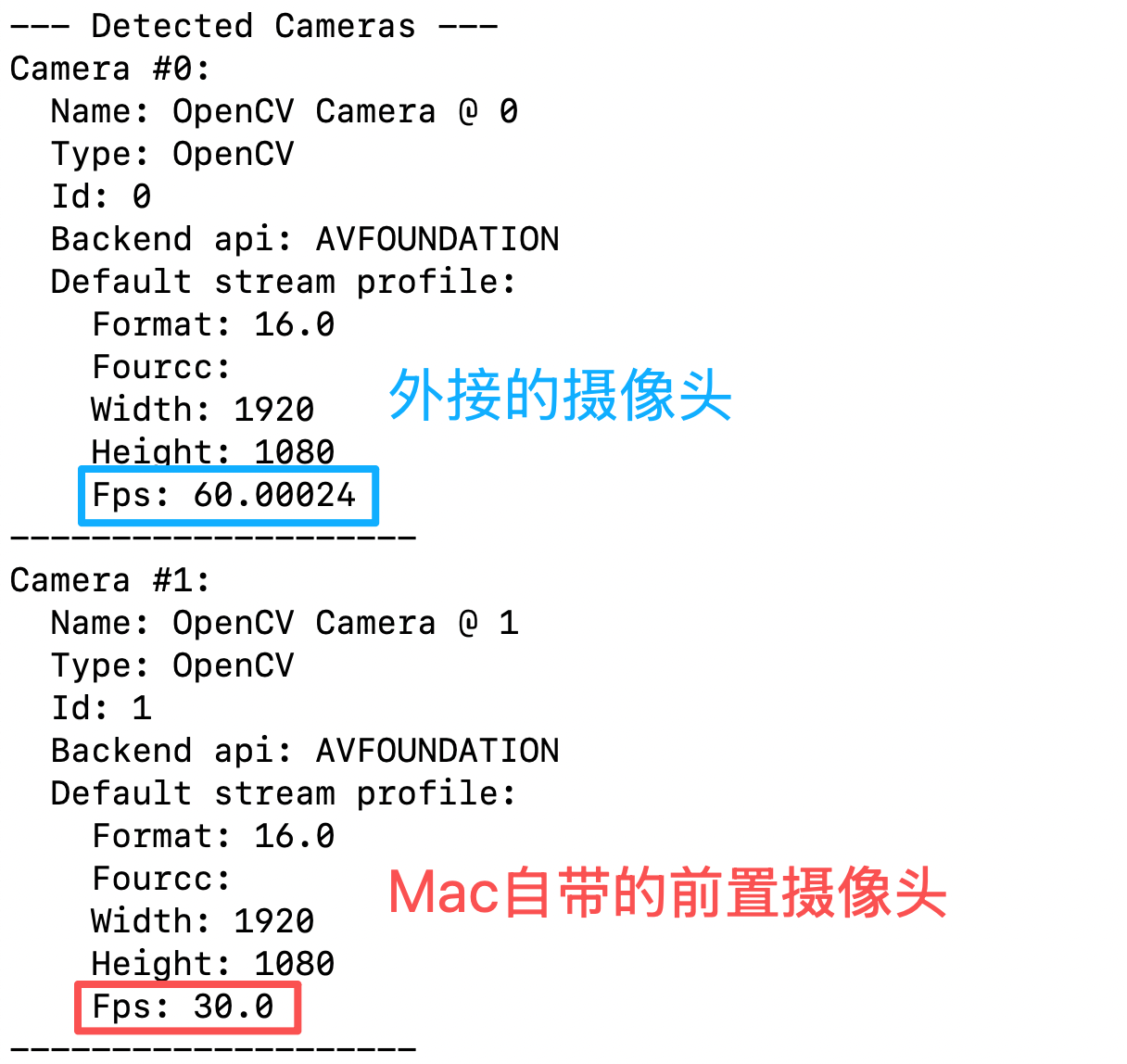
Una cámara: teleoperar y mostrar la imagen de la cámara
Shell
lerobot-teleoperate \
    --robot.type=so101_follower \
    --robot.port=/dev/tty.usbmodem5AAF2193061 \
    --robot.id=my_follower_arm \
    --robot.cameras="{ front: {type: opencv, index_or_path: 0, width: 1920, height: 1080, fps: 60, fourcc: "MJPG"}}" \
    --teleop.type=so101_leader \
    --teleop.port=/dev/tty.usbmodem5AAF2194741 \
    --teleop.id=my_leader_arm \
    --display_data=true
Tras ejecutarlo se inicia la teleoperación
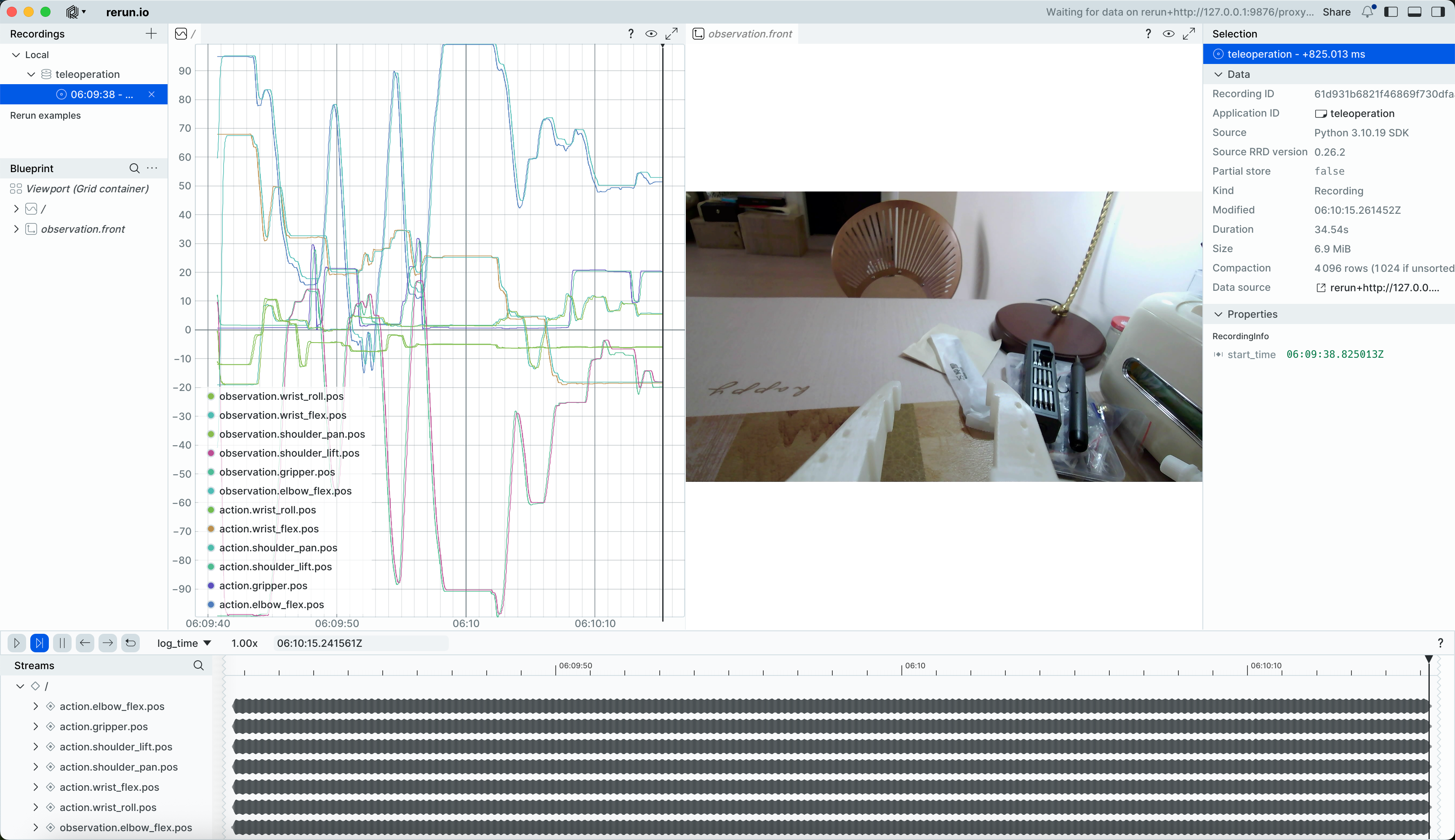
Se abrirá la ventana de rerun.io, que muestra en tiempo real las trayectorias de cada articulación del servo, así como la imagen de la cámara en tiempo real
Y guarda las imágenes en el directorio ~/usuario/outputs/captured_images
Varias cámaras: teleoperar y mostrar la imagen de la cámara
Shell
lerobot-teleoperate \
    --robot.type=so101_follower \
    --robot.port=/dev/tty.usbmodem5AAF2193061 \
    --robot.id=my_follower_arm \
    --robot.cameras="{ front: {type: opencv, index_or_path: 0, width: 1920, height: 1080, fps: 60, fourcc: "MJPG"}, side: {type: opencv, index_or_path: 1, width: 1920, height: 1080, fps: 30, fourcc: "MJPG"}}" \
    --teleop.type=so101_leader \
    --teleop.port=/dev/tty.usbmodem5AAF2194741 \
    --teleop.id=my_leader_arm \
    --display_data=true