

Mac
Connect the camera and the computer
Shell
lerobot-find-cameras opencv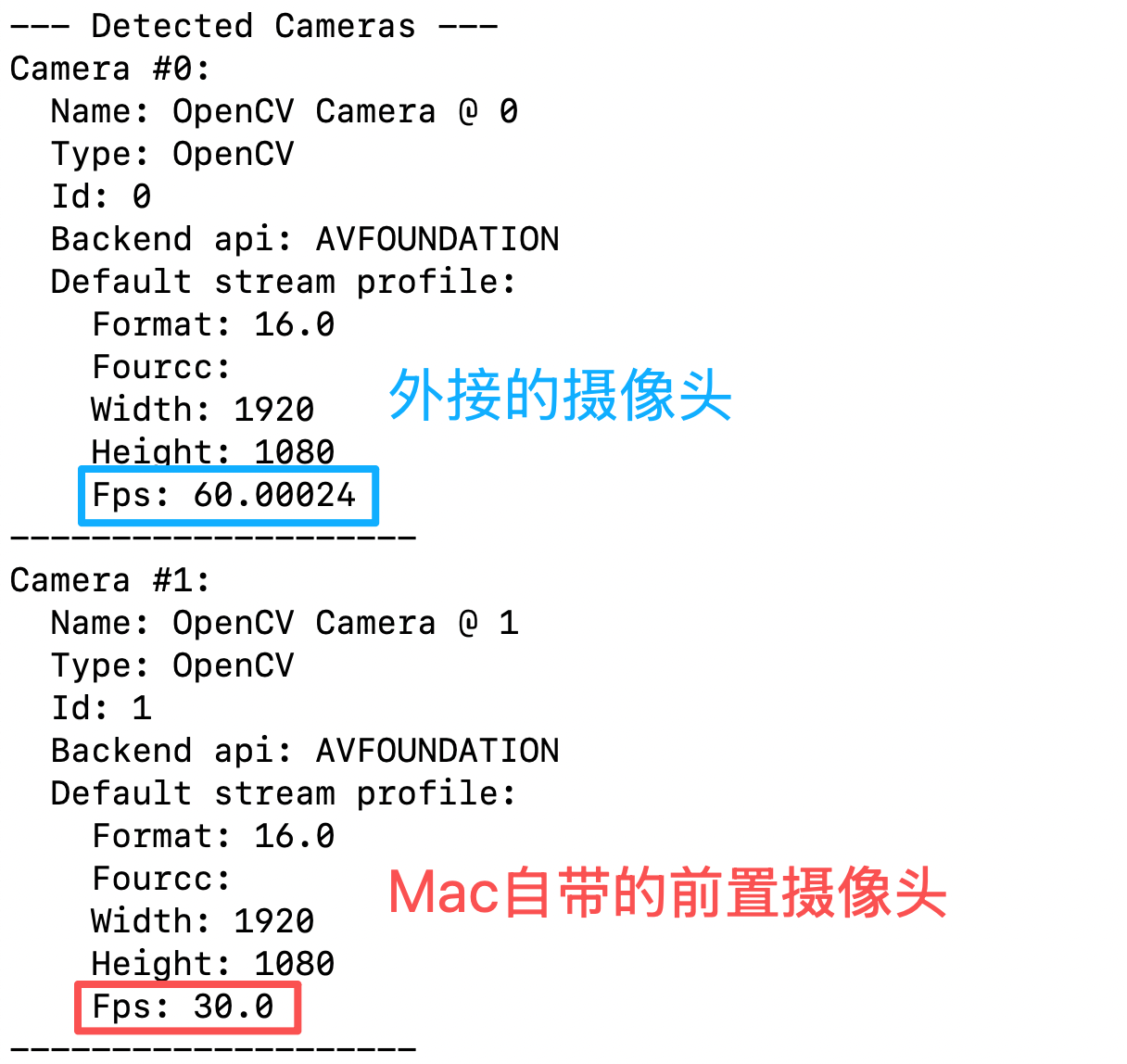
One camera: teleoperate and display the camera feed
Shell
lerobot-teleoperate \
    --robot.type=so101_follower \
    --robot.port=/dev/tty.usbmodem5AAF2193061 \
    --robot.id=my_follower_arm \
    --robot.cameras="{ front: {type: opencv, index_or_path: 0, width: 1920, height: 1080, fps: 60, fourcc: "MJPG"}}" \
    --teleop.type=so101_leader \
    --teleop.port=/dev/tty.usbmodem5AAF2194741 \
    --teleop.id=my_leader_arm \
    --display_data=true
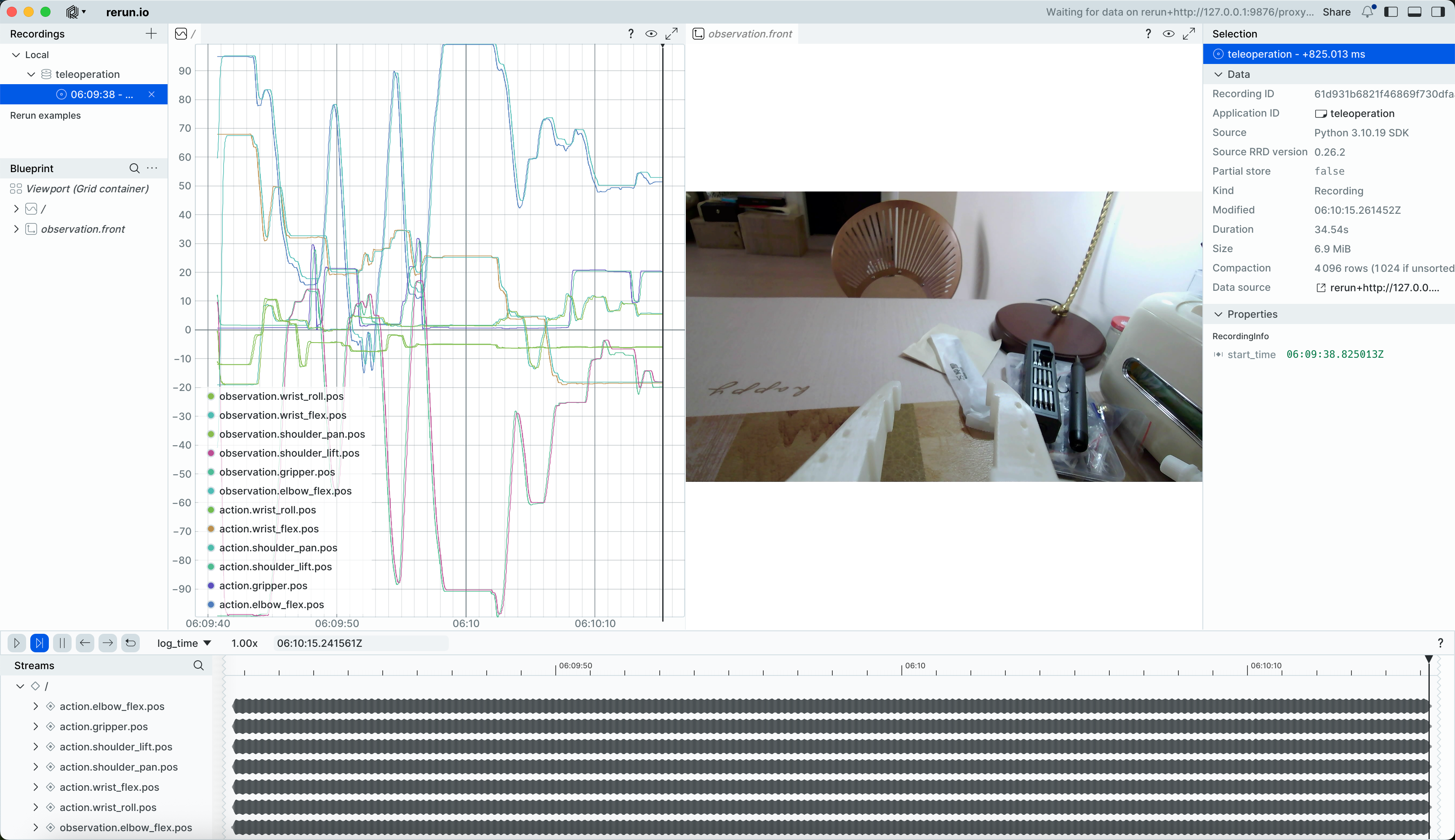
After running, teleoperation starts
A rerun.io window opens, displaying the trajectory of each servo joint and the live camera feed in real time
The images are also saved to the ~/<username>/outputs/captured_images directory
Multiple cameras: teleoperate and display the camera feed
Shell
lerobot-teleoperate \
    --robot.type=so101_follower \
    --robot.port=/dev/tty.usbmodem5AAF2193061 \
    --robot.id=my_follower_arm \
    --robot.cameras="{ front: {type: opencv, index_or_path: 0, width: 1920, height: 1080, fps: 60, fourcc: "MJPG"}, side: {type: opencv, index_or_path: 1, width: 1920, height: 1080, fps: 30, fourcc: "MJPG"}}" \
    --teleop.type=so101_leader \
    --teleop.port=/dev/tty.usbmodem5AAF2194741 \
    --teleop.id=my_leader_arm \
    --display_data=true