Step 7: Training — Local Ubuntu
This page applies to cases where your own computer already has an NVIDIA GPU, so no cloud GPU is needed.
Before running
- Environment: just complete the setup as described in Step 1: Install the Lerobot environment; for local training you do not need to upload the dataset anywhere
- Dataset: the example below uses the grab-oranges dataset
lerobot_my_dataset_acollected in the first page of step 6; the path is written as an absolute path, so please replace it with your own username - Training on a Mac: replace
/home/<username>/in the command with/Users/<username>/ - Output directory: if
--output_diralready exists, it will directly raiseFileExistsError; use a new directory name, or add--resume=trueto continue training
Reference documentation
https://github.com/huggingface/lerobot/blob/main/src/lerobot/scripts/lerobot_train.py
https://github.com/huggingface/lerobot/blob/main/src/lerobot/configs/train.py
- Note
`` can only have one space before it and no space after it
When the dataset is local, --dataset.streaming must be false, because streaming reads are not needed
Shell
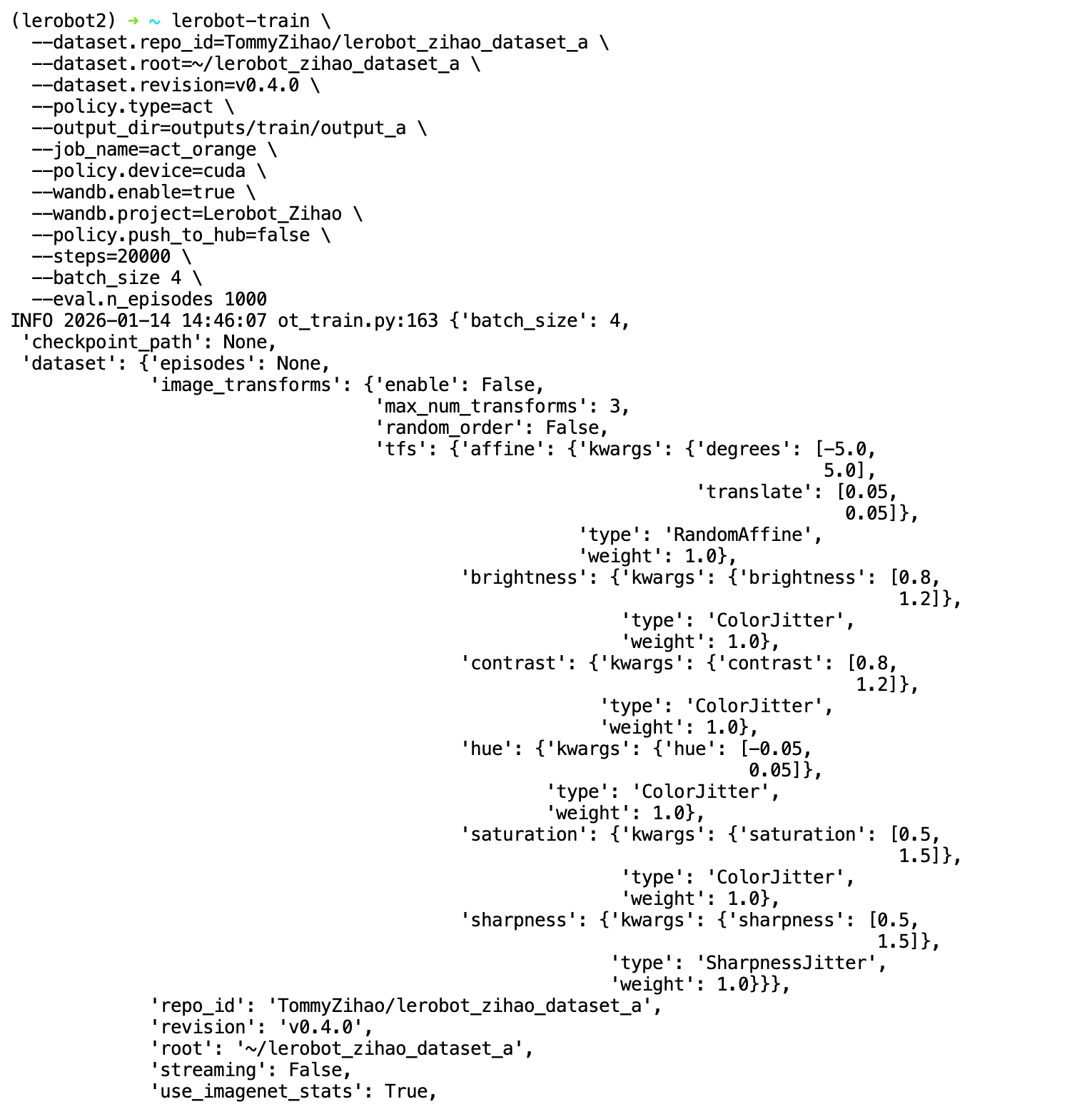
lerobot-train \
  --dataset.repo_id=<username>/lerobot_my_dataset_a \
  --dataset.root=/home/<username>/.cache/huggingface/lerobot/<username>/lerobot_my_dataset_a \
  --dataset.revision=v0.4.0 \
  --dataset.streaming=false \
  --policy.type=act \
  --output_dir=output_lerobot_train/a \
  --job_name=orange_job \
  --policy.device=cuda \
  --wandb.enable=true \
  --wandb.project=Lerobot_my_Project \
  --policy.push_to_hub=false \
  --steps=300000 \
  --batch_size=8

lerobot-train --dataset.repo_id=<username>/lerobot_my_dataset_a --dataset.root=/home/<username>/.cache/huggingface/lerobot/<username>/lerobot_my_dataset_a --dataset.revision=v0.4.0 --dataset.streaming=false --policy.type=act --output_dir=output_lerobot_train/a --job_name=orange_job --policy.device=cuda --wandb.enable=true --wandb.project=Lerobot_my_Project --policy.push_to_hub=false --steps=300000 --batch_size=8