Ubuntu
The black leader arm uses a 5V6A power adapter
The white follower arm uses a 12V5A power adapter
Install Miniconda
https://www.anaconda.com/download
Change the pip mirror
Shell
pip config set global.index-url https://mirrors.aliyun.com/pypi/simpleChange the conda mirror
Shell
# Clear the existing .condarc configuration (optional, to avoid conflicts)
echo "" > ~/.condarc

# Write the Tsinghua mirror configuration
cat << EOF > ~/.condarc
channels:
  - defaults
show_channel_urls: true
default_channels:
  - https://mirrors.tuna.tsinghua.edu.cn/anaconda/pkgs/main
  - https://mirrors.tuna.tsinghua.edu.cn/anaconda/pkgs/r
  - https://mirrors.tuna.tsinghua.edu.cn/anaconda/pkgs/msys2
custom_channels:
  conda-forge: https://mirrors.tuna.tsinghua.edu.cn/anaconda/cloud
  msys2: https://mirrors.tuna.tsinghua.edu.cn/anaconda/cloud
  bioconda: https://mirrors.tuna.tsinghua.edu.cn/anaconda/cloud
  menpo: https://mirrors.tuna.tsinghua.edu.cn/anaconda/cloud
  pytorch: https://mirrors.tuna.tsinghua.edu.cn/anaconda/cloud
  pytorch-lts: https://mirrors.tuna.tsinghua.edu.cn/anaconda/cloud
  simpleitk: https://mirrors.tuna.tsinghua.edu.cn/anaconda/cloud
EOF

# Clear the cache to apply the configuration
conda clean -i
Create a virtual environment
Shell
conda create -y -n lerobot python=3.12 -yEnter the virtual environment
Shell
conda activate lerobotInstall ffmpeg
Shell
conda install *ffmpeg*=7.1.1 *-c* conda-forge -yVerify the installation succeeded
Shell
ffmpeg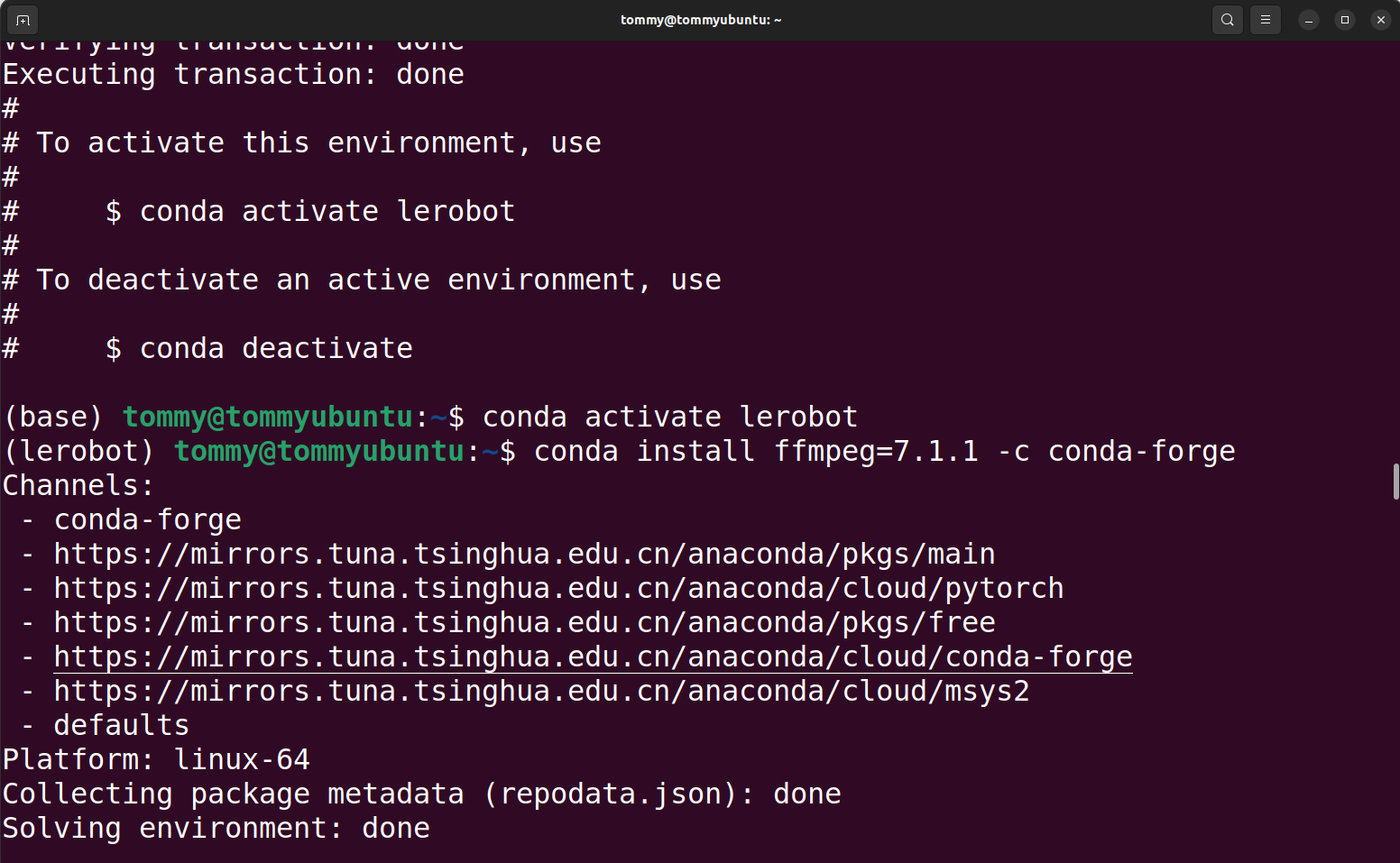
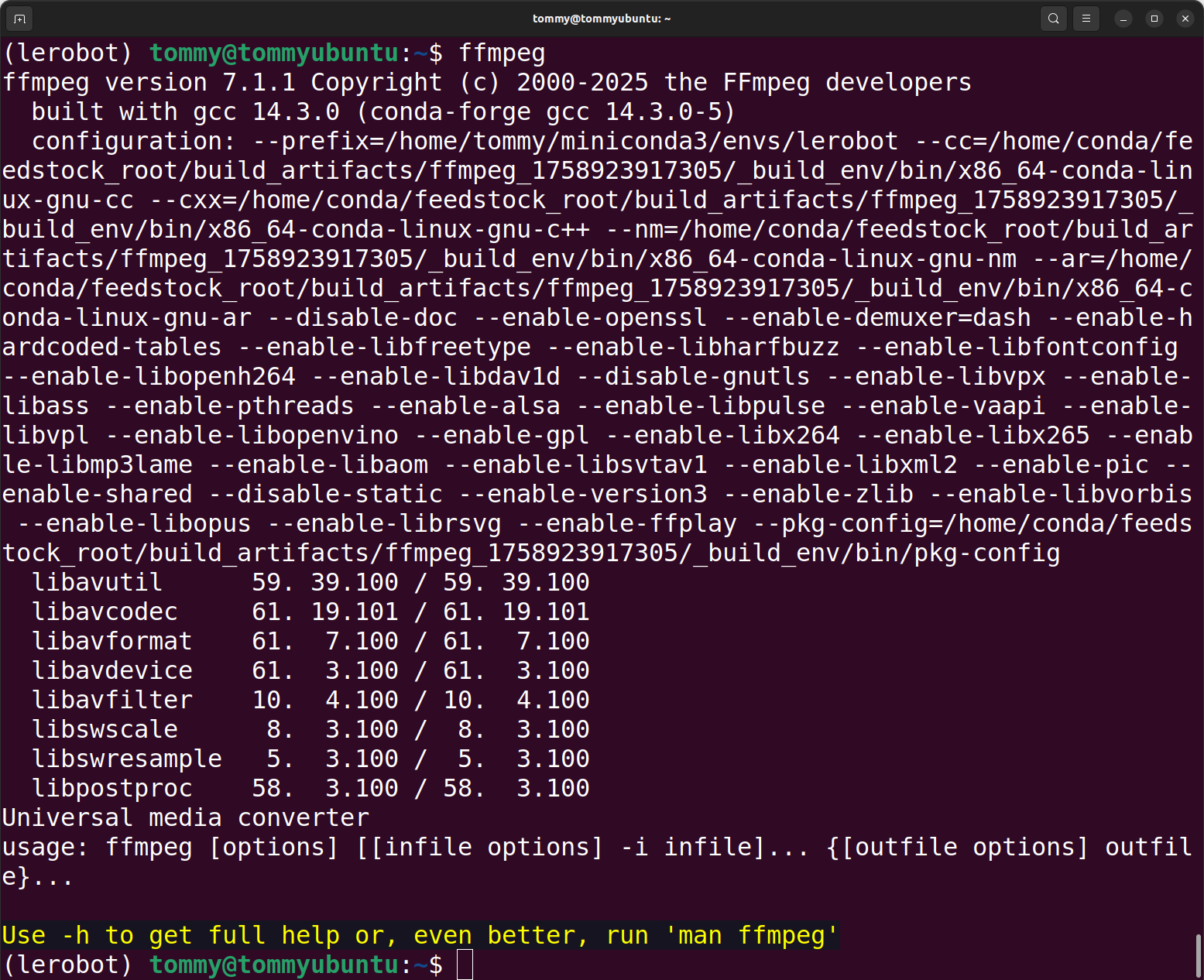
Download the LeRobot code
Option A: Use this repository's code directly (Recommended)
Option B: Download the official code repository and manually replace the corresponding files
Shell
git clone https://github.com/huggingface/lerobot.gitInstall the code
Shell
#cd lerobot-main
cd lerobot

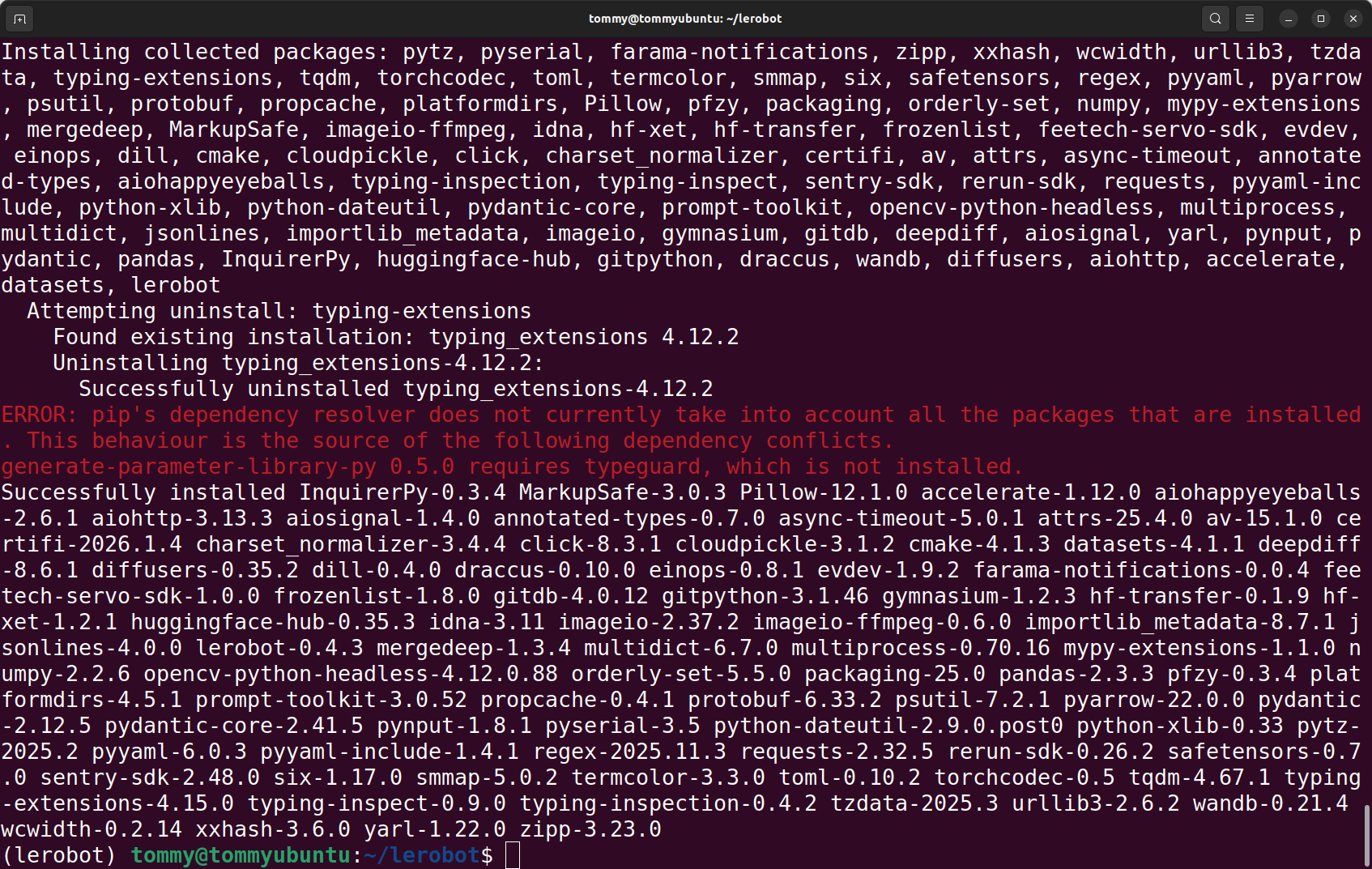
pip install -e ".[feetech]"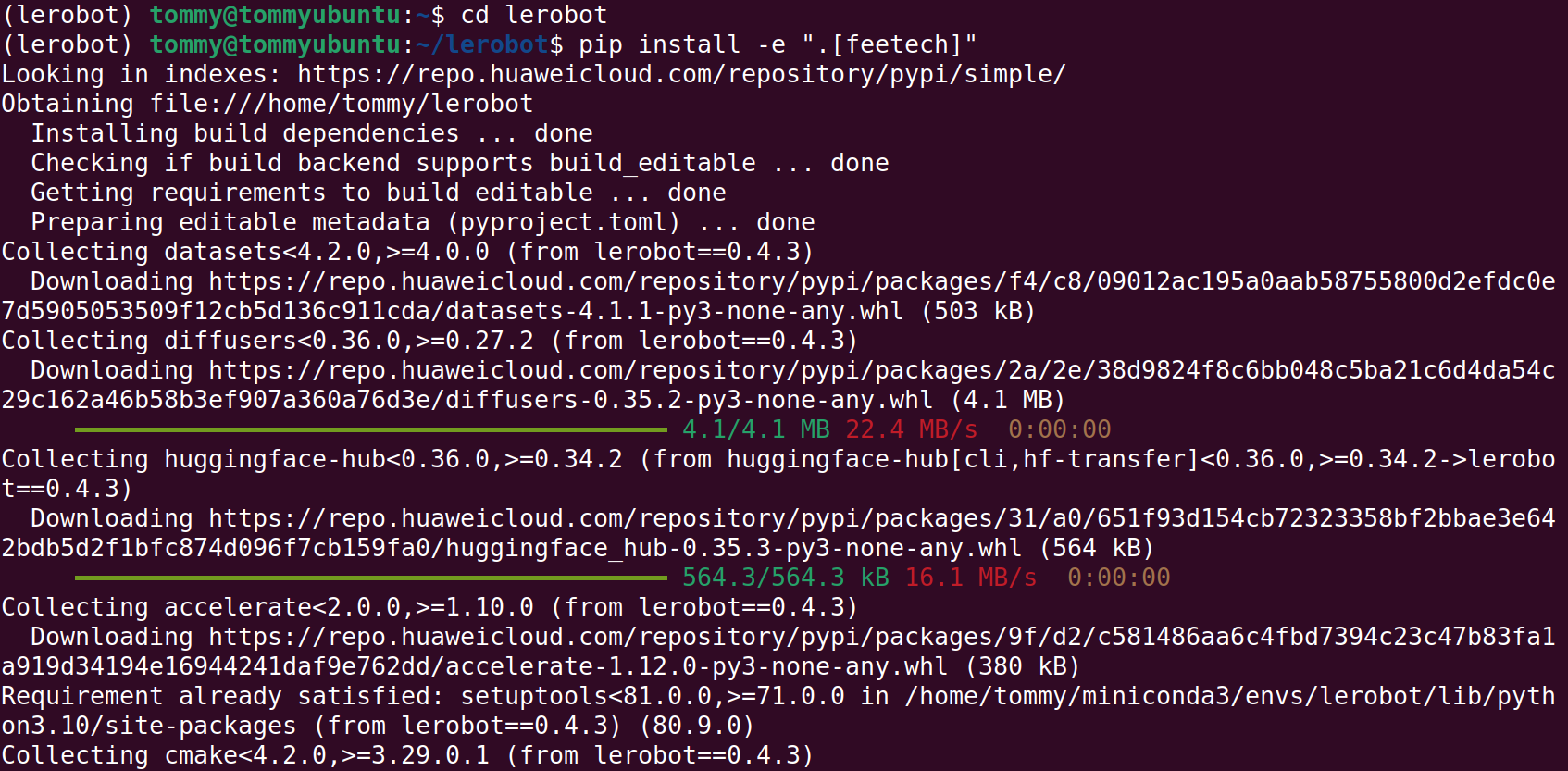
Verify the installation succeeded
Shell
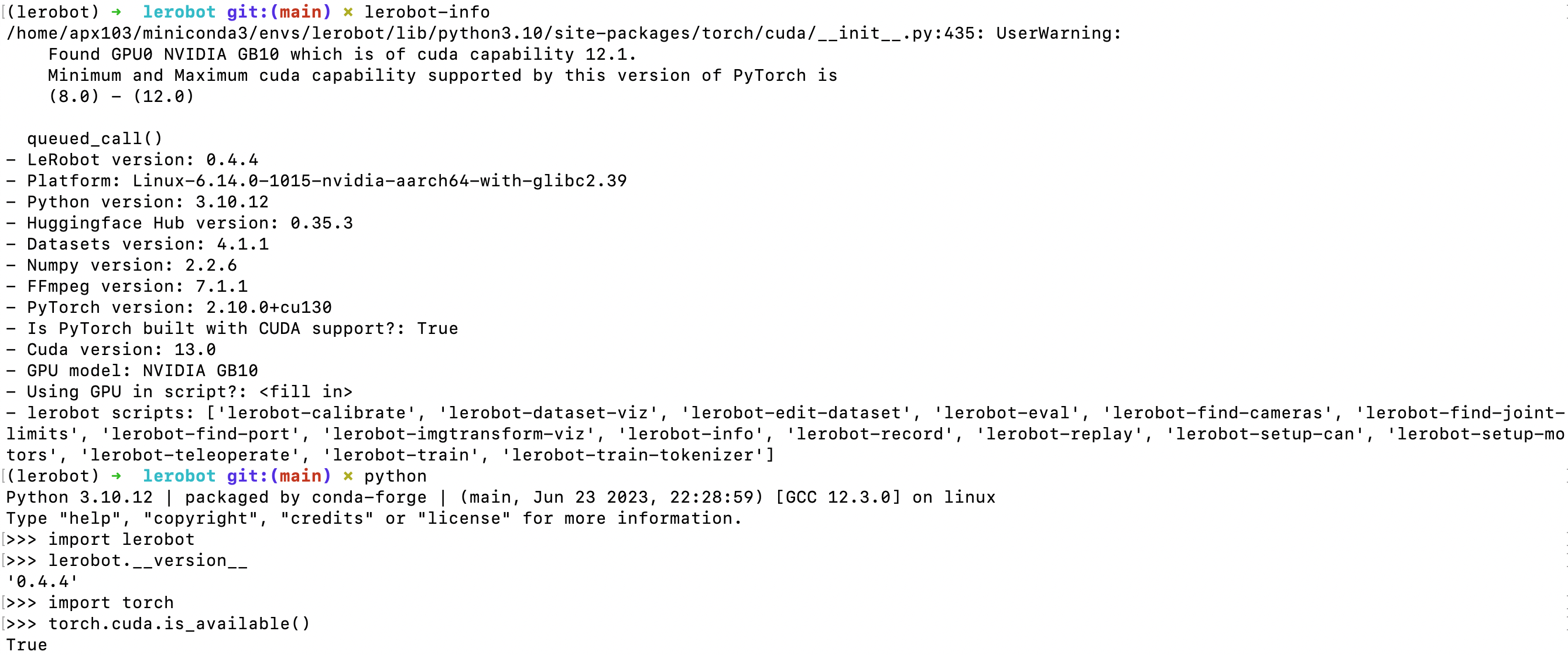
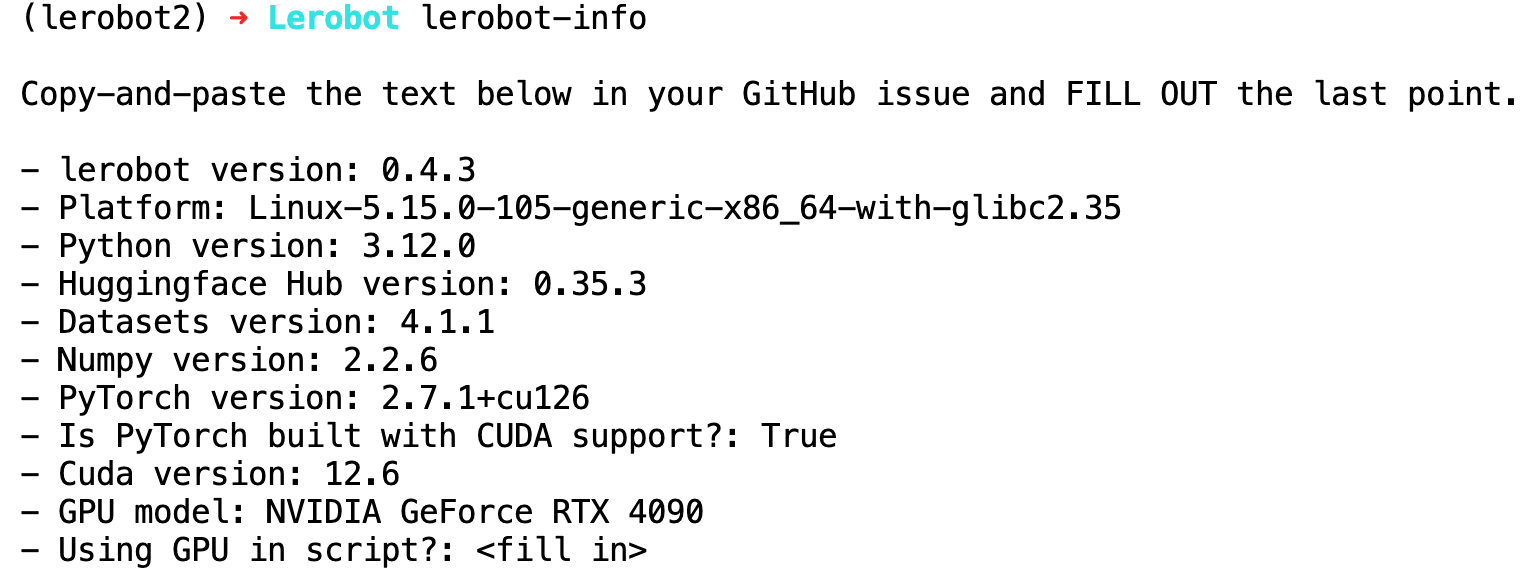
lerobot-info

python

import lerobot
lerobot.__version__

import torch
torch.cuda.is_available()
import scservo_sdk
Results running on a 4090 machine
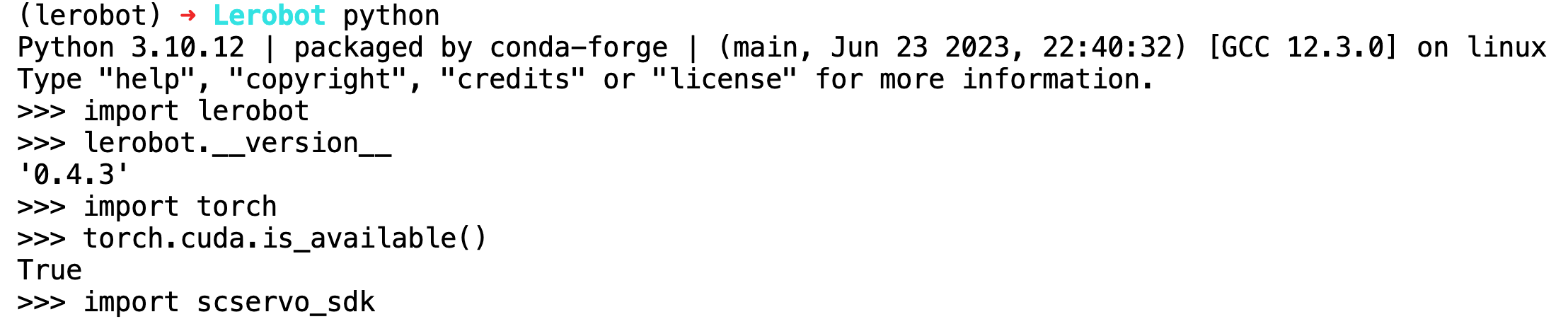
Results running on an NVIDIA DGX Spark