

Step 8: Inference — CLI Reference
Version notes (important, please read first)
Starting from LeRobot 0.6.0, a trained model must be deployed with lerobot-rollout. The old lerobot-record --policy.path=... syntax was already removed in version 0.5.2.
In step 1 of this tutorial, LeRobot was installed with git clone, which gives you the current latest version, so please use the lerobot-rollout command line below. If you insist on using lerobot-record, the program will directly raise an error and prompt you to switch to lerobot-rollout.
The division of labor between the two commands is as follows:
lerobot-record: only responsible for collecting demonstration data (it is what step 6 uses), and it now rejects dataset names starting witheval_lerobot-rollout: responsible for deploying a trained model, using--strategy.typeto choose the working mode
rollout command line parameters
| Parameter | Description |
|---|---|
--strategy.type | The working mode. base only runs the model without recording data, for checking the results on site; episodic records by episode with a reset phase, behaving close to the old lerobot-record |
--policy.path | The model path, pointing to checkpoints/last/pretrained_model in the training output |
--task | The task description, used together with --strategy.type=base |
--duration | The number of seconds to run; 0 means no time limit |
--interactive | Add this when you need to take over midway; you can use commands such as /stop and /reset in the terminal |
--display_data | Whether to start the rerun.io visualization interface |
--policy.device | The compute device, such as cuda, cpu |
Camera parameters must match those used during collection
The --robot.cameras used in all the commands below is 1280×720@30, which is the value unified with Collecting a demonstration dataset. When deploying, you must use the same resolution, fps, and aspect ratio as during collection: the resolution is written into the dataset metadata and takes part in validation, and any inconsistency will directly raise an error; even if it happens to pass, a different field of view will make the "world" the model sees different from what you demonstrated, and the results will be noticeably worse.
About visualization
--display_data=true starts the rerun.io visualization interface and at the same time saves every frame as an image in the /Users/<username>/.cache/huggingface/lerobot/rollout_lerobot_my_dataset_a/images/observation.images.front/episode-000000 directory, which takes up a fair amount of space; in formal use you can set it to --display_data=false.
Taking the grab-oranges task as an example
- On-site evaluation (with real-time visualization)
lerobot-rollout  \
  --strategy.type=base \
  --robot.type=so101_follower \
  --robot.port=/dev/tty.usbmodem5AAF2193061 \
  --robot.cameras="{ front: {type: opencv, index_or_path: 0, width: 1280, height: 720, fps: 30, fourcc: "MJPG"}}" \
  --robot.id=my_follower_arm \
  --policy.path=/Users/<username>/Downloads/7-lerobot/checkpoints/last/pretrained_model \
  --task="Grab Oranges" \
  --duration=60 \
--display_data=true- On-site evaluation (without real-time visualization)
lerobot-rollout  \
  --strategy.type=base \
  --robot.type=so101_follower \
  --robot.port=/dev/tty.usbmodem5AAF2193061 \
  --robot.cameras="{ front: {type: opencv, index_or_path: 0, width: 1280, height: 720, fps: 30, fourcc: "MJPG"}}" \
  --robot.id=my_follower_arm \
  --policy.path=/Users/<username>/Downloads/7-lerobot/checkpoints/last/pretrained_model \
  --task="Grab Oranges" \
  --duration=60 \
--display_data=false- Inference with a model on a HuggingFace model Repo
lerobot-rollout  \
  --strategy.type=base \
  --robot.type=so101_follower \
  --robot.port=/dev/tty.usbmodem5AAF2193061 \
  --robot.cameras="{ front: {type: opencv, index_or_path: 0, width: 1280, height: 720, fps: 30, fourcc: "MJPG"}}" \
  --robot.id=my_follower_arm \
  --policy.path=<username>/lerobot_my_model_a \
  --task="Grab Oranges" \
  --duration=60 \
  --display_data=true
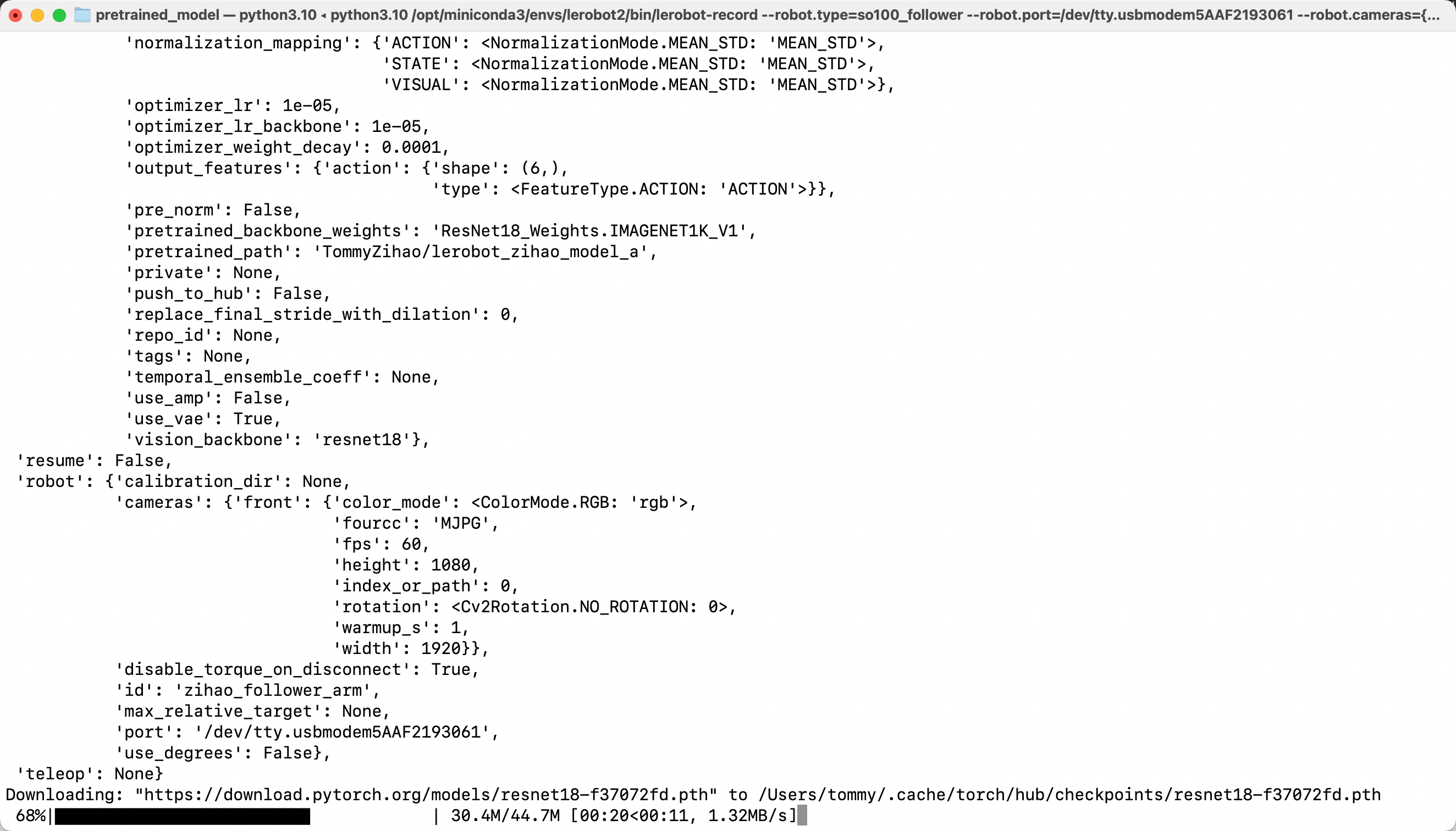
The model will be downloaded after running
- Evaluate and record data (
--strategy.type=episodic)
To record the whole run as a dataset while it happens, replace base with episodic. In this mode you do not write --task; instead use --dataset.single_task, and you must provide --dataset.repo_id:
lerobot-rollout  \
  --strategy.type=episodic \
  --robot.type=so101_follower \
  --robot.port=/dev/tty.usbmodem5AAF2193061 \
  --robot.cameras="{ front: {type: opencv, index_or_path: 0, width: 1280, height: 720, fps: 30, fourcc: "MJPG"}}" \
  --robot.id=my_follower_arm \
  --policy.path=/Users/<username>/Downloads/7-lerobot/checkpoints/last/pretrained_model \
  --dataset.repo_id=<username>/rollout_lerobot_my_dataset_a \
  --dataset.num_episodes=10 \
  --dataset.single_task="Grab Oranges" \
  --display_data=false