

SSH File Transfer
I. WinSCP Program Installation
Remote login software.zip
Download and extract it, double-click to open the program and start the installation, click Accept to accept the agreement, then just follow the prompts to install.
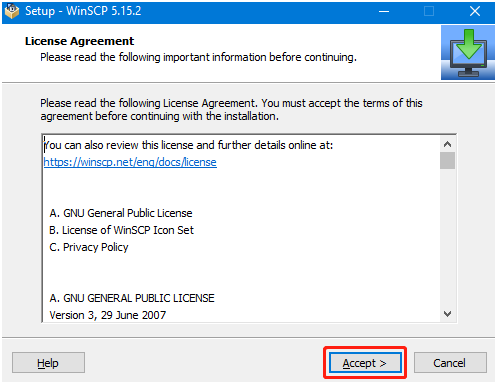
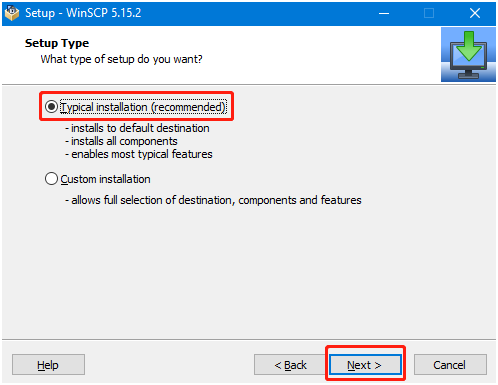
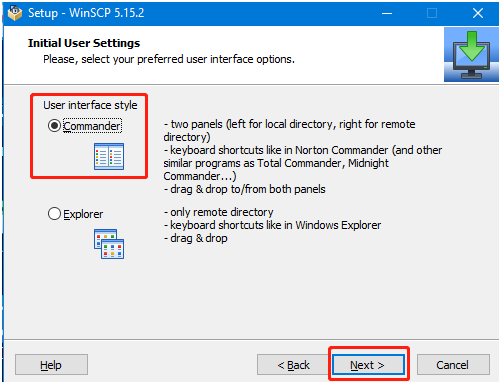
Click Finish to complete the installation.
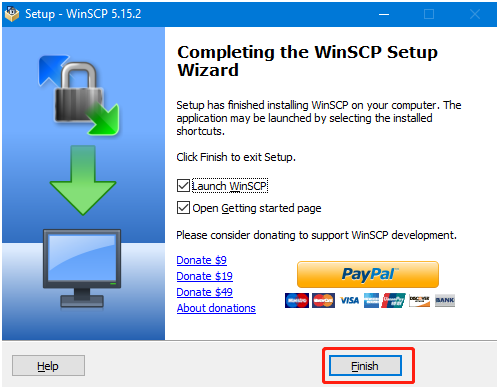
You can see that an extra WinSCP icon has appeared on the desktop

II. SSH Remote File Transfer
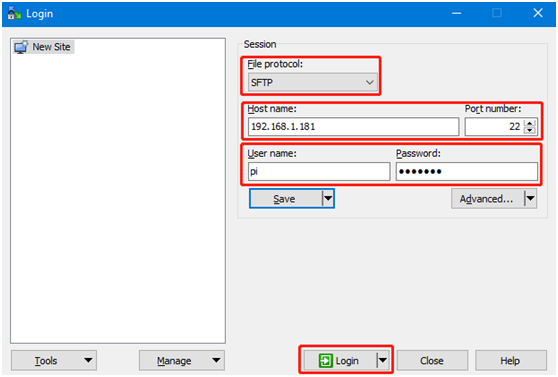
After opening the WinSCP software, the following login interface appears.
File protocol: select SFTP for the file protocol; Host name: IP address; Port number: the default 22 is fine; User name: username; Password: login password.
After entering the correct information, you can click Save to save the information you filled in, so that you do not need to enter it again the next time you log in.
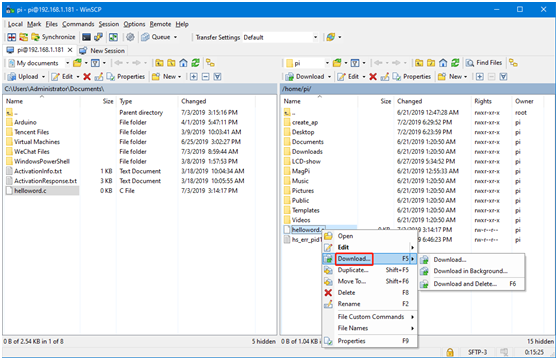
After clicking Login and logging in successfully, the following interface will be displayed; the left side is the folder of the Windows computer, and the right side is the folder of the nano.
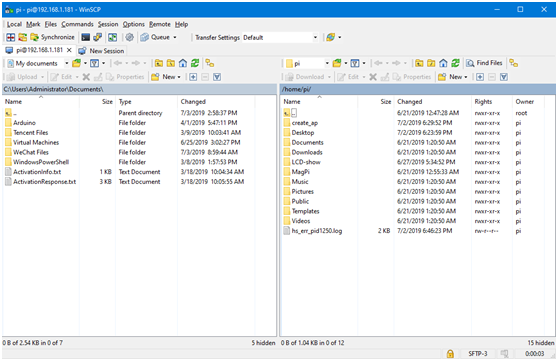
There are three ways to transfer files. The first is to drag the file directly from the left side to the right side, or from the right side to the left side, and the system will automatically copy the file over.
The second is to select the file with the mouse and then press the F5 key, and the selected file will be copied to the other side.
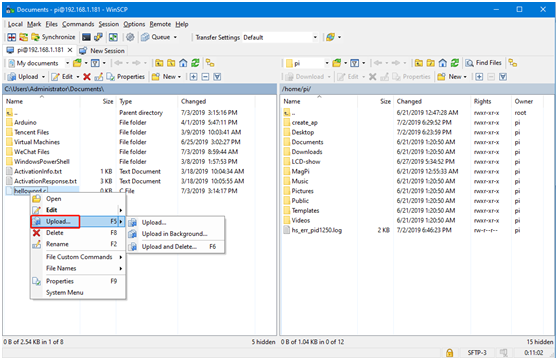
The third is to select the file and right-click the mouse; if you are transferring from the Windows computer to the nano, click upload,
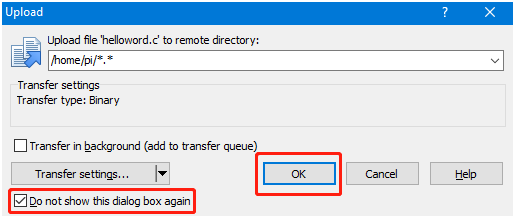
A prompt will pop up; you can choose not to show it again, and click OK, then the file will be transferred automatically.
If you are transferring files from the nano to the Windows computer, right-click to select the file and choose Download
Note: File transfer requires the computer and the board to be under the same local area network, and the Raspberry Pi to have the SSH service enabled. Sometimes if file transfer fails, it is usually because the board does not have sufficient permissions; we just need to grant the highest permissions.
chmod 777 directory