Step 6: Hugging Face Account (Optional)
Set a HuggingFace China mirror
- Ubuntu
Shell
sudo nano ~/.bashrc

# Add the following at the end of the file
export HF_ENDPOINT=https://hf-mirror.com
Shell
source ~/.bashrc
echo $HF_ENDPOINT

# Output
# https://hf-mirror.com- Mac
Shell
sudo nano ~/.zshrc

# Add the following at the end of the file
export HF_ENDPOINT=https://hf-mirror.com
Shell
source ~/.zshrc

# Output
# https://hf-mirror.com
Create a Token
https://huggingface.co/settings/tokens
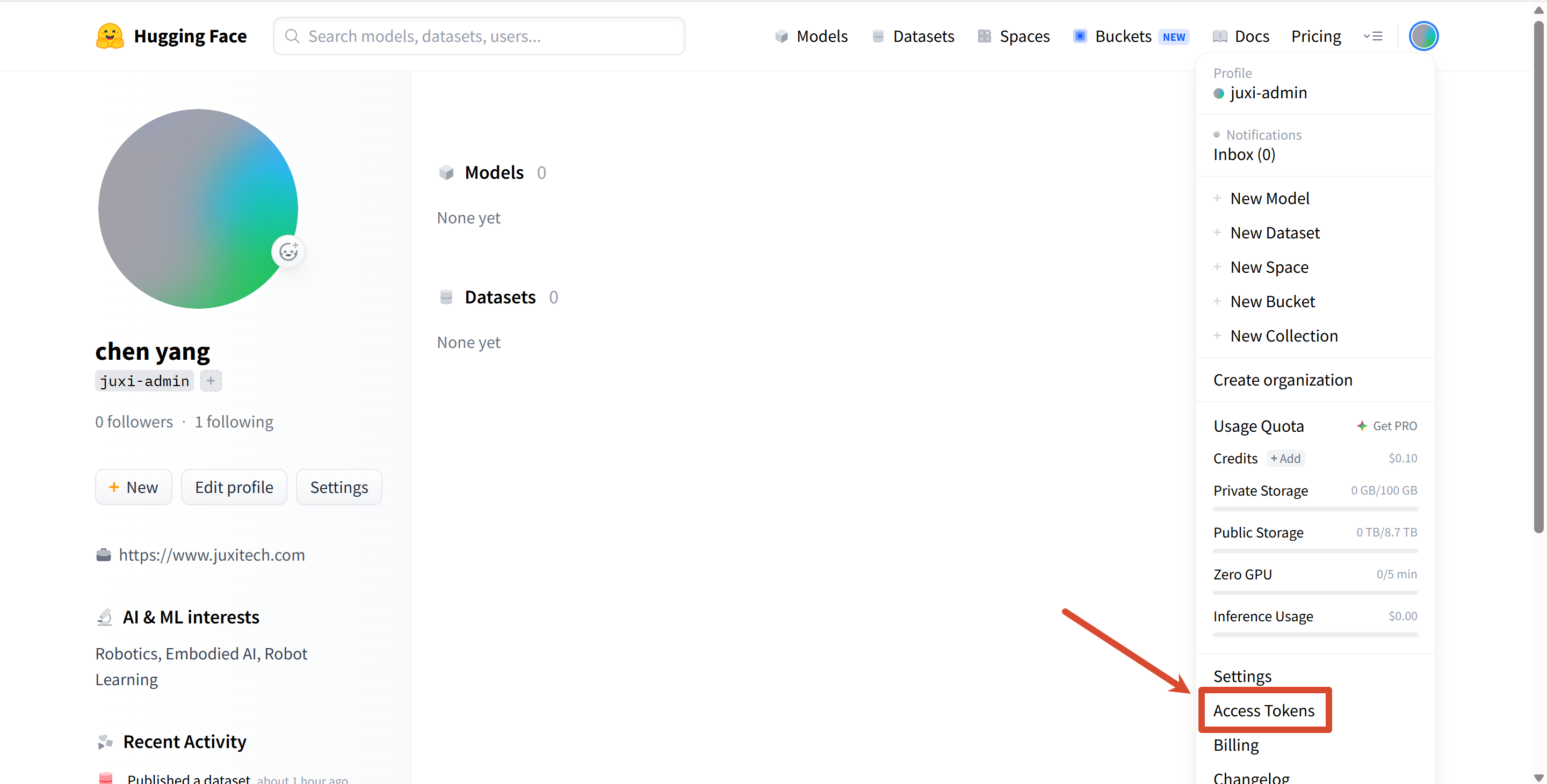
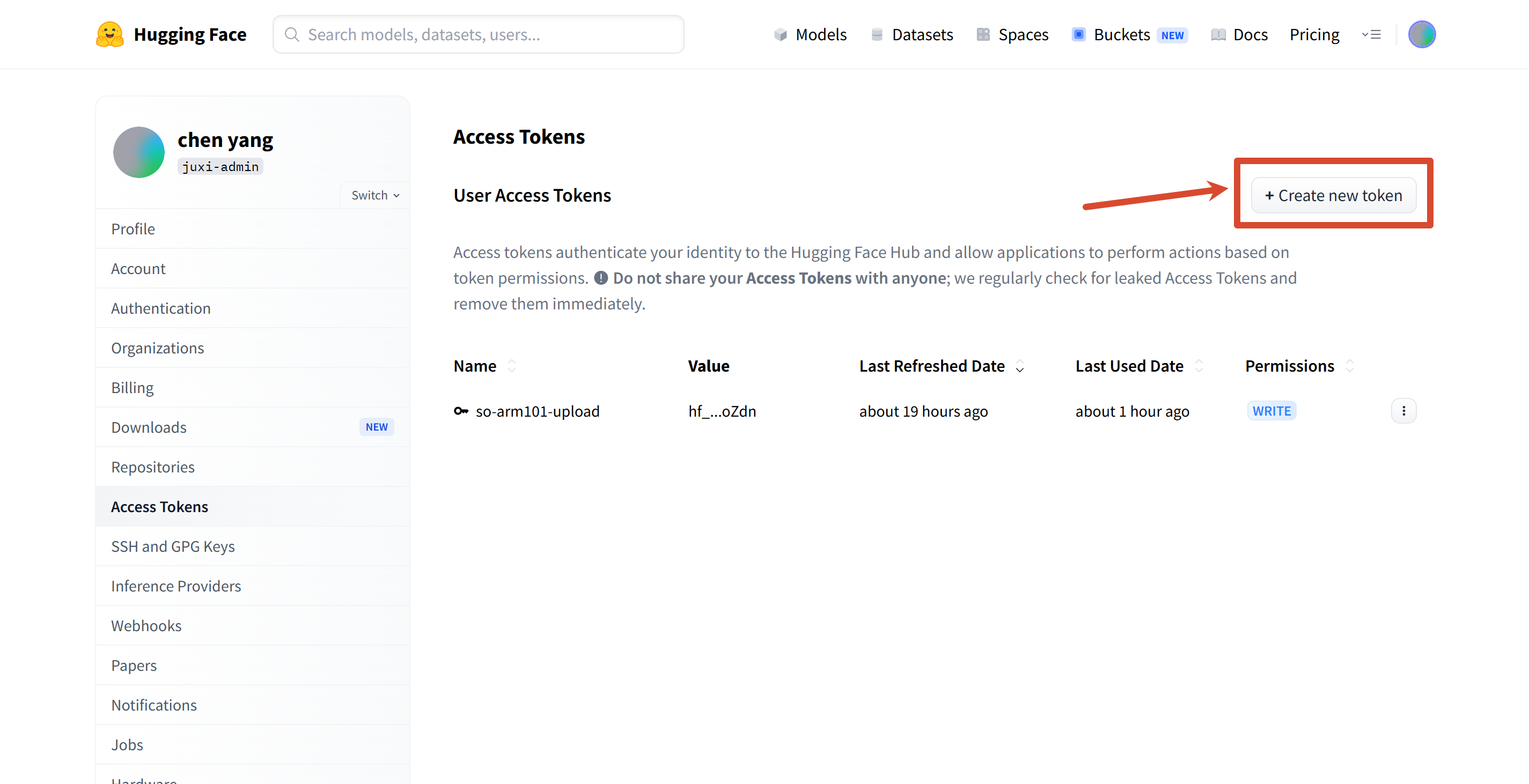
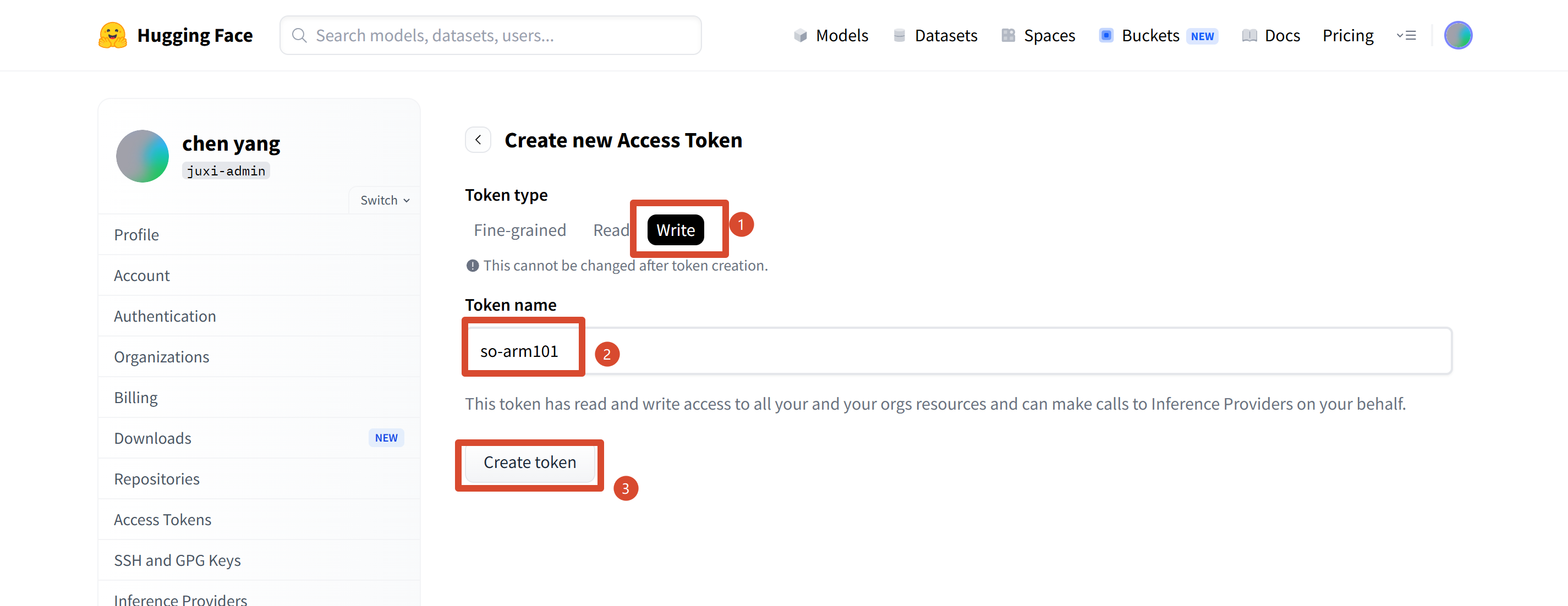
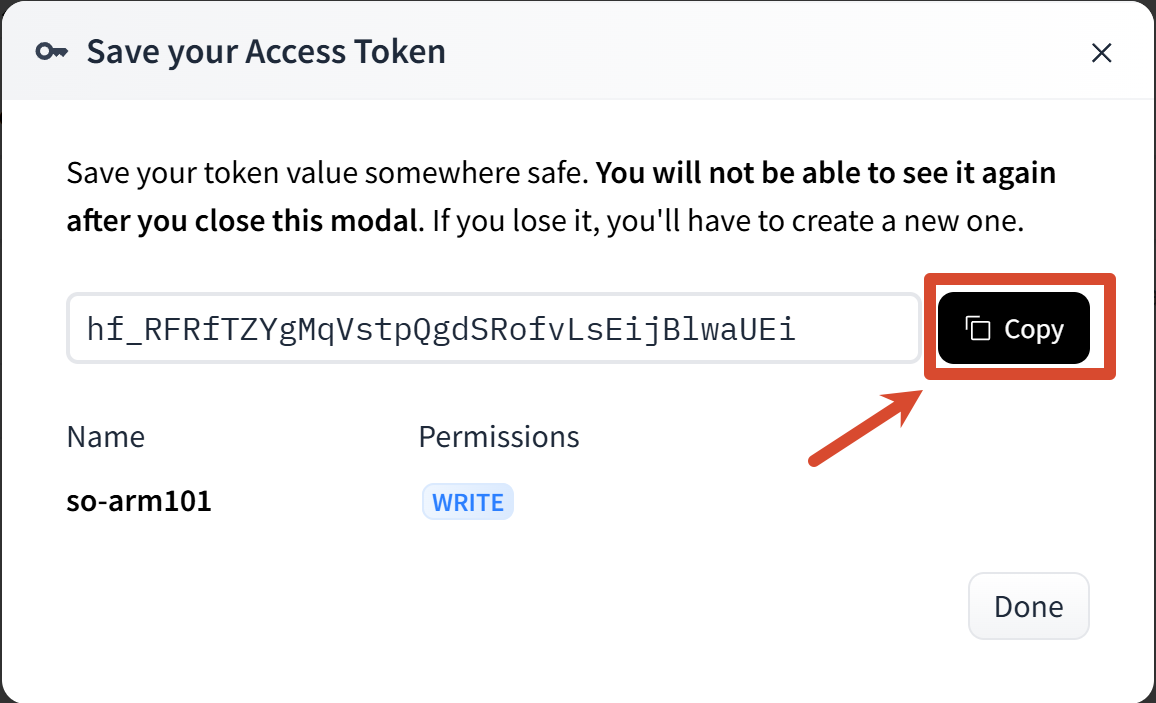
Save your own Token
After creation, the page will show a key starting with hf_. Copy and save it; you will need it later when binding your account. The format is as follows (this is just a placeholder; please refer to the one on your own page):
Shell
hf_xxxxxxxxxxxxxxxxxxxxxxxxxxxxxxxxxxBind the Token
Shell
hf auth login

hf auth whoami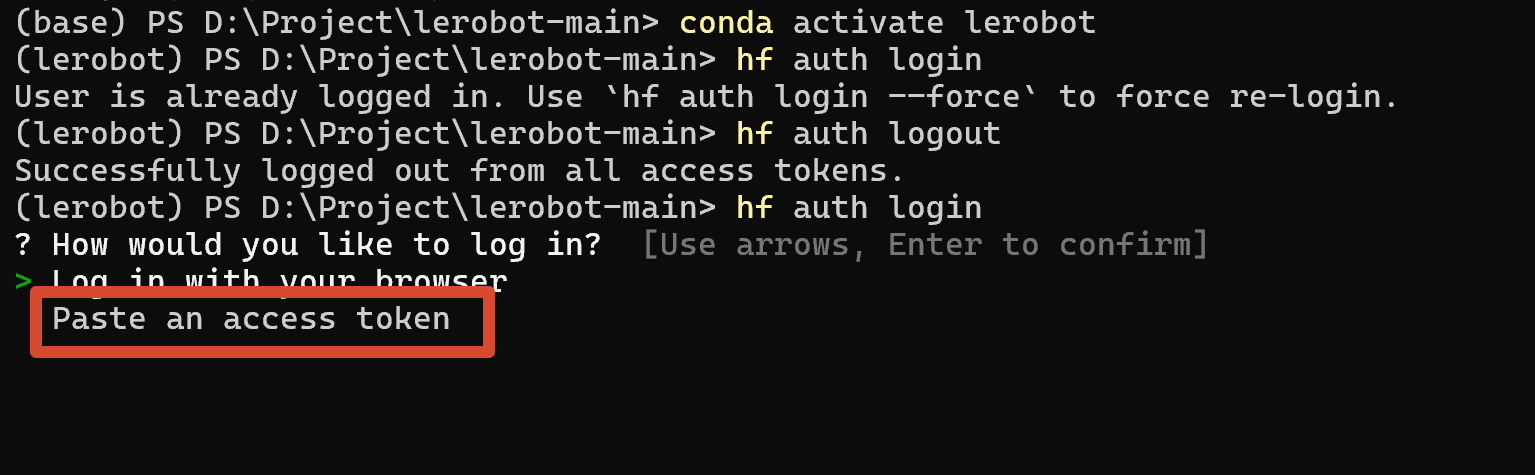
Use the up/down keys to select and paste the key
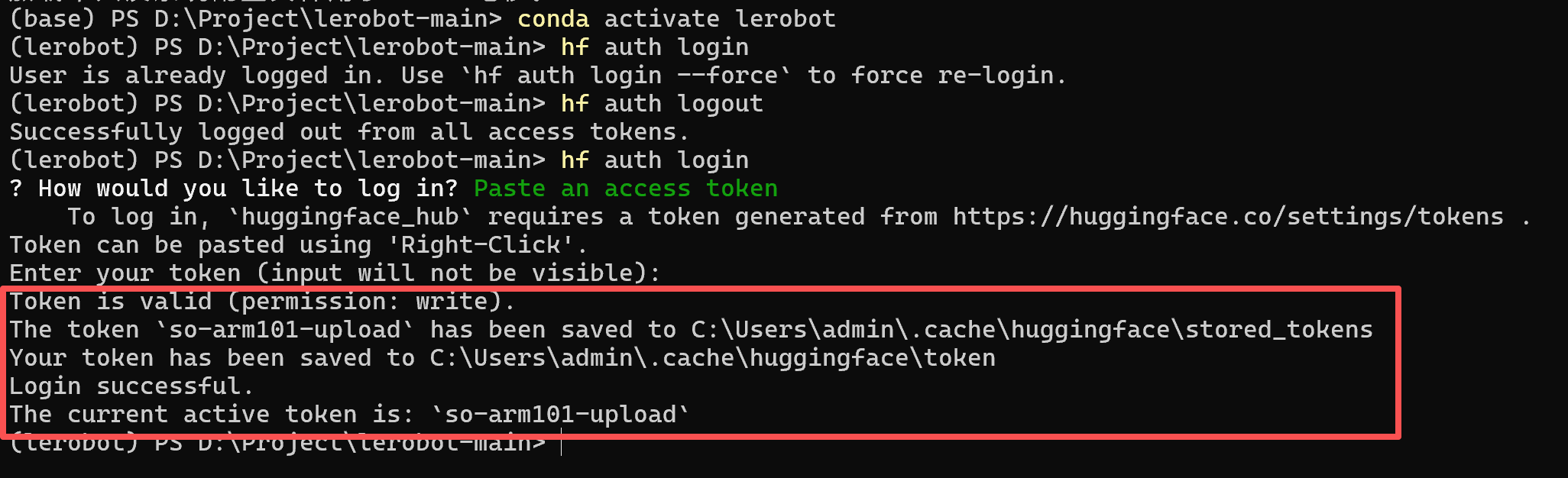
Success screen
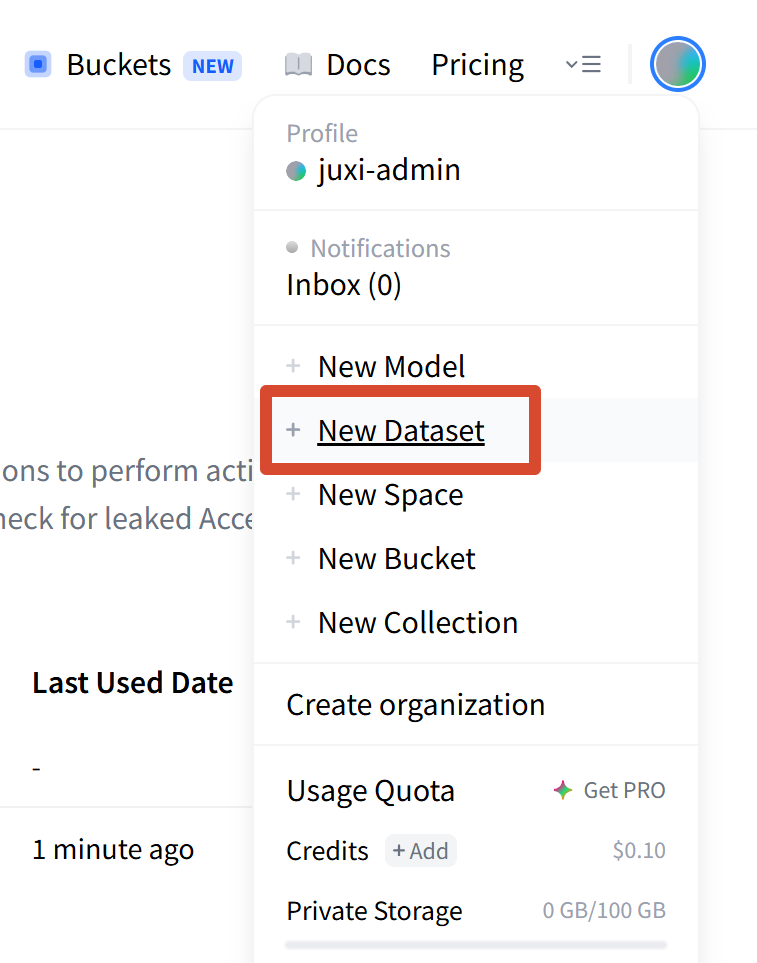
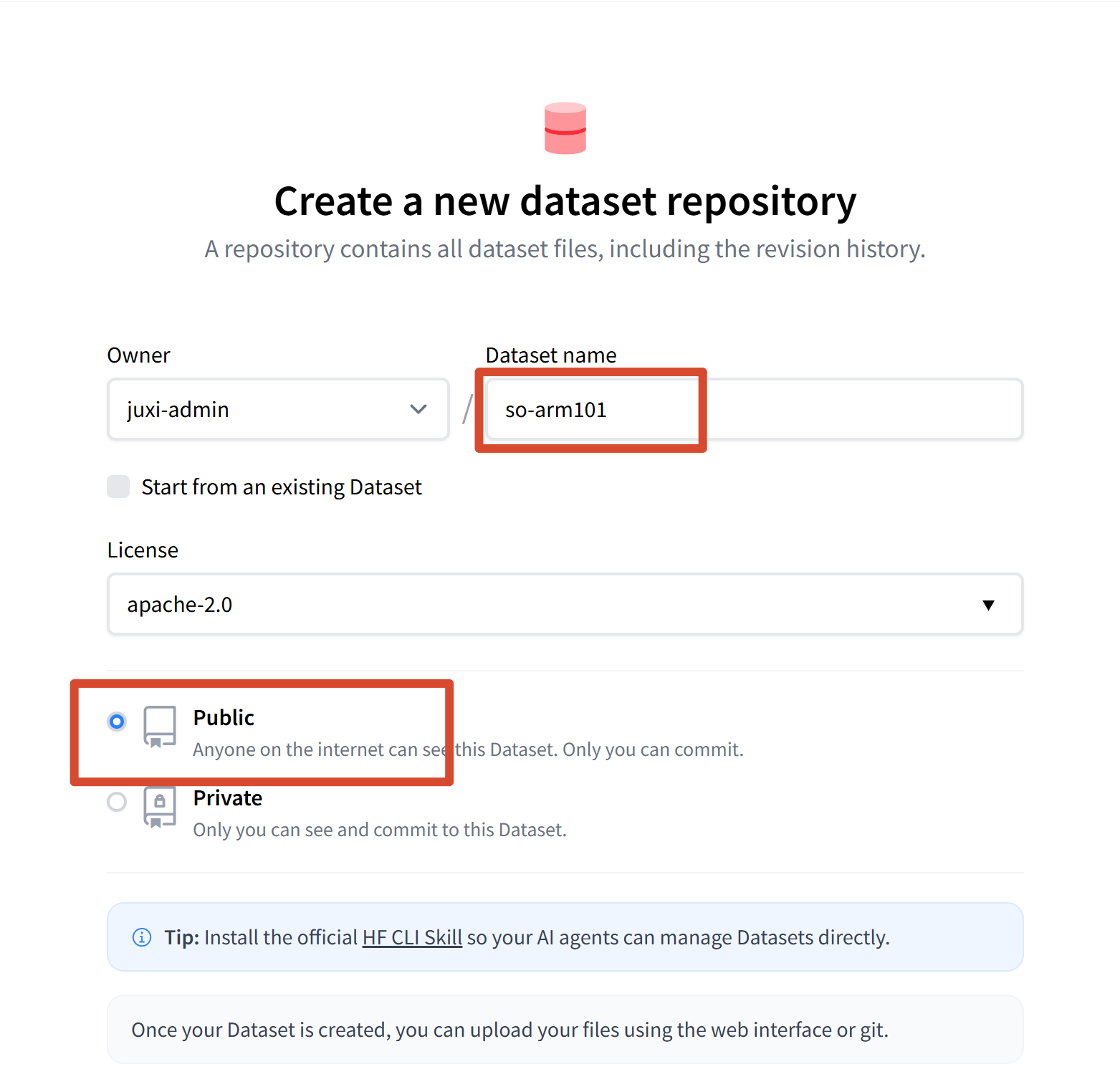
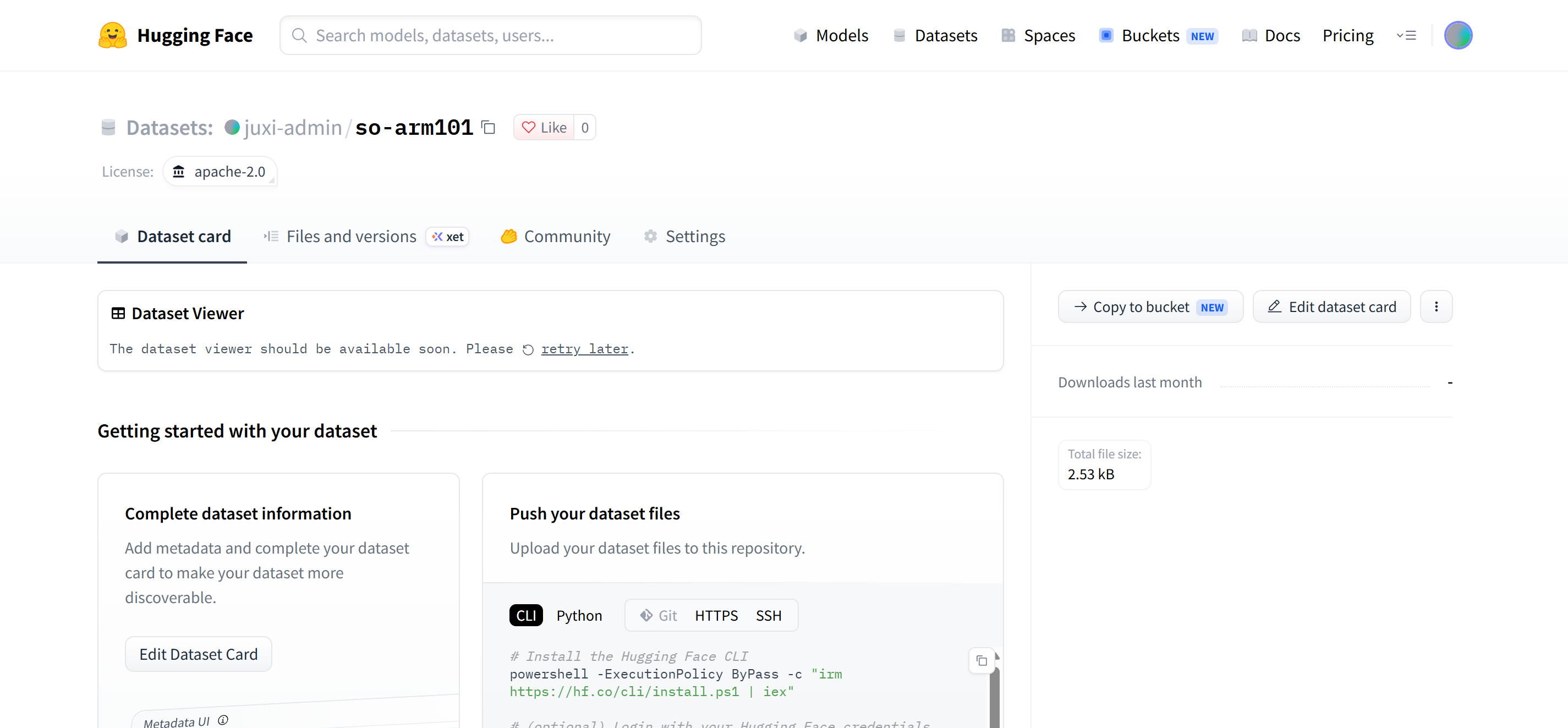
Create a Dataset Repo