Step 6: Upload Dataset to Hugging Face (Optional)
Method 1: Local upload (not recommended, slow upload speed)
- Automatic upload
Set push_to_hub=true when collecting the dataset, and it will be uploaded automatically once collection is complete
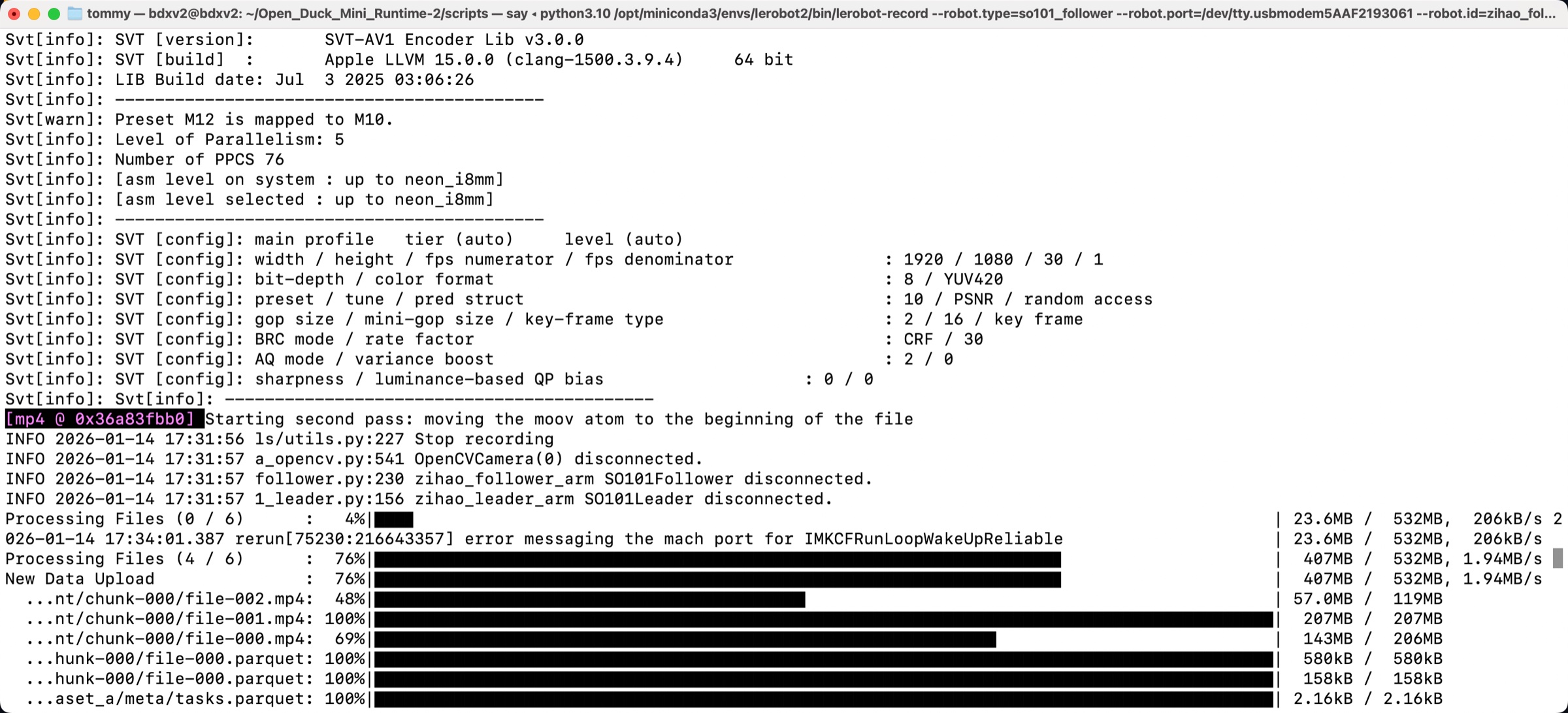
- Manual upload
Set push_to_hub=false when collecting the dataset, and upload it manually once collection is complete
Shell
hf upload <username>/lerobot_my_dataset_a /Users/<username>/.cache/huggingface/lerobot/<username>/lerobot_my_dataset_a / --repo-type=datasetWhether automatic or manual, the upload speed is very slow (one hundred KB per second)
Because the HuggingFace servers are overseas
Method 2: Upload via a cloud GPU platform (recommended)
Log in to the cloud GPU platform Featurize
https://featurize.cn?s=d7ce99f842414bfcaea5662a97581bd1
Start a cloud GPU instance
Upload the dataset archive to Datasets
Copy the instance download command
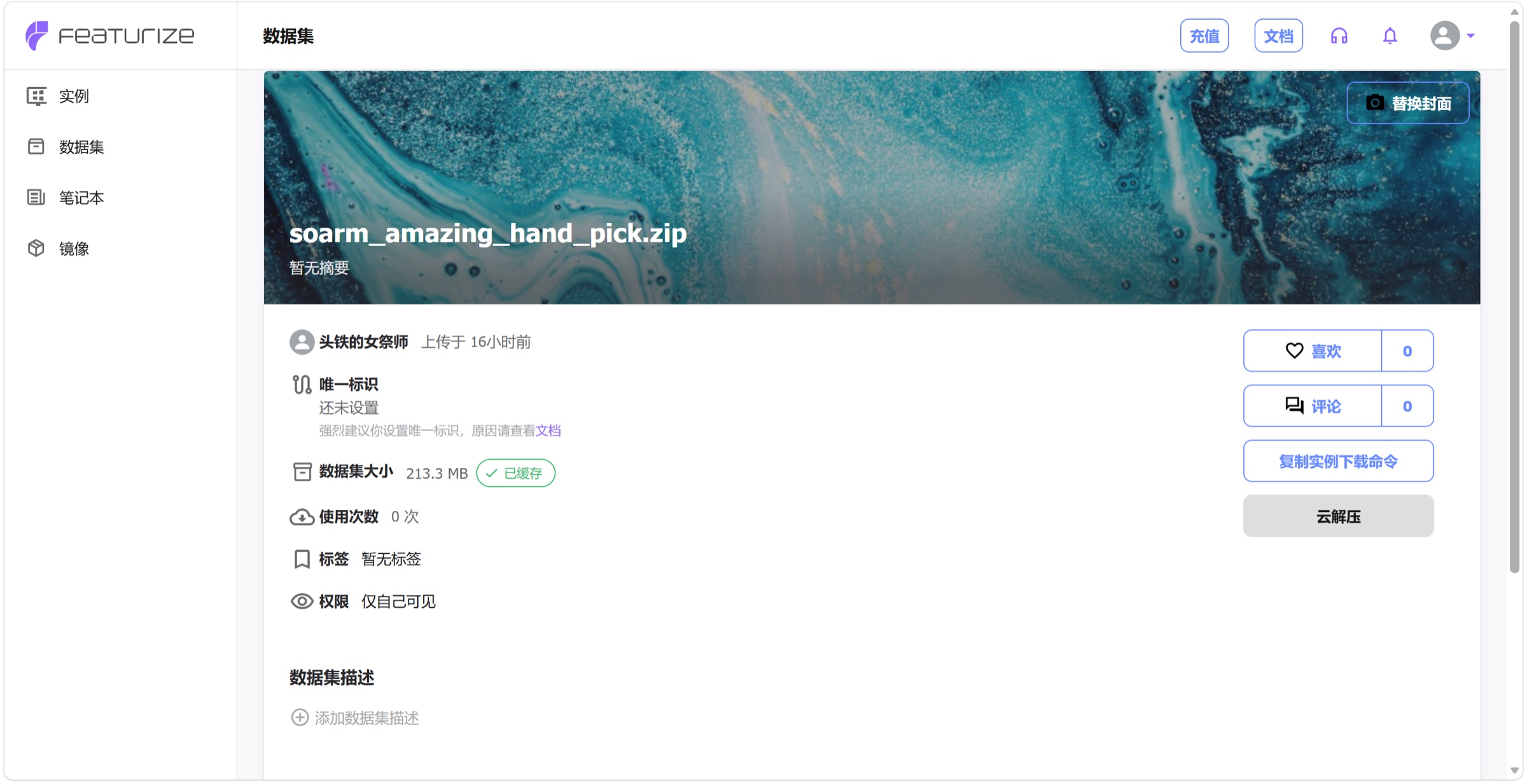
Run in the command line of the cloud GPU instance
Shell
pip install httpx

unzip your_datasets.zip

hf auth login
Upload the dataset to HuggingFace
Create an upload_dataset.py file with the following content
Python
from huggingface_hub import HfApi

api = HfApi()

api.upload_folder(
    folder_path="~/lerobot_my_dataset_a",
    repo_id="<username>/lerobot_my_dataset_a",
    repo_type="dataset"
)

api.create_tag("<username>/lerobot_my_dataset_a", tag="v0.4.0", repo_type="dataset")
Run the file
Shell
python upload_dataset.py
- Another upload method (not recommended)
Shell
hf upload <username>/lerobot_my_dataset_a lerobot_my_dataset_a / --repo-type=dataset
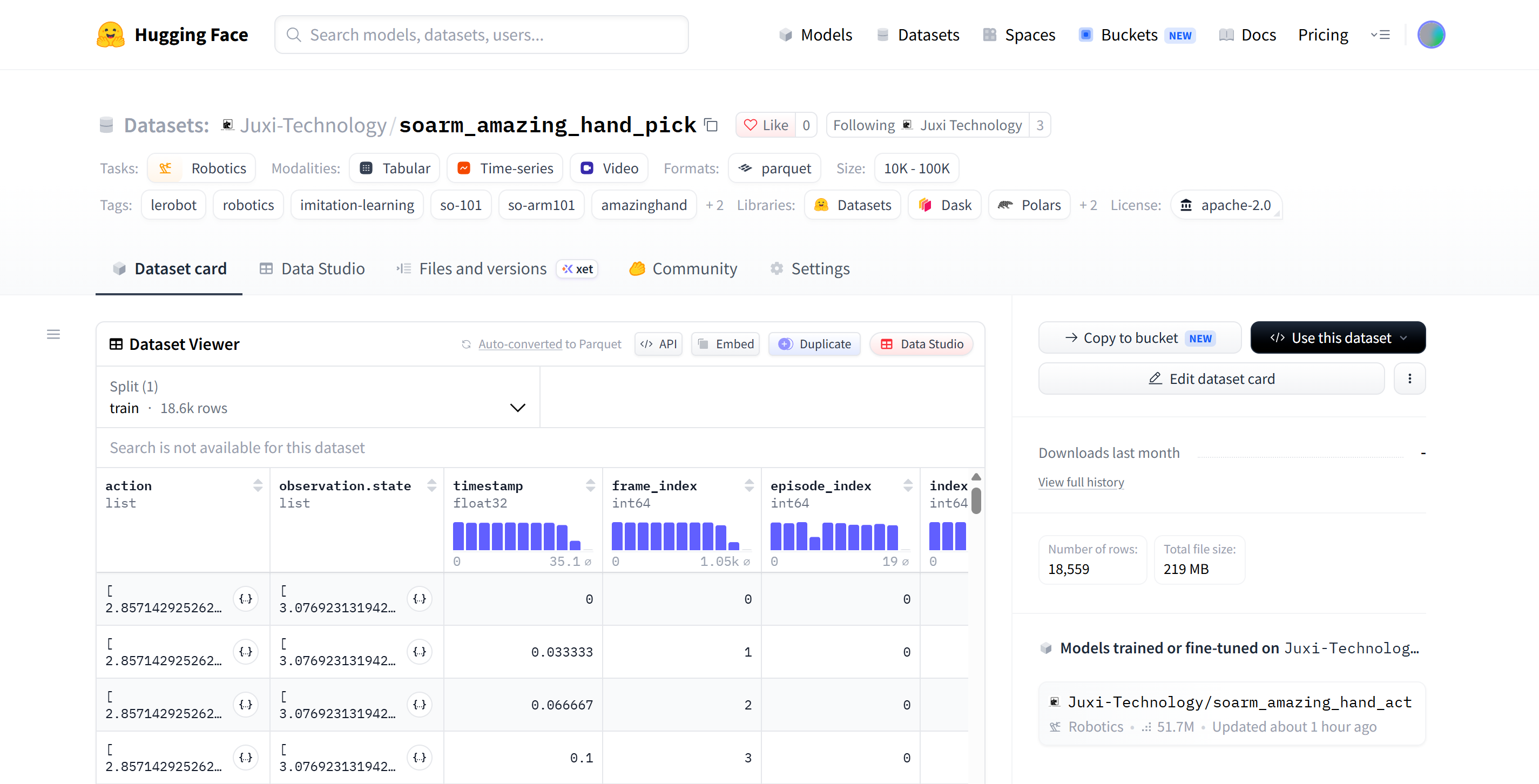
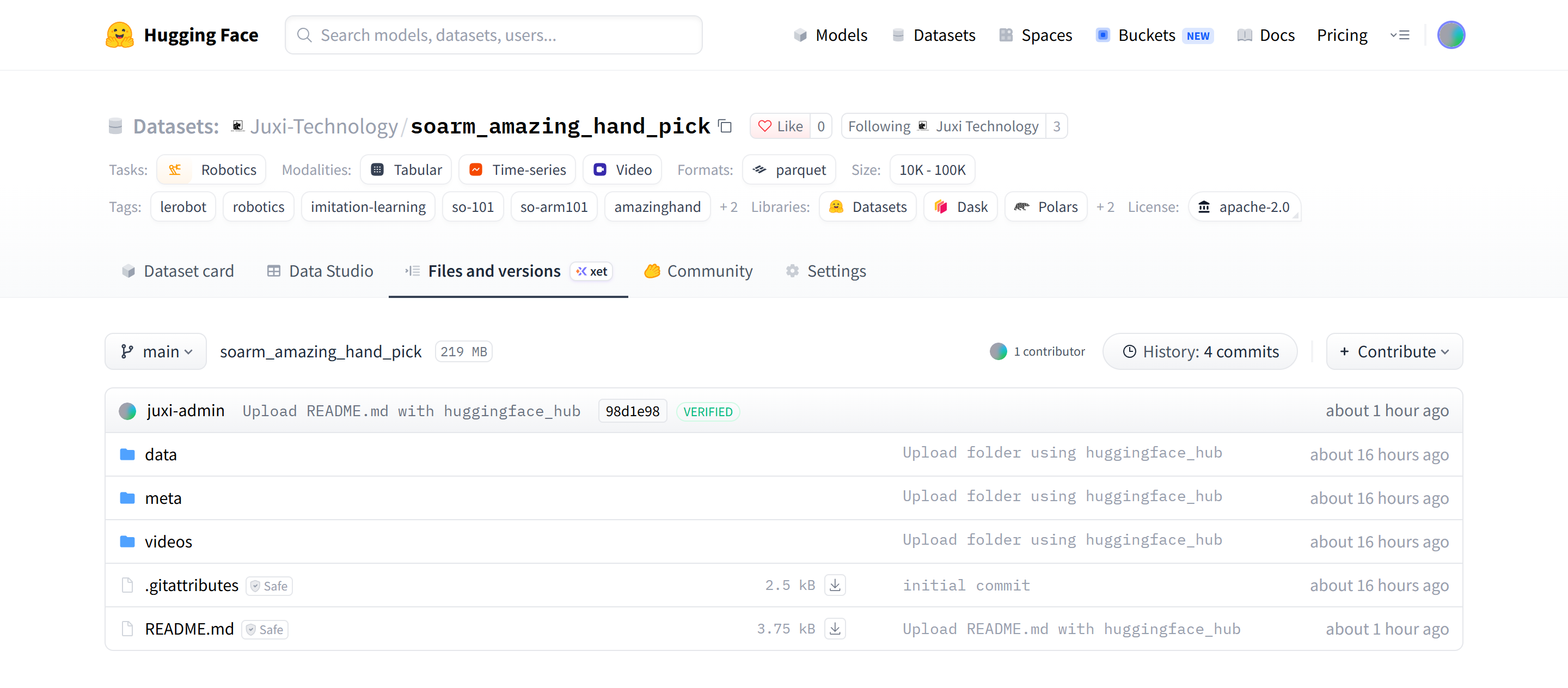
View the dataset on HuggingFace
https://huggingface.co/datasets/Juxi-Technology/soarm_amazing_hand_pick