

Ubuntu
Method 1: Check directly from the Linux command line
View the serial device port
Shell
ls /dev/ttyACM*Connect the USB ports of the computer and the robot arm
First plug in the Follower arm, then plug in the Leader arm

Method 2: LeRobot official tool
Shell
lerobot-find-port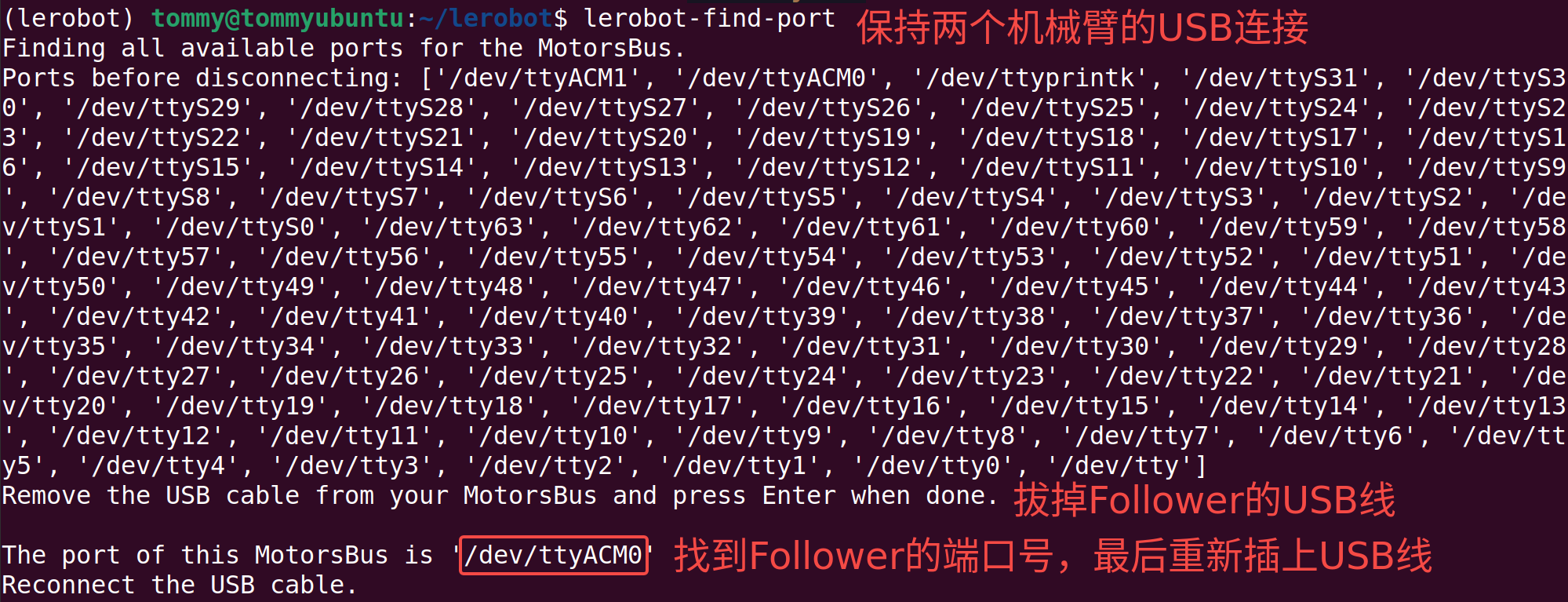
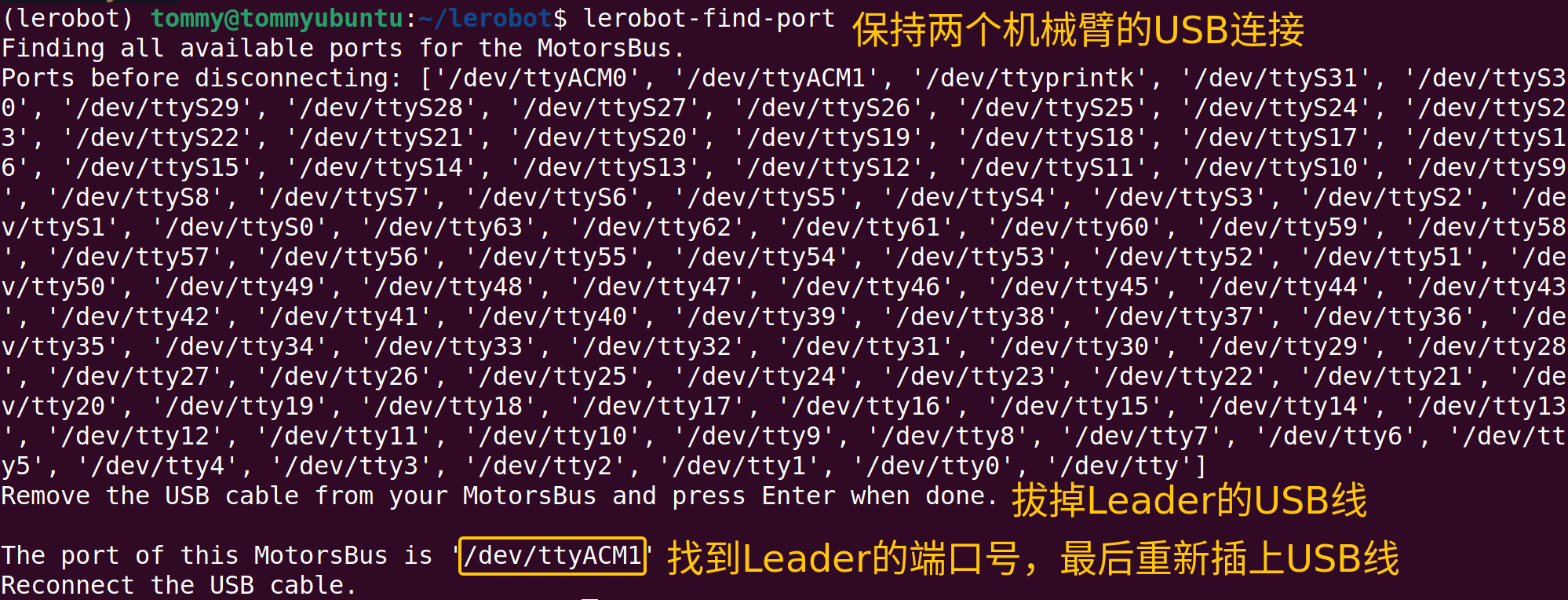
Record my ports
/dev/ttyACM0 is the serial device port of the Follower arm
/dev/ttyACM1 is the serial device port of the Leader arm
Grant permissions to the port
Grant all users read/write permission for these serial devices
Shell
sudo chmod 666 /dev/ttyACM*