

Step 6: Viewing & Replaying a Dataset
Visualize the Entire Dataset
https://huggingface.co/spaces/lerobot/visualize_dataset
https://open.platform.io-ai.tech
Enter TommyZihao/lerobot_zihao_dataset_a, or another dataset
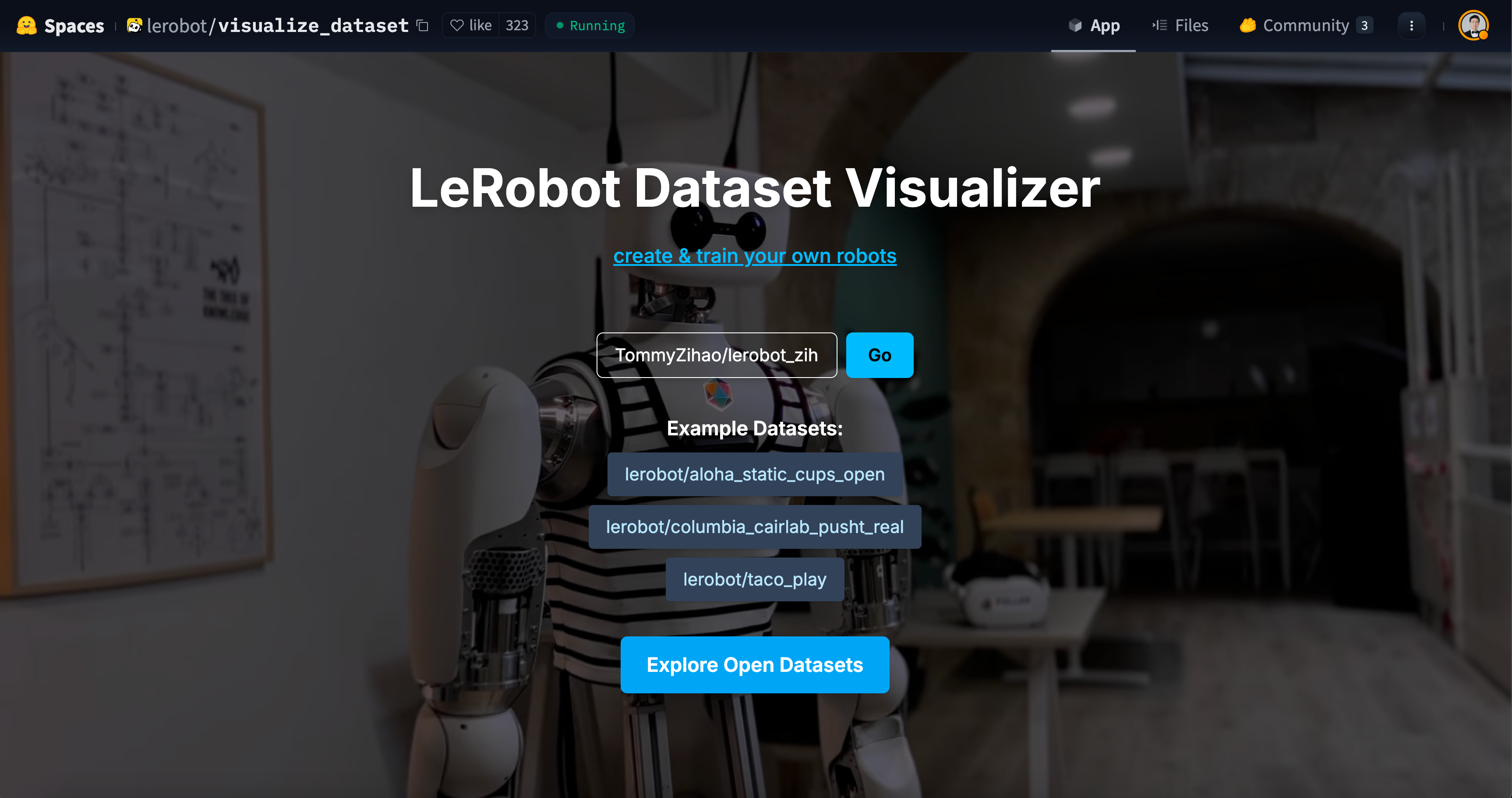
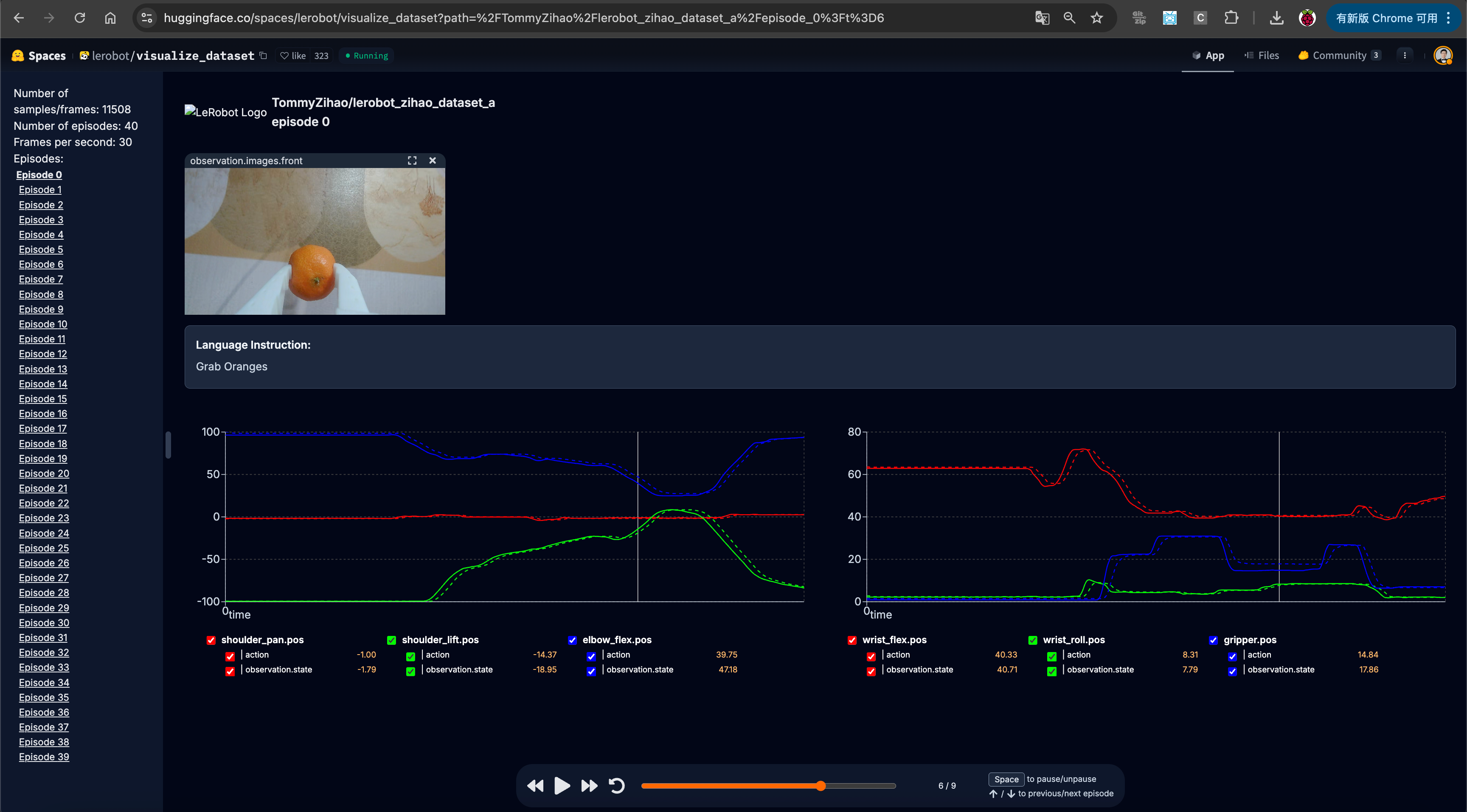
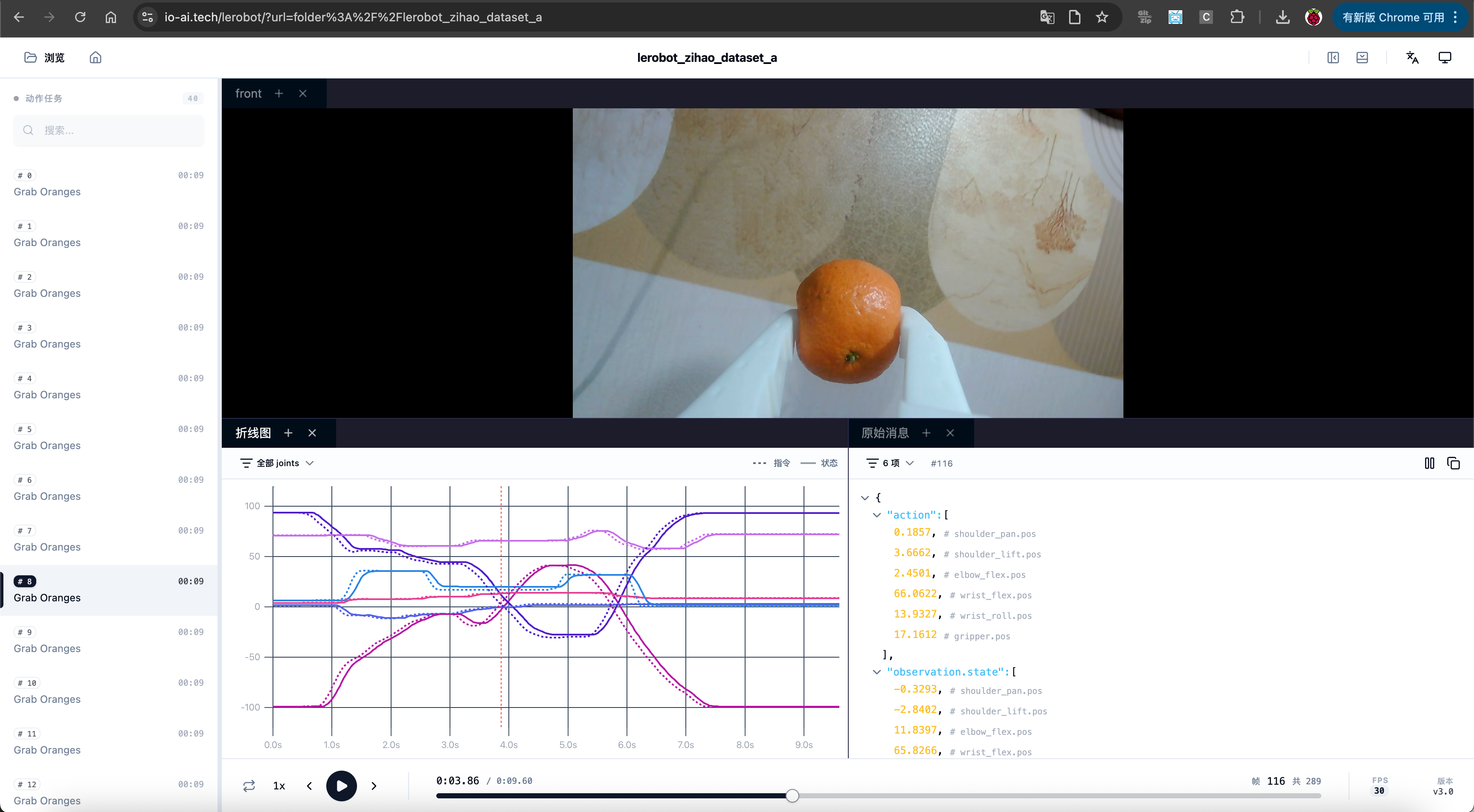
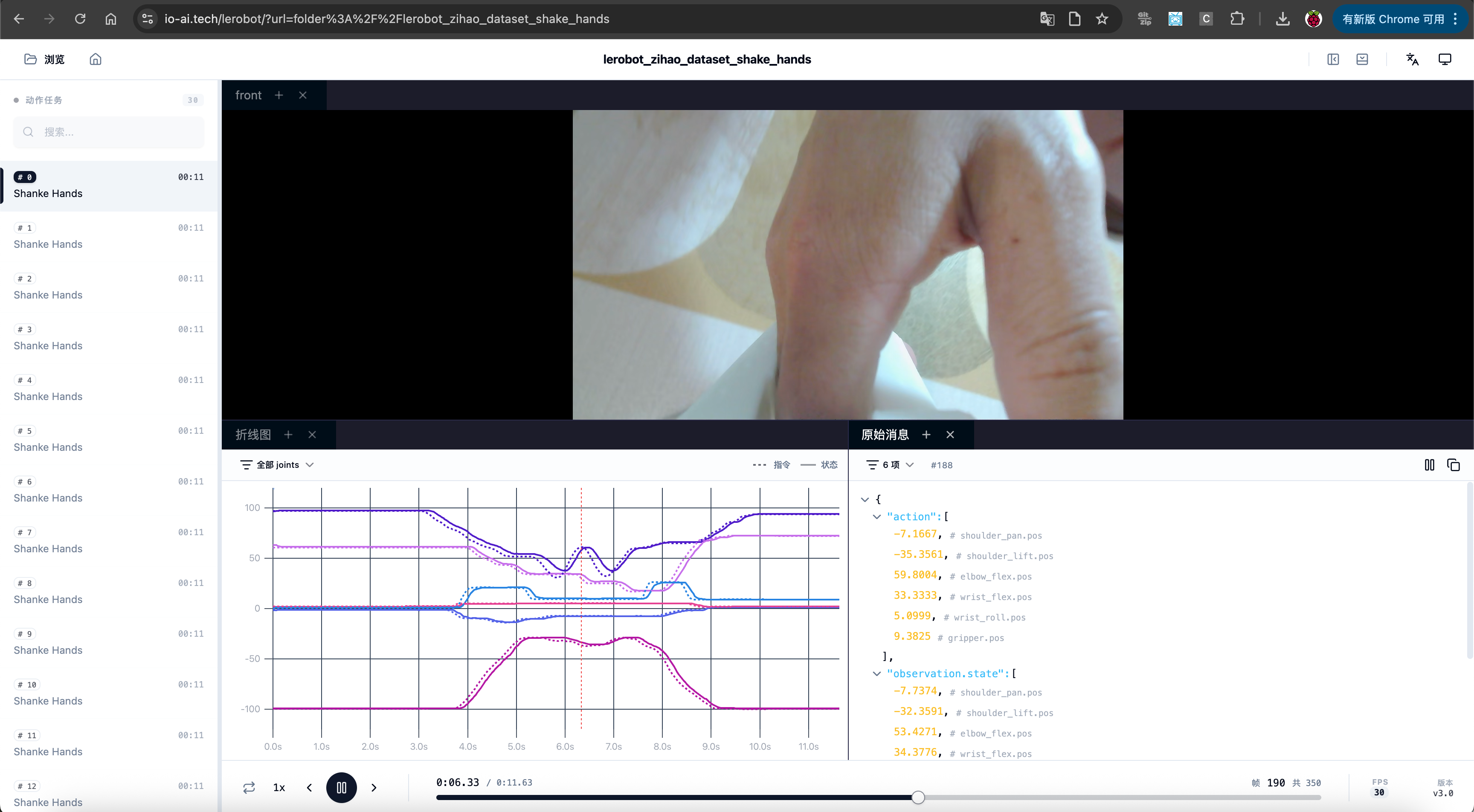
Observation: the command and the state are not the same — the command is provided by the Leader arm, and the state is provided by the Follower arm
Visualize a Specific Episode
Shell
lerobot-dataset-viz --repo-id TommyZihao/lerobot_zihao_dataset_a --episode-index=2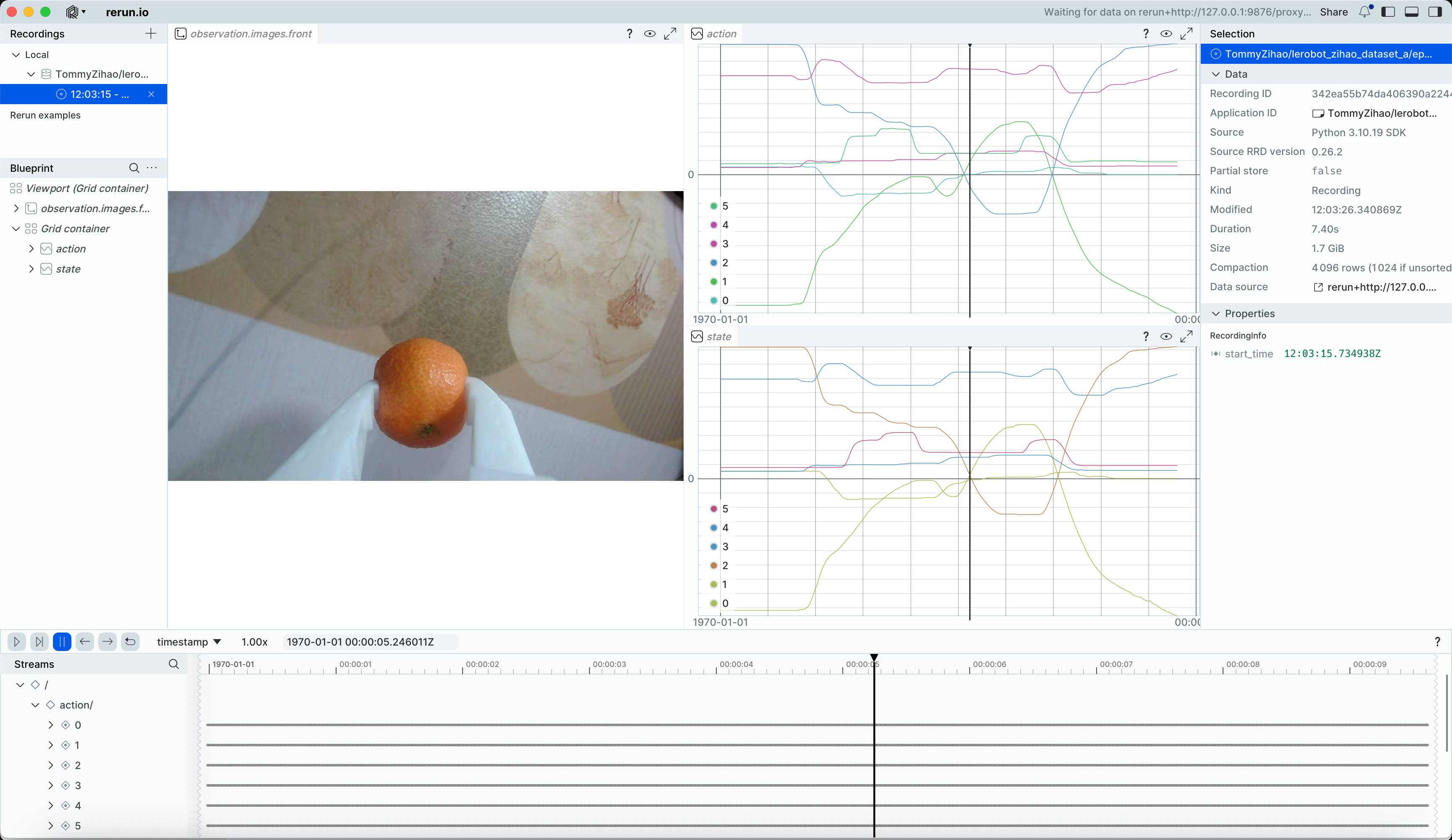
Drag the timeline to view the camera feed and servo positions at any moment
Replay the Follower Arm's Motion for a Specific Episode
Shell
lerobot-replay \
    --robot.type=so101_follower \
    --robot.port=/dev/tty.usbmodem5AAF2193061 \
    --robot.id=my_follower_arm \
    --dataset.repo_id=Tommymy/lerobot_my_dataset_a \
    --dataset.episode=2
You will hear Replaying episode, then the Follower arm moves, replaying and reproducing the motion of the specified episode
Actually, by this point you can already impress a lot of laypeople, can't you