

Windows
Both the leader arm and the follower arm must be connected at the same time
Calibrate the follower arm (Follower) (newly added "wrist_yaw" joint)
Shell
lerobot-calibrate --robot.type=so101_follower --robot.port=COM6 --robot.id=my_follower_arm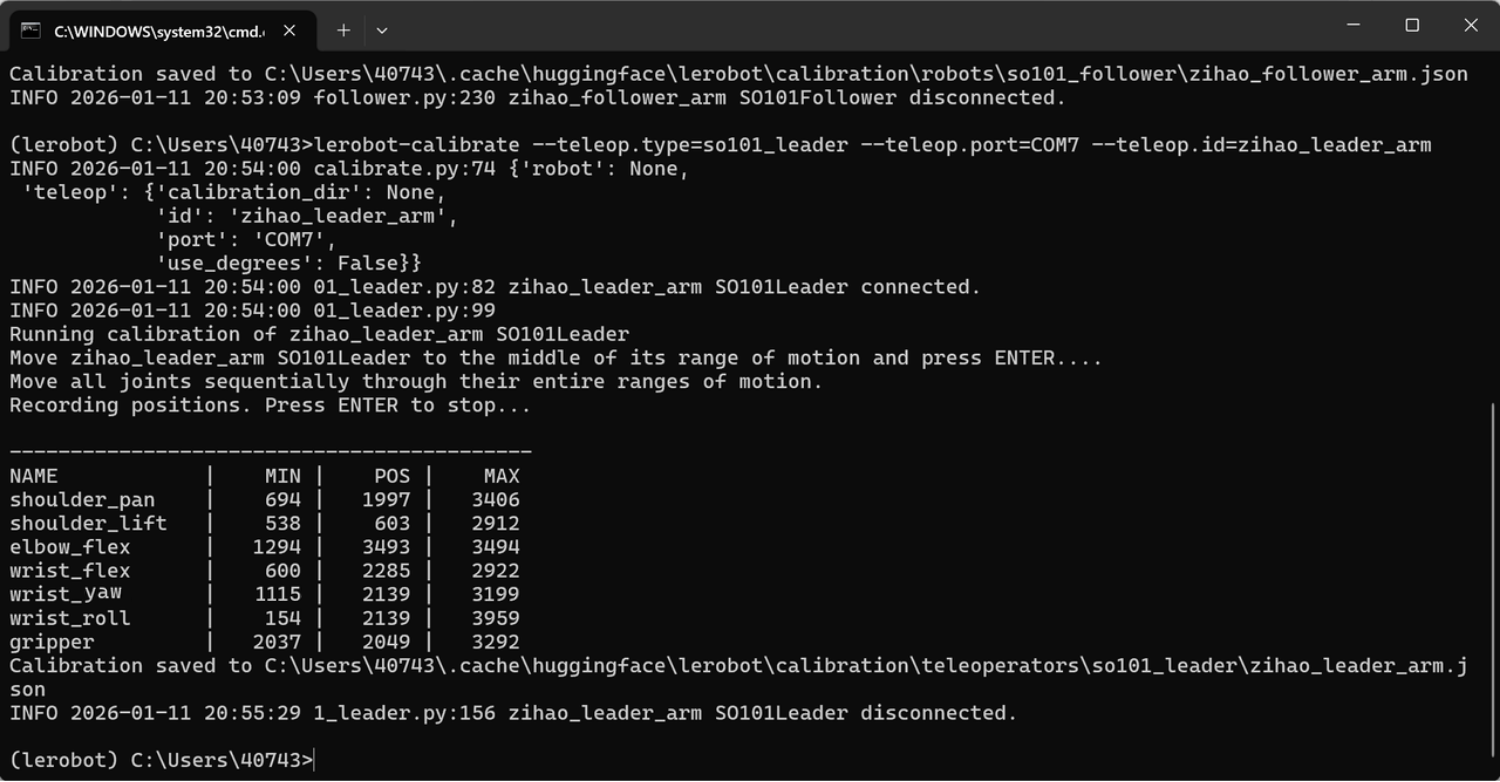
Calibrate the leader arm (Leader) (newly added "wrist_yaw" joint)
Shell
lerobot-calibrate --teleop.type=so101_leader --teleop.port=COM7 --teleop.id=my_leader_arm
File export location
C:\Users\40743\.cache\huggingface\lerobot\calibration\robots\so101_follower\my_follower_arm.json
C:\Users\40743\.cache\huggingface\lerobot\calibration\teleoperators\so101_leader\my_leader_arm.json
Calibrating a different robot arm
lerobot-calibrate --robot.type=so101_follower --robot.port=COM4 --robot.id=my_follower_arm
Notes
① Once one arm reaches its limit, it stops moving
Recalibration is required
② Servos cannot be found
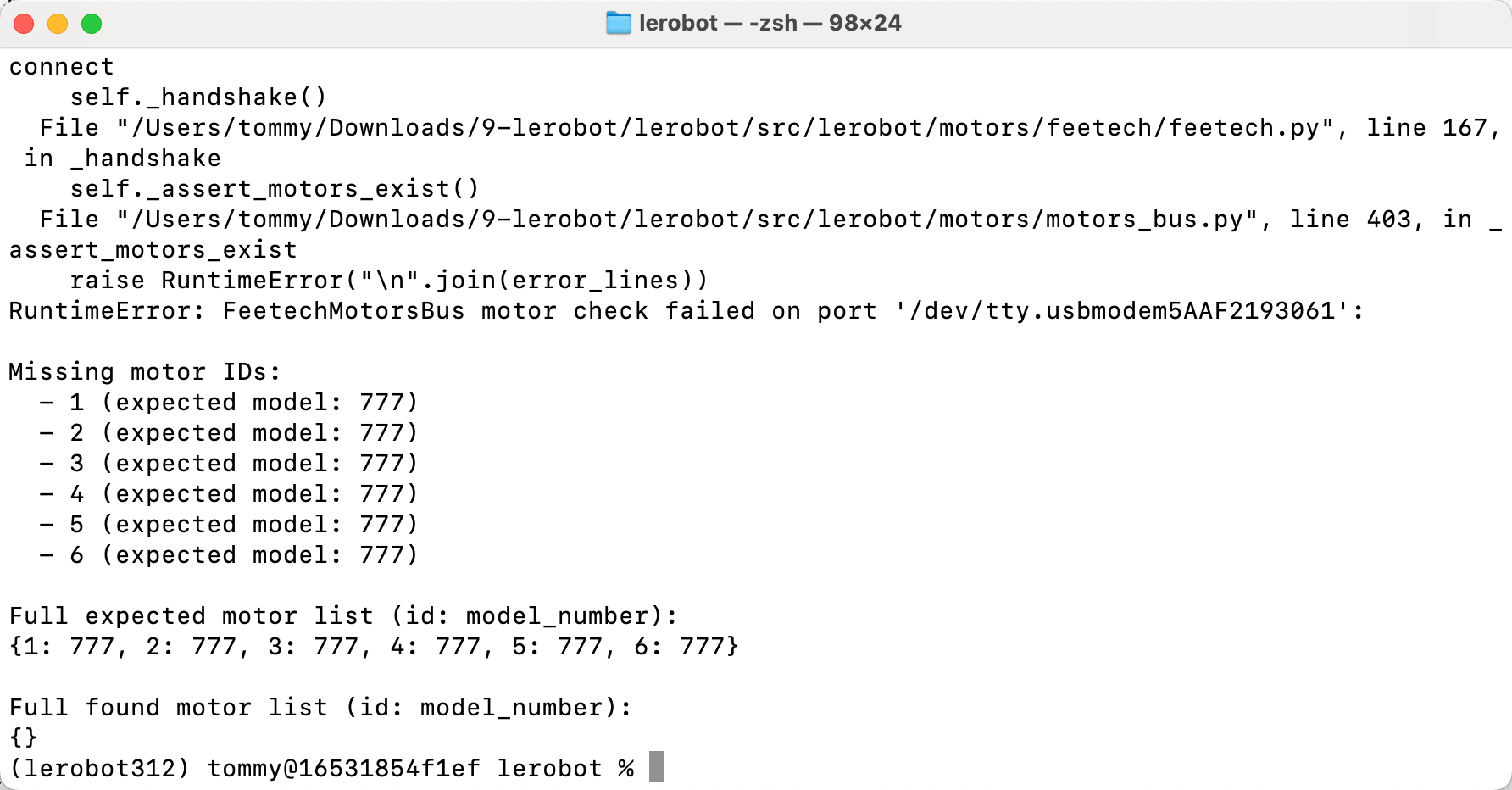
The servo power is not plugged in; plug and unplug it again and turn the connector a little