

Step 6: Teaching & Recording a Dataset — Handshake 200
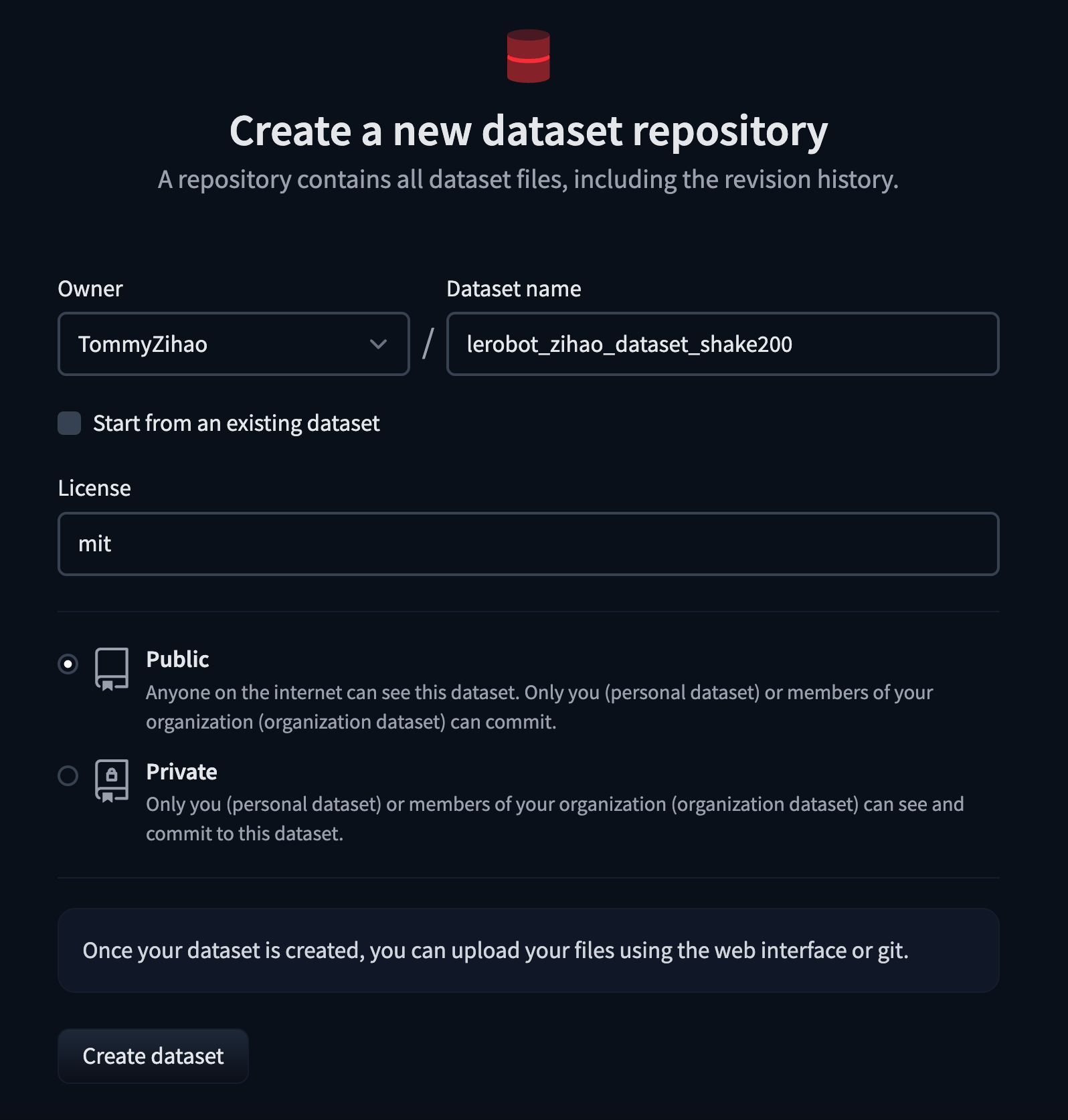
Create a Dataset Repo on HuggingFace
https://huggingface.co/new-dataset
Delete Any Existing Dataset with the Same Name (If Any)
Shell
sudo rm -rf /Users/tommy/.cache/huggingface/lerobot/Tommymy/lerobot_my_dataset_shake200Shake200 Dataset Collection
One camera, collecting a dataset - Mac computer
Shell
lerobot-record \
    --robot.type=so101_follower \
    --robot.port=/dev/tty.usbmodem5AAF2193061 \
    --robot.id=my_follower_arm \
    --robot.cameras="{ front: {type: opencv, index_or_path: 0, width: 1920, height: 1080, fps: 60, fourcc: "MJPG"}}" \
    --teleop.type=so101_leader \
    --teleop.port=/dev/tty.usbmodem5AAF2194741 \
    --teleop.id=my_leader_arm \
    --display_data=true \
    --dataset.repo_id=Tommymy/lerobot_my_dataset_shake200 \
    --dataset.num_episodes=200 \
    --dataset.single_task="Shanke Hands" \
    --dataset.push_to_hub=false \
    --dataset.episode_time_s=12 \
    --dataset.reset_time_s=1
During Collection
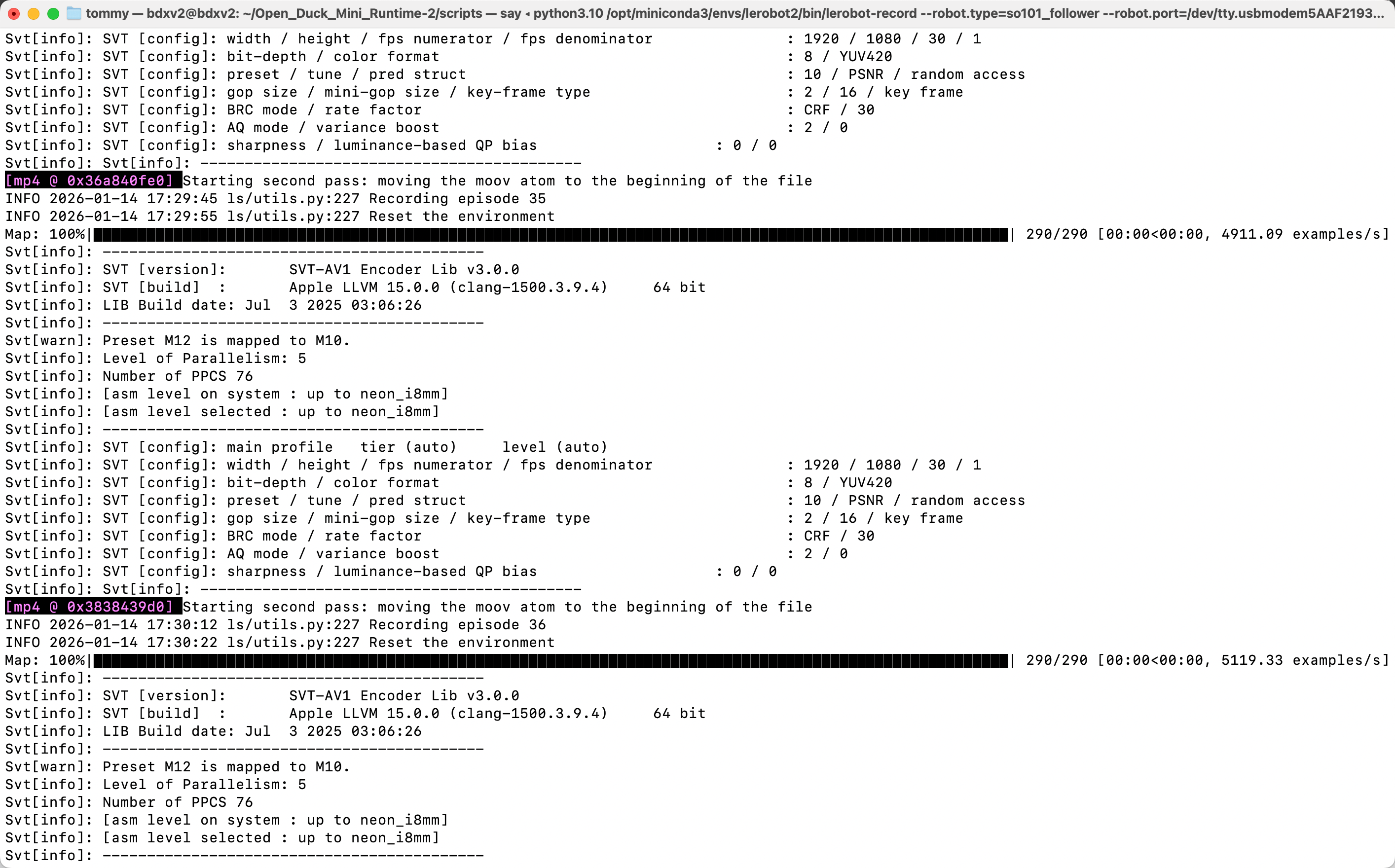
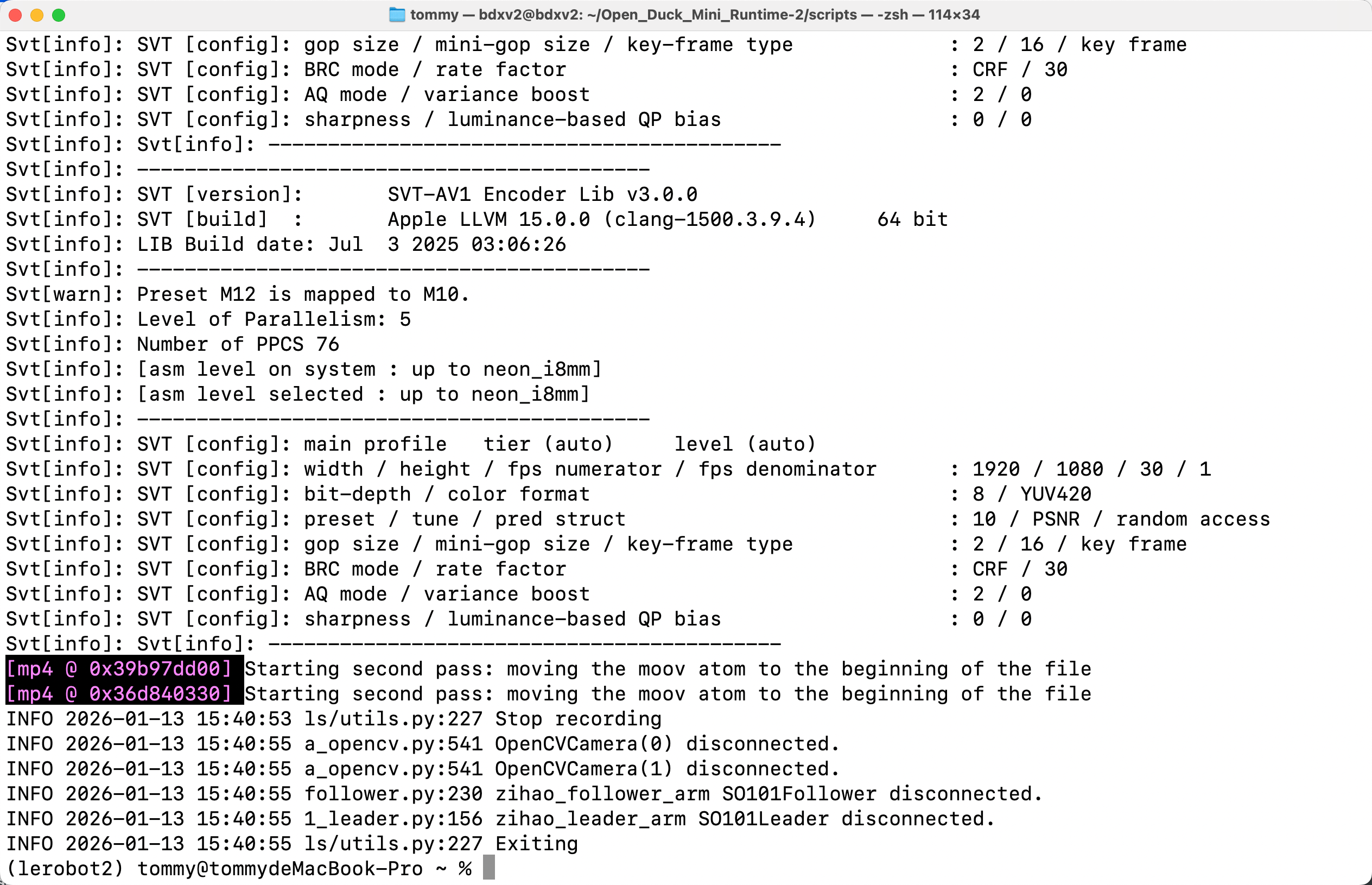
Keyboard arrow key controls: → (Right arrow) Terminate the current episode early; move on to the next episode. ← (Left arrow) Cancel the current episode; record it again. ESC, stop immediately, encode the video, and upload the dataset.
Collection Finished — Dataset Save Directory
Shell
/Users/tommy/.cache/huggingface/lerobot/Tommymy/lerobot_my_dataset_shake200