第七步:训练模型——本地 Ubuntu 训练
本篇适用于自己电脑上就有英伟达显卡的情况,不需要云GPU。
运行之前
- 环境:按第一步:安装Lerobot环境装好即可,本机训练不用把数据集传到别处
- 数据集:下面的例子用的是第六步第一篇采集的抓橘子数据集
lerobot_my_dataset_a,路径写成了绝对路径,请替换成你自己的用户名 - 在 Mac 上训练:把命令里的
/home/<你的用户名>/换成/Users/<你的用户名>/ - 输出目录:
--output_dir如果已经存在,会直接报FileExistsError,换个新目录名,或者加--resume=true接着训练
参考文档
https://github.com/huggingface/lerobot/blob/main/src/lerobot/scripts/lerobot_train.py
https://github.com/huggingface/lerobot/blob/main/src/lerobot/configs/train.py
- 注意
``前面只能有一个空格,后面不能有空格
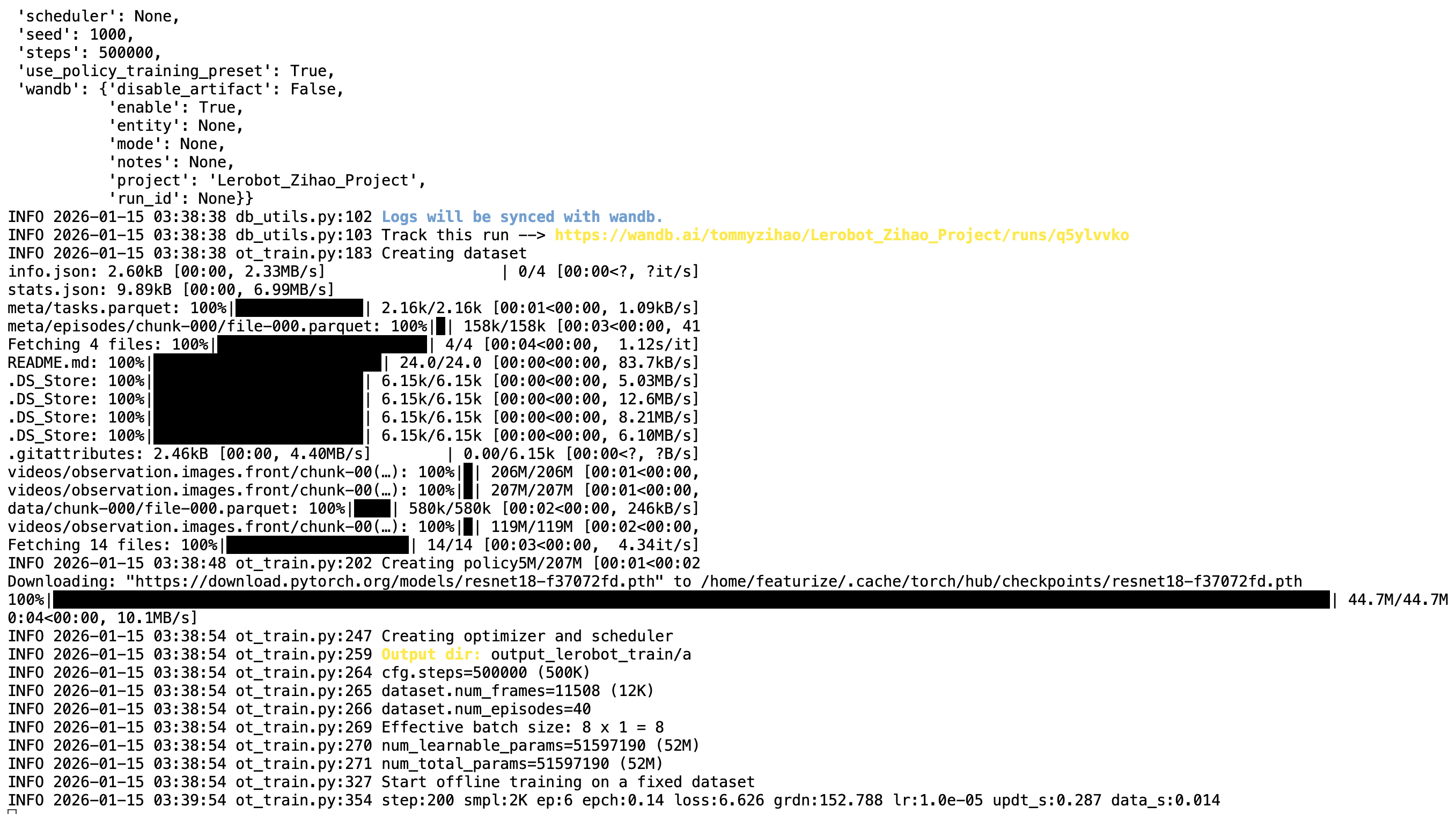
数据集在本地时,--dataset.streaming必须为false,因为无需流式读取
Shell
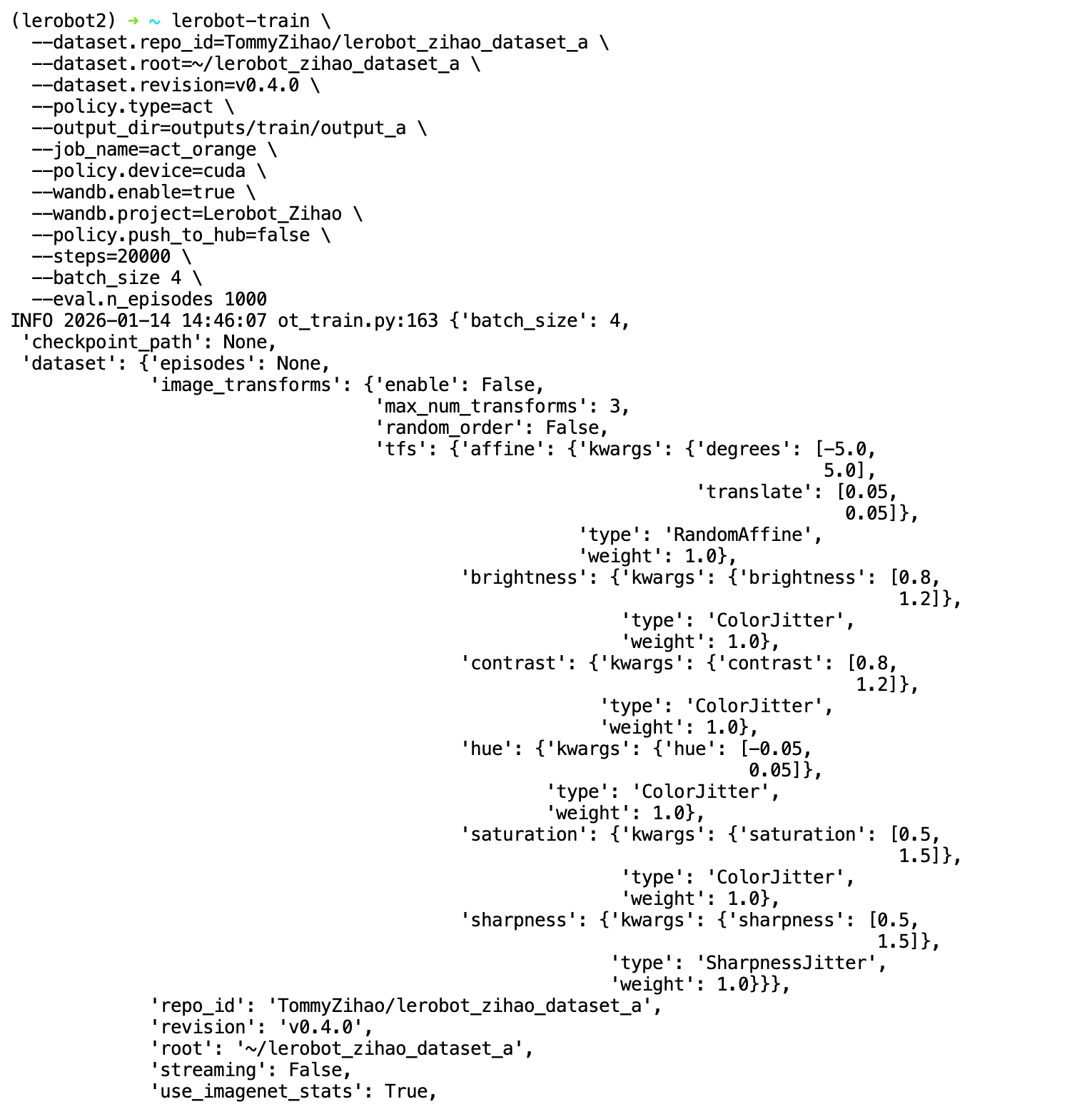
lerobot-train \
  --dataset.repo_id=<你的用户名>/lerobot_my_dataset_a \
  --dataset.root=/home/<你的用户名>/.cache/huggingface/lerobot/<你的用户名>/lerobot_my_dataset_a \
  --dataset.revision=v0.4.0 \
  --dataset.streaming=false \
  --policy.type=act \
  --output_dir=output_lerobot_train/a \
  --job_name=orange_job \
  --policy.device=cuda \
  --wandb.enable=true \
  --wandb.project=Lerobot_my_Project \
  --policy.push_to_hub=false \
  --steps=300000 \
  --batch_size=8

lerobot-train --dataset.repo_id=<你的用户名>/lerobot_my_dataset_a --dataset.root=/home/<你的用户名>/.cache/huggingface/lerobot/<你的用户名>/lerobot_my_dataset_a --dataset.revision=v0.4.0 --dataset.streaming=false --policy.type=act --output_dir=output_lerobot_train/a --job_name=orange_job --policy.device=cuda --wandb.enable=true --wandb.project=Lerobot_my_Project --policy.push_to_hub=false --steps=300000 --batch_size=8