

Ubuntu电脑
连接摄像头和电脑
Shell
lerobot-find-cameras opencv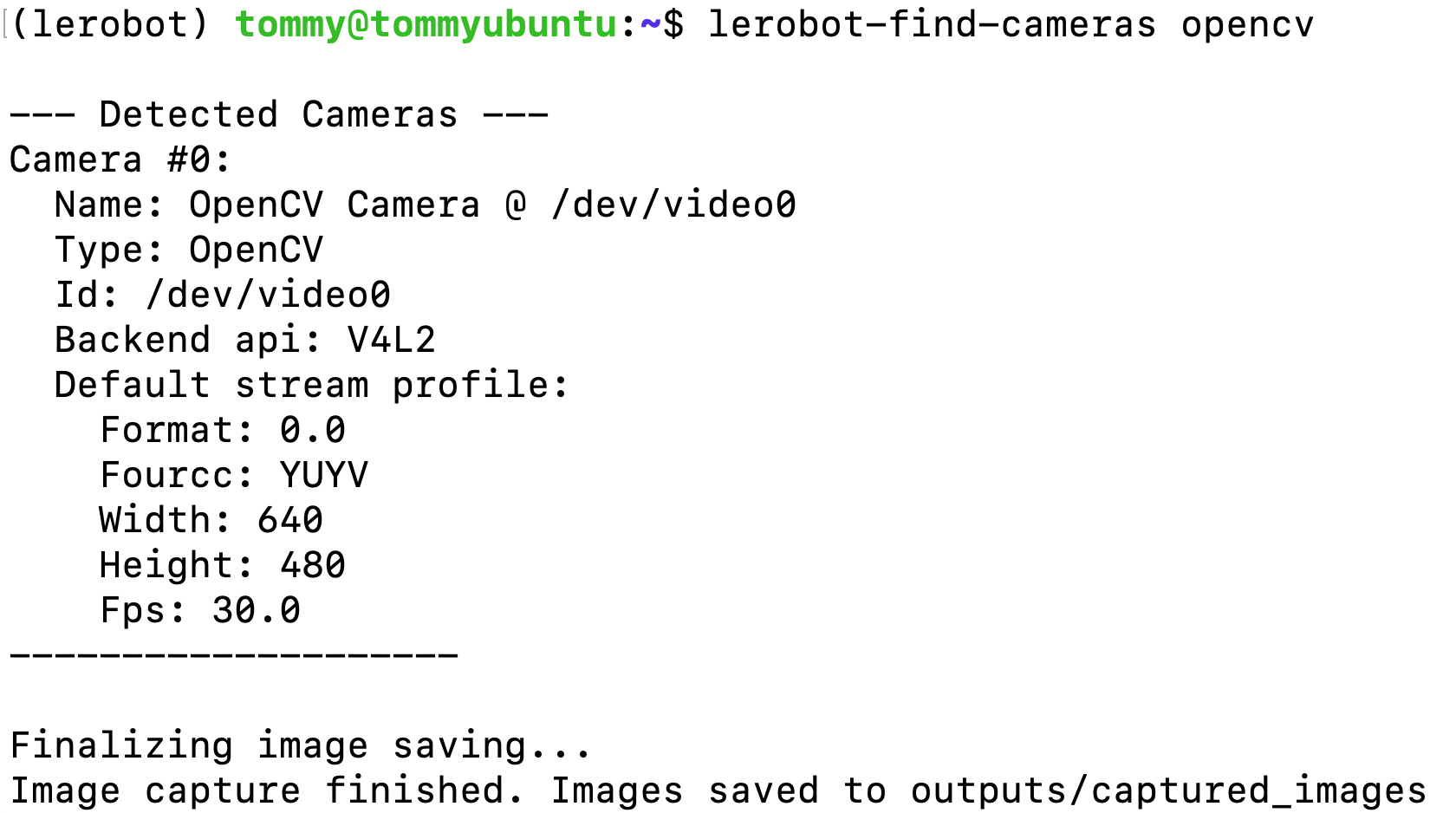
遥操作并显示摄像头画面
Shell
lerobot-teleoperate \
    --robot.type=so101_follower \
    --robot.port=/dev/ttyACM0 \
    --robot.id=my_follower_arm \
    --robot.cameras="{ front: {type: opencv, index_or_path: 1, width: 640, height: 480, fps: 30, fourcc: "MJPG"}}" \
    --teleop.type=so101_leader \
    --teleop.port=/dev/ttyACM1 \
    --teleop.id=my_leader_arm \
    --display_data=true
多个摄像头,遥操作并显示摄像头画面
Shell
lerobot-teleoperate \
    --robot.type=so101_follower \
    --robot.port=/dev/ttyACM0 \
    --robot.id=my_follower_arm \
    --robot.cameras="{ front: {type: opencv, index_or_path: 0, width: 1920, height: 1080, fps: 60, fourcc: "MJPG"}, side: {type: opencv, index_or_path: 1, width: 1920, height: 1080, fps: 30, fourcc: "MJPG"}}" \
    --teleop.type=so101_leader \
    --teleop.port=/dev/ttyACM1 \
    --teleop.id=my_leader_arm \
    --display_data=true