

학습 커맨드라인-pi0fast
참고 문서
https://huggingface.co/docs/lerobot/pi0fast
Issue
https://github.com/huggingface/lerobot/pull/2203
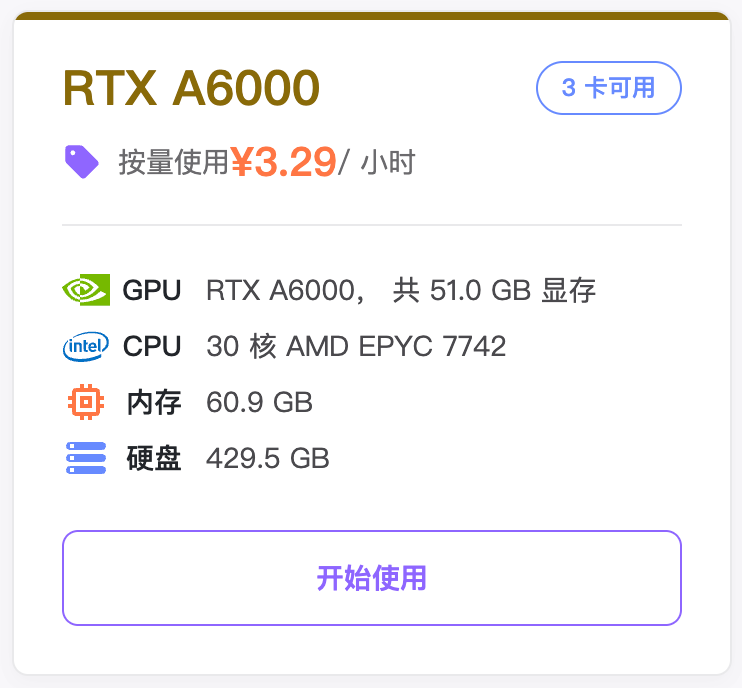
추천 클라우드 GPU 인스턴스
환경 설치
Shell
cd lerobot
pip install -e ".[pi0]"
pip install "lerobot[pi]@git+https://github.com/huggingface/lerobot.git"
커맨드라인
- 이전에 학습이 중단된 output 아래의 파일 삭제
Shell
sudo rm -rf output_lerobot_train/shake/pi0_fast_A- 학습
Shell
lerobot-train \
    --dataset.repo_id=Tommymy/lerobot_my_dataset_shake_hands \
    --dataset.revision=v0.1.0 \
    --policy.type=pi0_fast \
    --output_dir=output_lerobot_train/shake/pi0_fast_A \
    --job_name=shake_pi0_fast_A \
    --policy.pretrained_path=lerobot/pi0_fast_base \
    --policy.dtype=bfloat16 \
    --policy.gradient_checkpointing=true \
    --policy.chunk_size=10 \
    --policy.n_action_steps=10 \
    --policy.max_action_tokens=256 \
    --steps=50000 \
    --batch_size=8 \
    --policy.device=cuda \
    --policy.push_to_hub=false \
    --wandb.enable=true \
    --wandb.project=Lerobot_my_Project
이전 내용
Shell
lerobot-train \
  --dataset.repo_id=Tommymy/lerobot_my_dataset_shake_hands \
  --dataset.root=~/lerobot_my_dataset_shake_hands \
  --dataset.revision=v0.1.0 \
  --dataset.streaming=false \
  --policy.type=pi0_fast \
  --output_dir=output_lerobot_train/shake/pi0_fast_A \
  --job_name=shake_pi0_fast_A \
  --policy.pretrained_path=lerobot/pi0_fast_base \
  --policy.compile_model=true \
  --policy.gradient_checkpointing=true \
  --policy.dtype=bfloat16 \
  --policy.freeze_vision_encoder=false \
  --policy.train_expert_only=false \
  --steps=50000 \
  --policy.device=cuda \
  --policy.push_to_hub=false \
  --wandb.enable=true \
  --wandb.project=Lerobot_my_Project \
  --batch_size=8
실행 후 10분 정도 지나야 학습이 정식으로 시작됩니다
모델 압축 파일은 약 5GB이고, 압축을 풀면 7GB입니다